
Separator Block
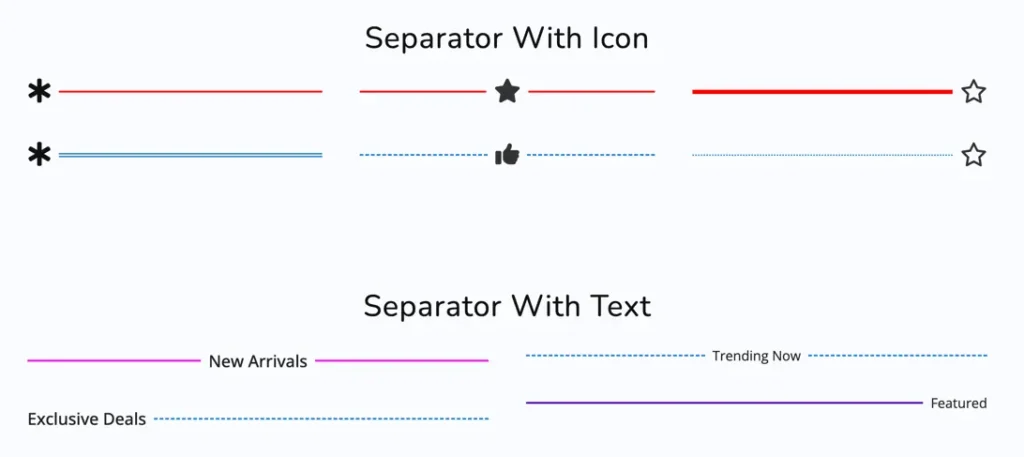
The Separator block for Gutenberg is a free tool that allows users to add stylish, customizable dividers to visually organize content, enhancing page structure with elegant lines, shapes, or icons.
Adding the block
To add the block:
- Click the “+” button to add a new block.
- Search for “Separator” and select it.
- For detailed instructions on how to add blocks in Gutenberg, please refer to the official WordPress Block Editor documentation.