
Home / Blog
Insights
Plugin news, tutorials and store tips.
Release notes for every WPMozo plugin, plus guides for WooCommerce, Elementor and the block editor, written by the team that builds them.
-
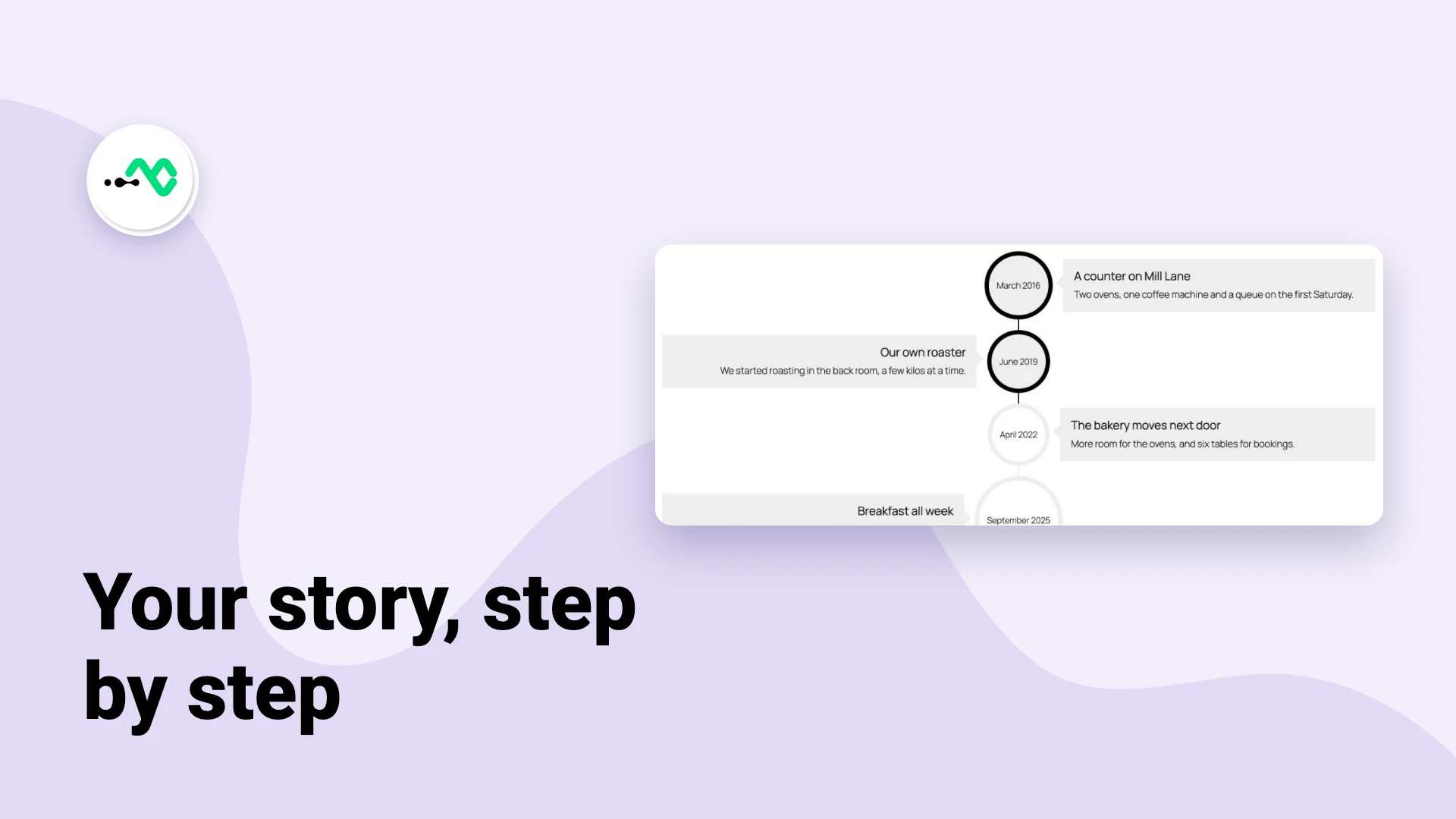
How to Show Your Company History as a Timeline in WordPress
A company history is usually three paragraphs on an About page that nobody finishes. A timeline says the same things…
-
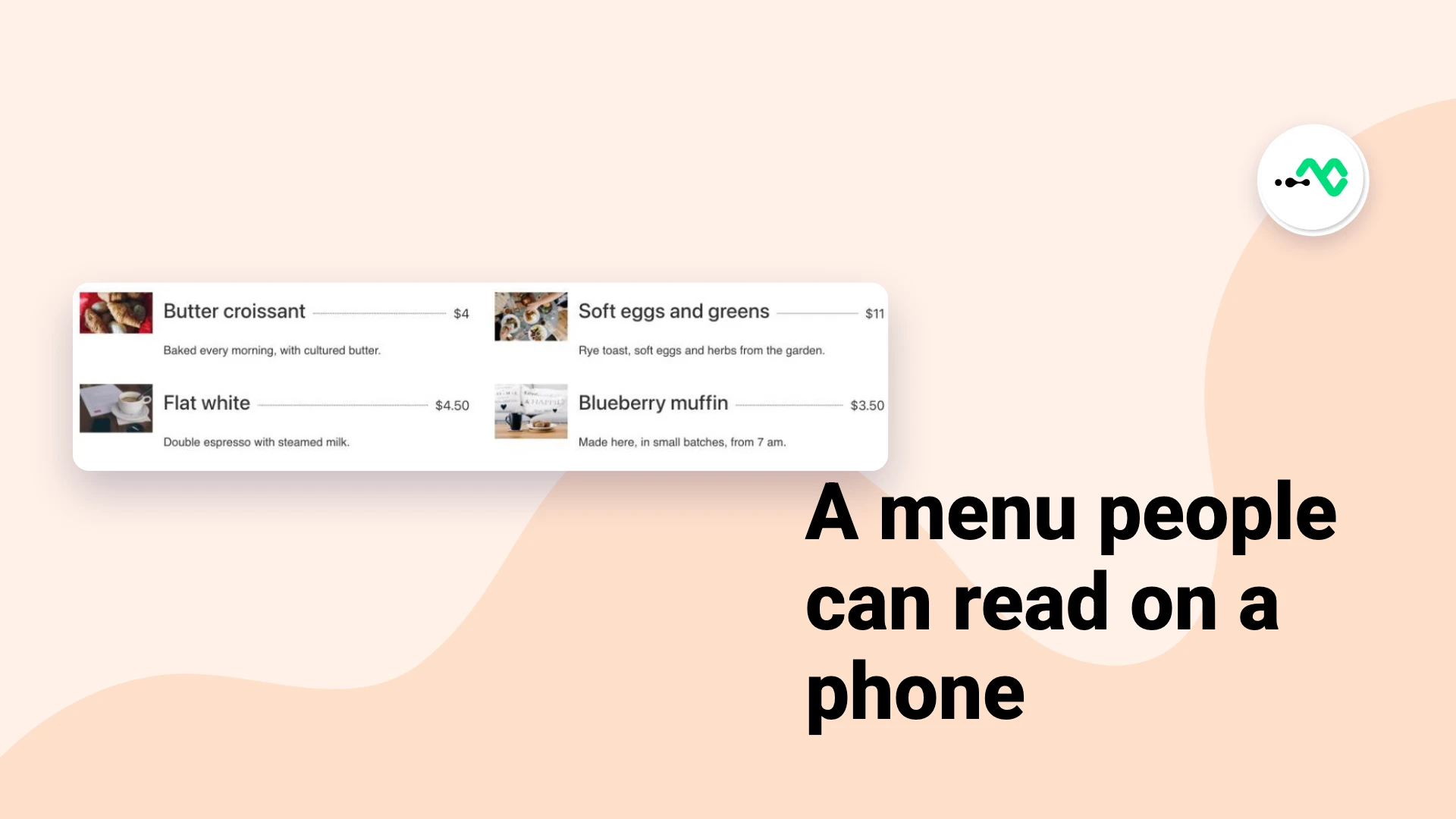
How to Add a Restaurant Menu in Elementor
Many restaurant sites still link to a PDF menu, and it is usually the first page people open on a…
-
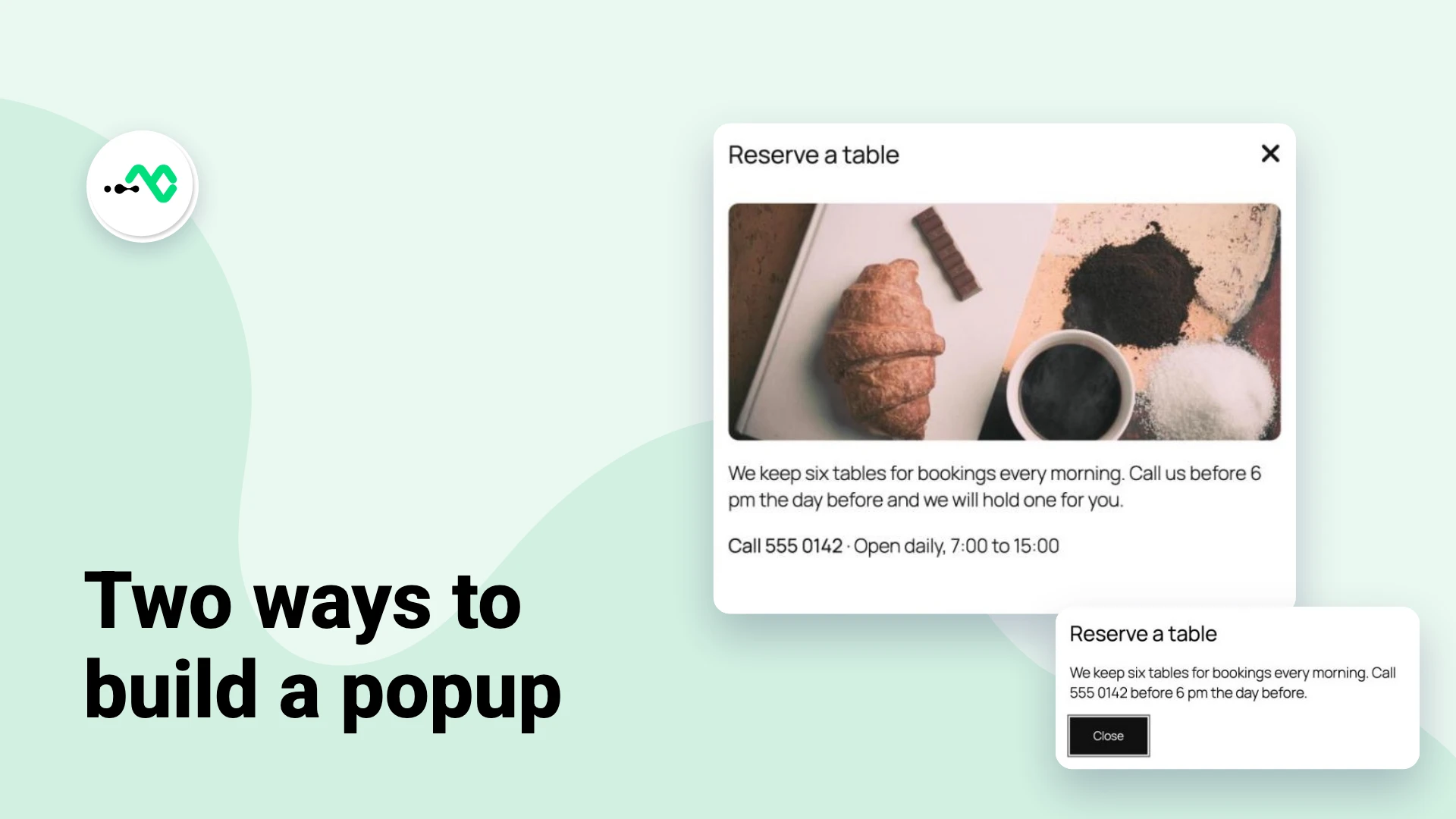
How to Add a Popup in the WordPress Block Editor
WordPress has no popup block, so adding one to a page takes a small piece of code or a block…
-

Black Friday Deals on Plugins for WooCommerce and WordPress (2026)
Every WPMozo plugin for WooCommerce, Elementor, and the block editor is 40% off from Monday, November 23, 2026, and the…
-
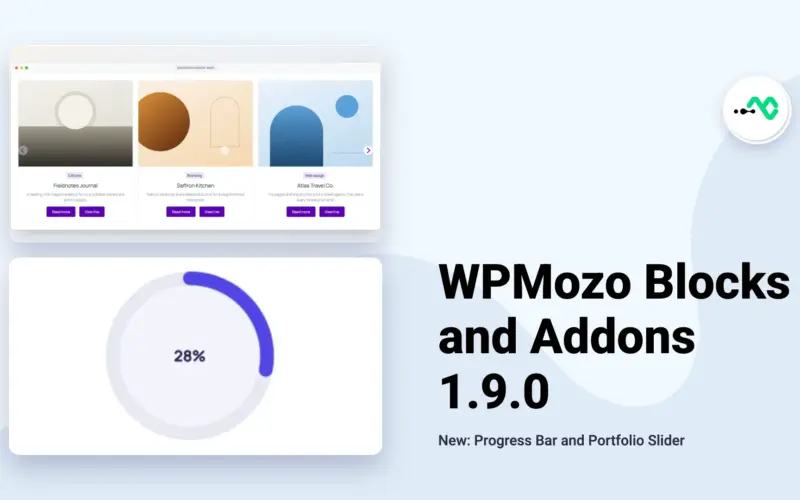
WPMozo Blocks and Addons 1.9.0 (Free) Adds a Progress Bar and a Portfolio Slider
WPMozo Blocks and Addons 1.9.0, the free plugin on WordPress.org, is out, and it brings two new blocks: a Progress…
-
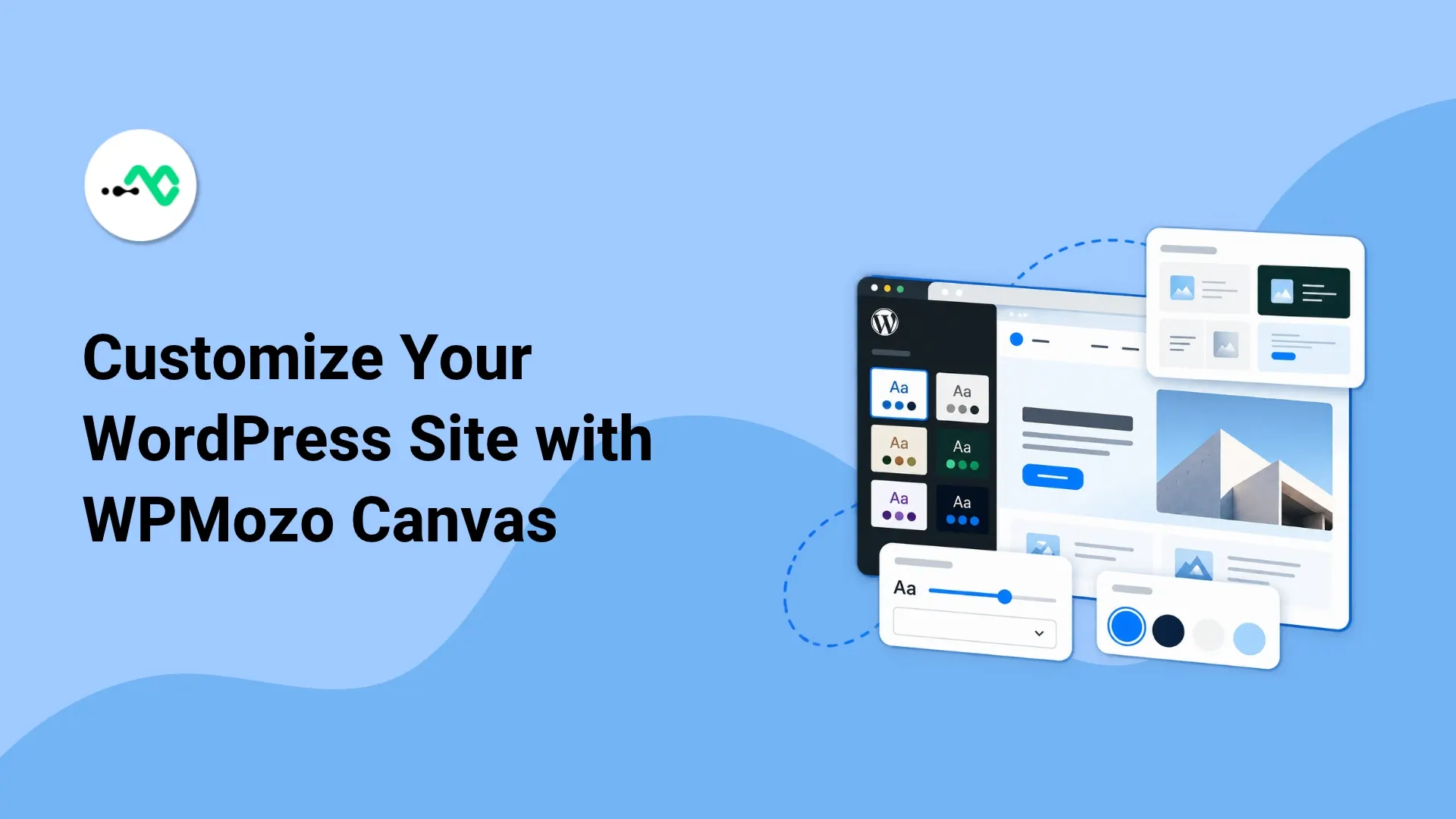
How to Change WordPress Style Variations with WPMozo Canvas
WordPress style variations allow you to change the look of your website without having to rebuild every single page. You…
-
Halloween Deals on Plugins for WooCommerce and WordPress (2026)
WPMozo is 20% off for Halloween, Oct 29 to 31, 2026, with the code HALLOWEEN20. That covers every plugin for…
-
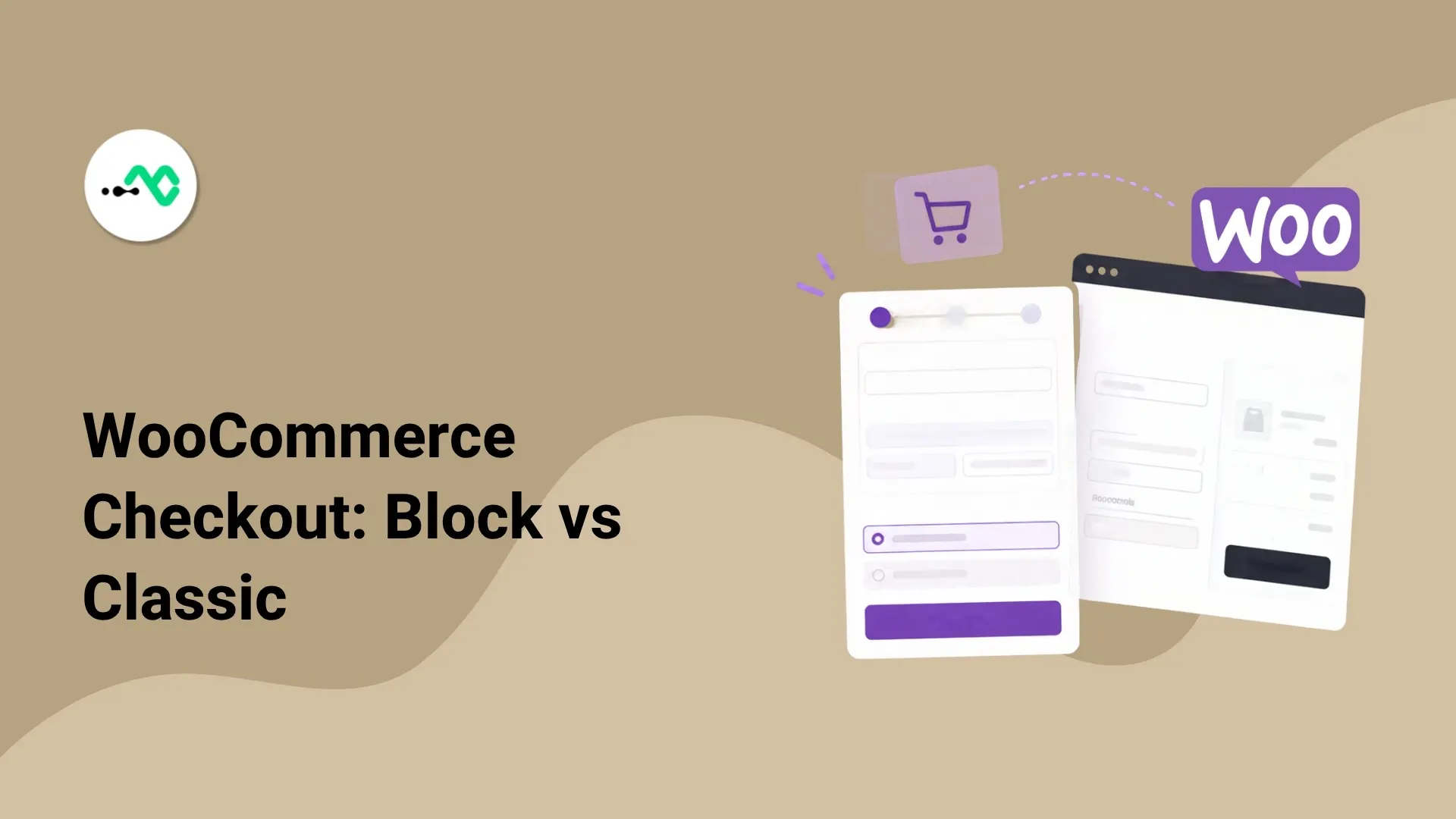
WooCommerce Block Checkout vs Classic Checkout: Which One Is Your Store Running?
If a WooCommerce checkout snippet or plugin is not working as expected, the first thing to check is which checkout…
-
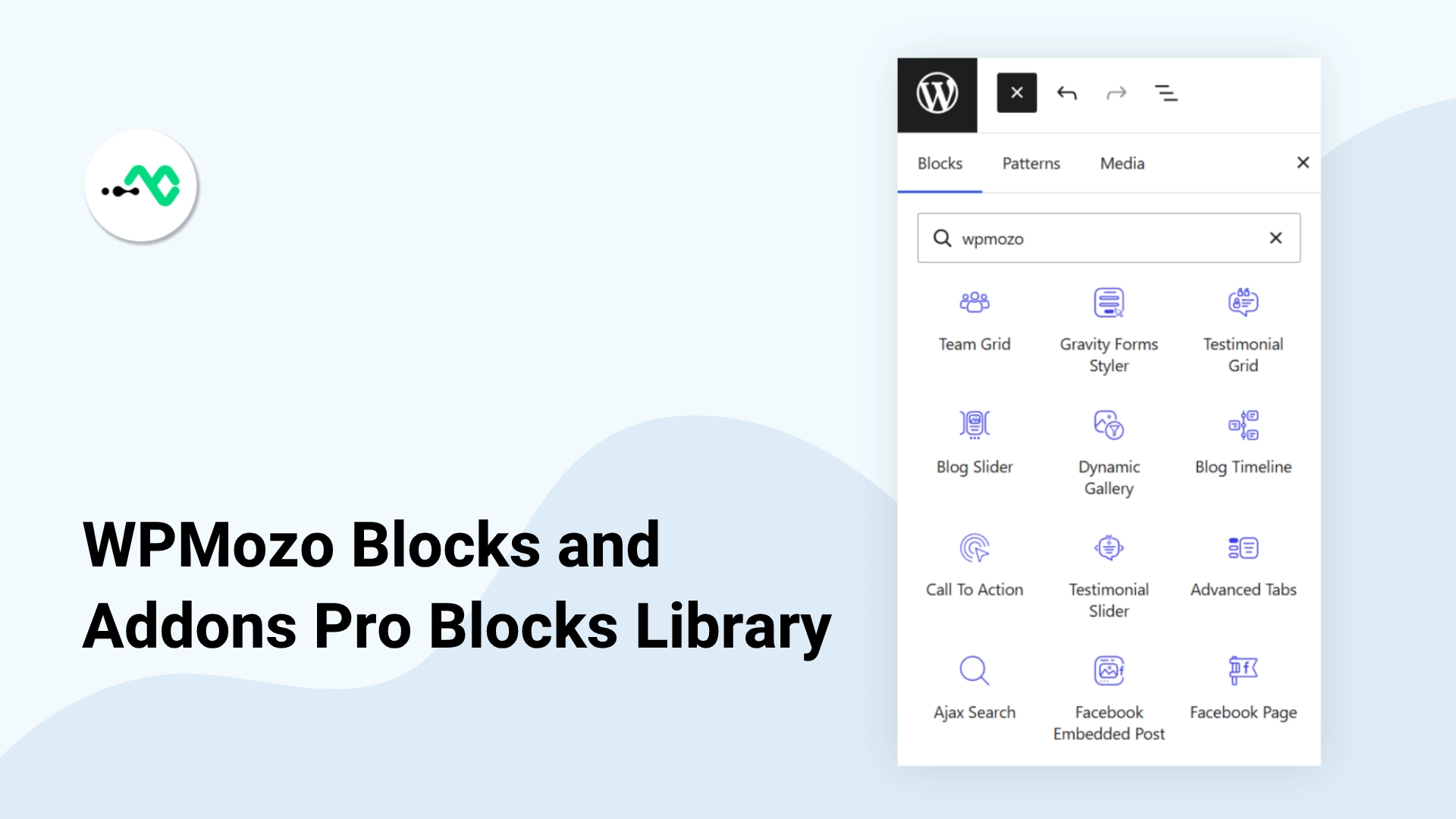
What is in WPMozo Blocks and Addons Pro: every new Gutenberg block explained
WPMozo Blocks and Addons has grown up. For the first time the plugin has a Pro tier, and it adds…