
Blocks / Advanced Tabs
Pro block Block editor
Advanced Tabs block
Put a menu, a spec sheet or a set of guides on one page and let visitors open the part they need. Tabs open on hover or on click, across the top or down the side.
Layout top, bottom, left or rightOpens on hover or clickInside a tab any block
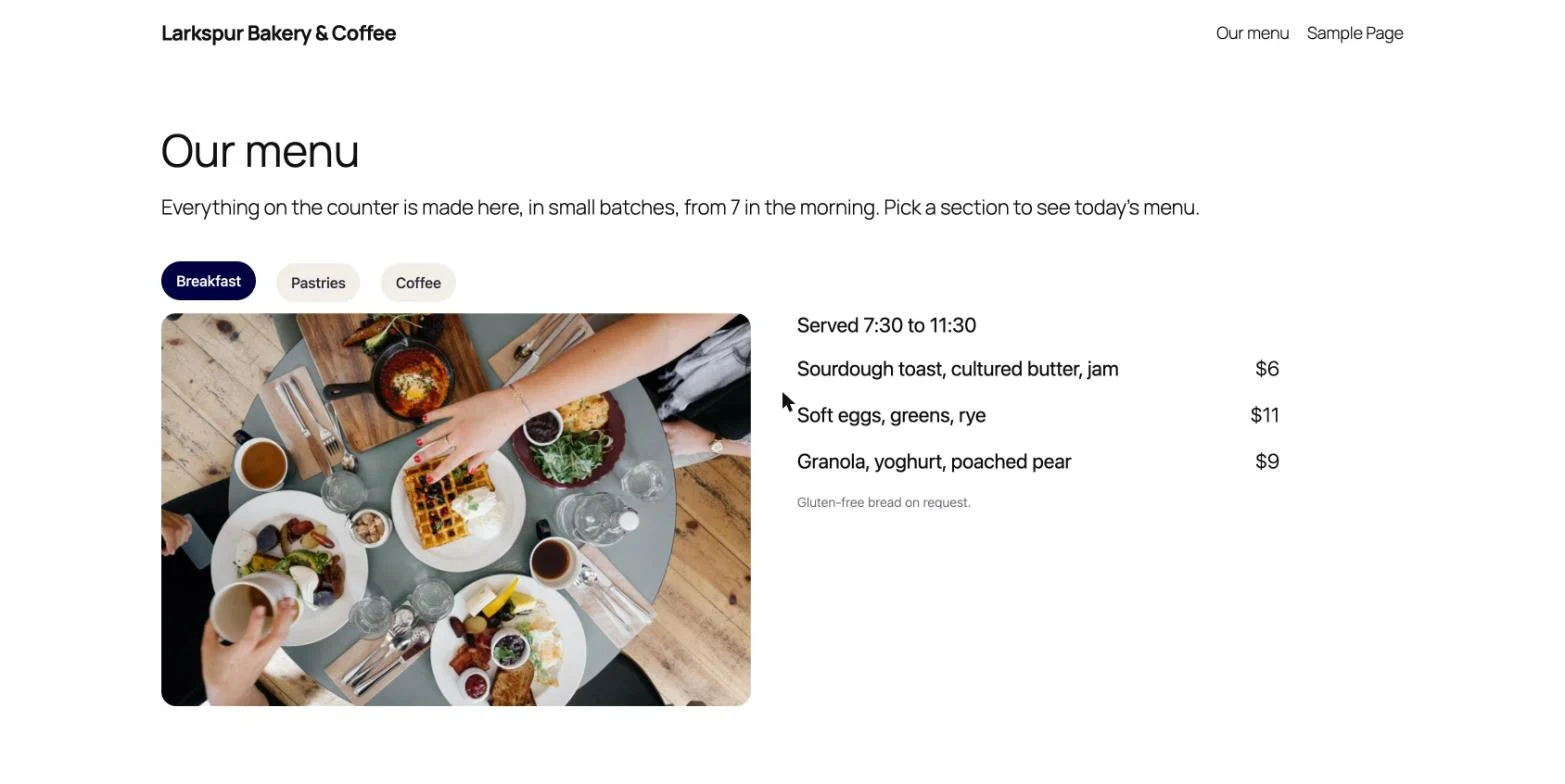
Across the top or down the side
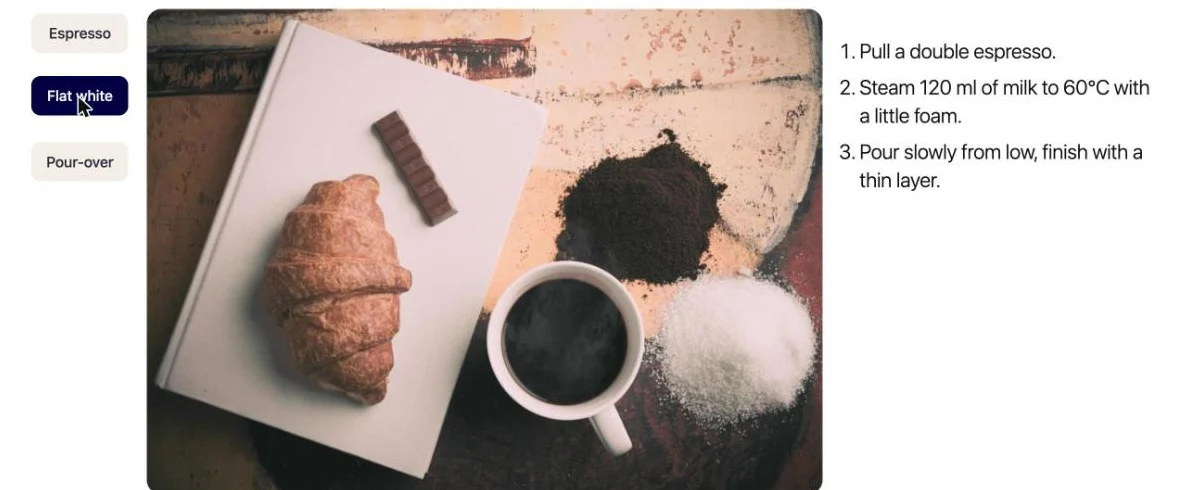
Horizontal tabs suit a few short sections. Vertical tabs keep a longer list of titles readable on wide screens.
What you can set
Hover or click
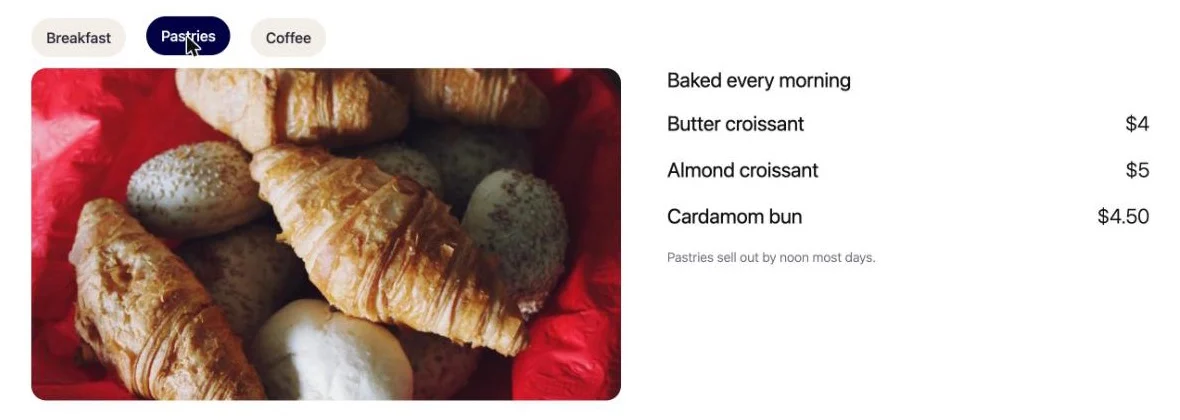
Choose how a tab opens. New blocks start on hover; switch to click for content people read slowly.
Four positions
Titles on the top or bottom for horizontal tabs, on the left or right for vertical ones.
Text, icon or image titles
Each title can be text, an icon, an image, or text with an icon or image on either side.
Any block inside
A tab holds whatever you build: columns, images, lists, buttons, even another WPMozo block.
A button per tab
Give a tab its own button with its own text and link, such as “Order ahead” under the coffee list.
Normal and active styles
Separate colours for the open tab and the rest, plus font, spacing, border and corner radius.
Set up in the block editor
- Add Advanced Tabs and give each tab a title.
- Build the content of each tab with the blocks you already use.
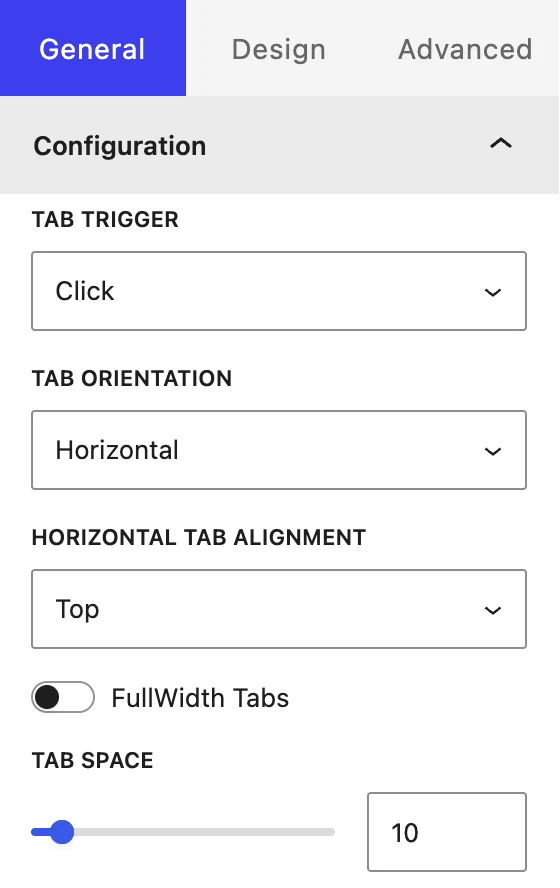
- Pick Tab Trigger, Tab Orientation and the alignment in the General panel; style it under Design.
Keyboard users can move between tabs, and the open tab is announced to screen readers.
Where people use it
Restaurants and cafes
One menu, three sittings
Breakfast, lunch and drinks on one page instead of three.
Online shops
Specs without the scroll
Sizes, materials and care notes side by side under the product.
Services
Plans by audience
One tab for teams, one for agencies, one for freelancers.
Pro
Part of WPMozo Blocks and Addons Pro
Advanced Tabs comes with the Pro version, alongside 21 other Pro blocks. Building something lighter? The free Content Toggle block shows two versions of the same content behind one switch.
Related blocks
Using Elementor? There is an Advanced Tabs widget in WPMozo Addons for Elementor.
Content Toggle
Free
Two versions of the same content behind one switch.
Image Accordion
Free
Image panels that open on hover or click.
Timeline
Pro
Events with dates on a vertical line.