
Pro blocks
Instagram Feed – CarouselPro
How to add your Instagram Access Token, set the number of posts and display options, configure the slider (effect, items per view, autoplay, arrows, dots), and style the carousel.
This feature needs the Pro version of WPMozo Blocks and Addons.
On this page
See the Instagram Feed – Carousel block live on the demo site (opens in a new tab)
Requires: an Instagram Access Token. See Instagram Feed → Getting an access token.
Adding the block#
- Click the “+” (Block Inserter) button.
- Search for “Instagram Feed – Carousel” and select it.
- Paste your Access Token under General → Configuration.
General tab#
Configuration#
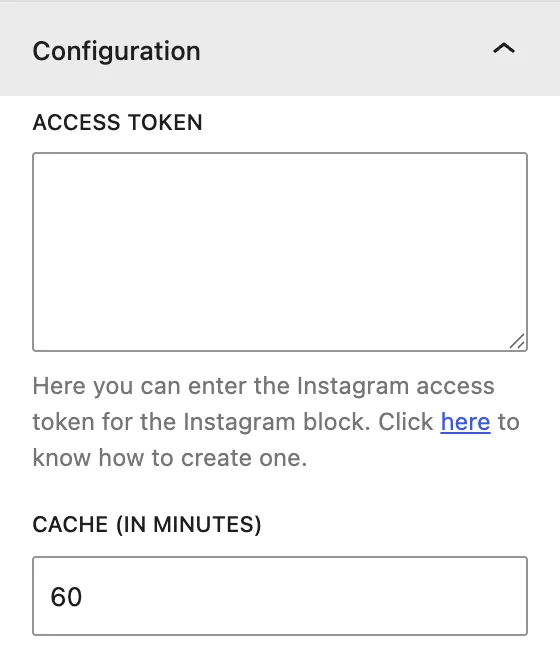
| Setting | Description |
|---|---|
| Access Token | Your Instagram API token. |
| Cache (In Minutes) | How long posts are cached before refreshing. |
Display#
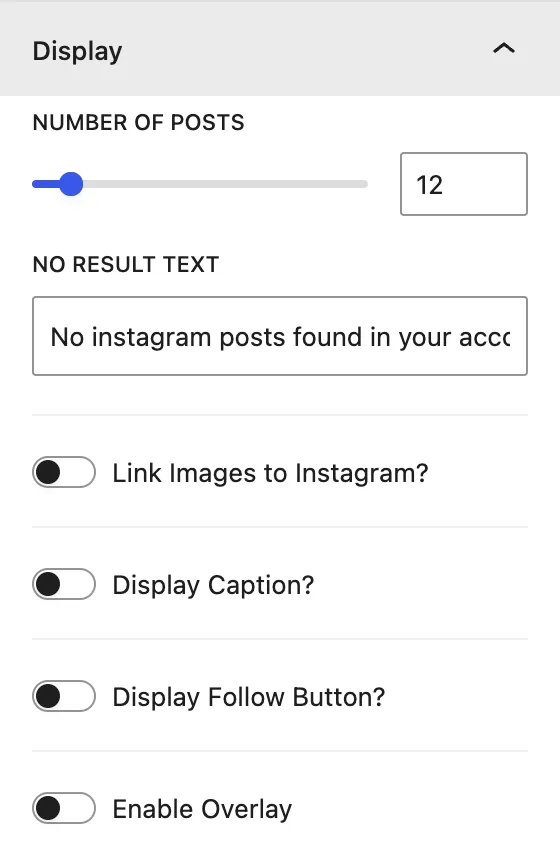
| Setting | Description |
|---|---|
| Number of Posts | Total posts in the carousel. |
| No Result Text | Message shown if no posts load. |
| Link Images to Instagram? | Opens the post on Instagram when it is clicked. |
| Display Caption? | Shows the caption under each post. |
| Display Follow Button? | Adds a Follow button. |
| Enable Overlay | Shows a hover overlay with an icon. |
Slider#
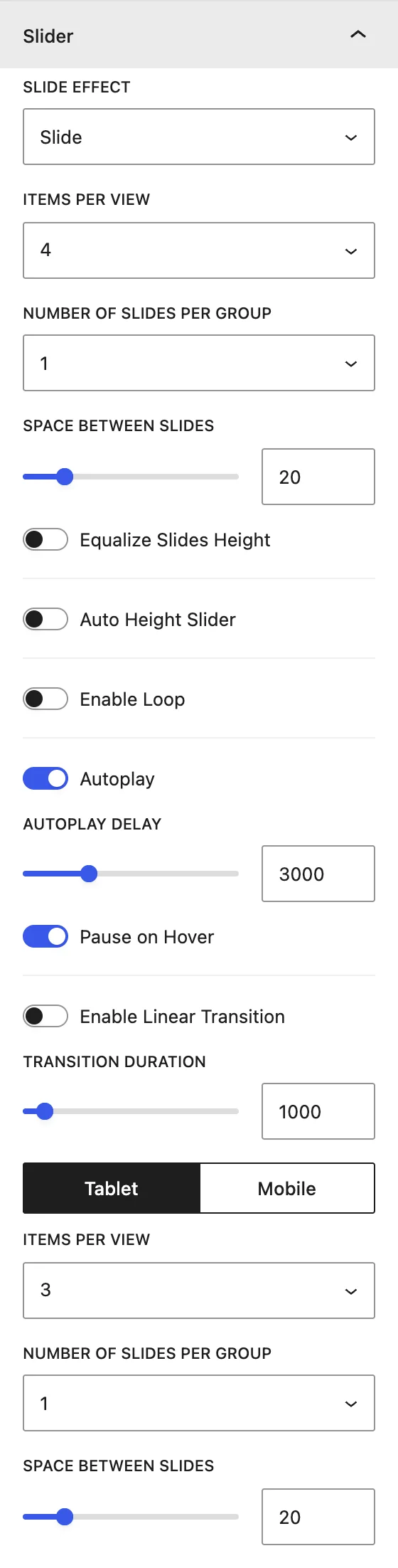
| Setting | Description |
|---|---|
| Slide Effect | Slide, Cube, Coverflow, Flip, or Fade. |
| Items Per View | Posts visible at once. Use the Desktop / Tablet / Mobile switch to set it per device. |
| Number of Slides Per Group | Posts moved per swipe. |
| Space Between Slides | Gap, in px. |
| Equalize Slides Height / Auto Height Slider | Height behavior. |
| Enable Loop | Loops back to the start. |
| Autoplay / Autoplay Delay / Pause on Hover | Automatic sliding options. |
| Enable Linear Transition / Transition Duration | Continuous movement and speed. |
Slider Navigation#
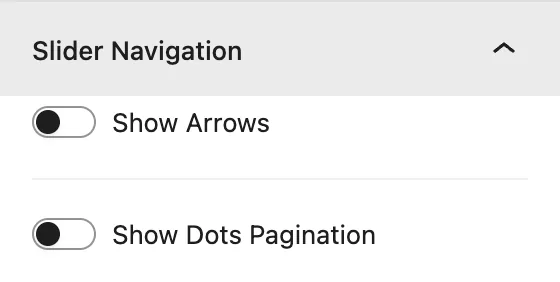
Show Arrows and Show Dots Pagination, with icons, positions, and dot styles. See Blog Slider → Slider Navigation.
Design tab#
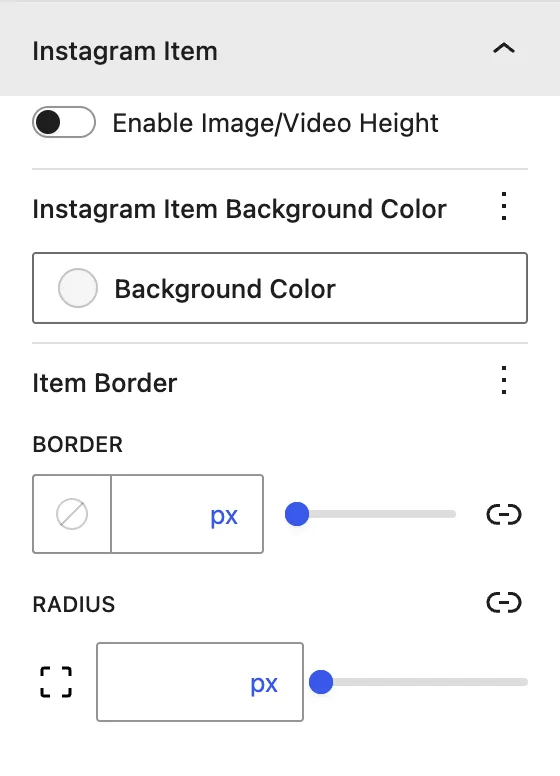
| Panel | What it controls |
|---|---|
| Instagram Item | Enable Image/Video Height, Instagram Item Background Color, border, and radius. |
| Slider Container | Padding around the carousel. |
| Caption / Overlay / Follow Button / Arrows / Dots(when enabled) | Colors, typography, and spacing for each element. |
Advanced tab#
Was this article helpful?
Thanks for the feedback. Need more help? Contact support.