
Elementor widgets / Timeline
Pro widget Elementor
Timeline widget for Elementor
Show a history, a plan or a schedule as dated steps on a vertical line, with a stem that fills as visitors scroll.
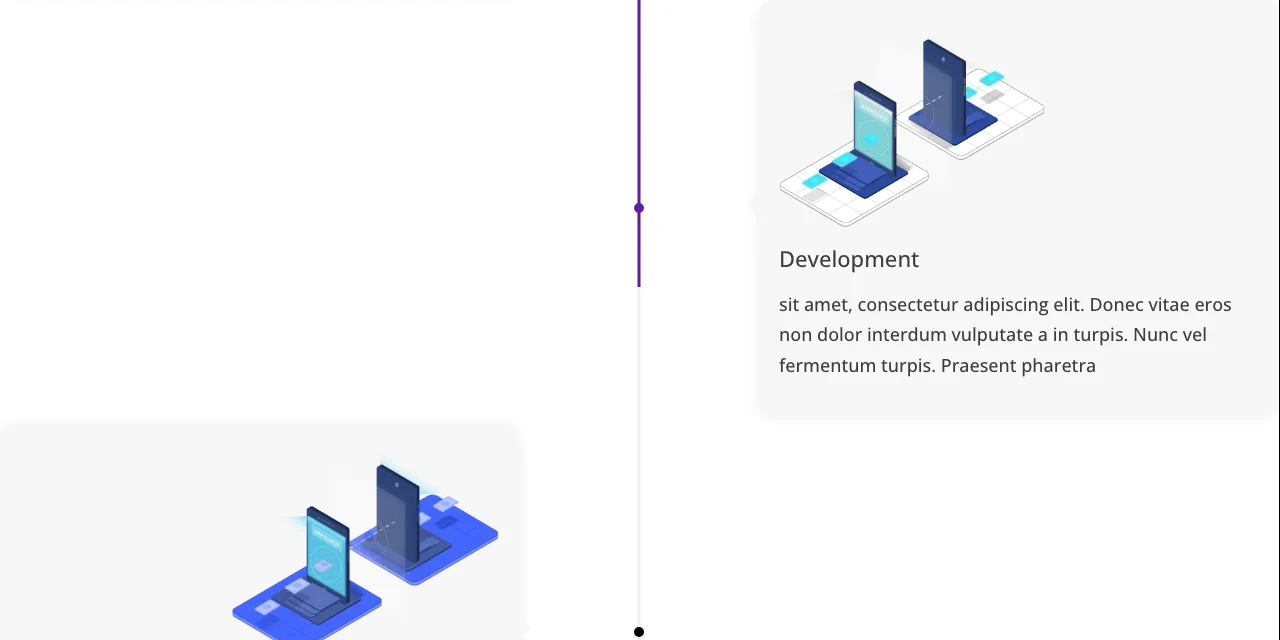
Create Engaging Vertical Timelines With Multiple Events
Add as many events as you need. Events run down the page, so visitors read them one by one as they scroll.
Events
Give each event a title, a description and a date.
Dates
Pick a date, or type your own text such as “Spring 2026”.
Markers
Mark each event with an icon or an image.
2layouts: Date Tree and Icon Tree
3placements
2date input methods
2icon shapes
Show Timeline Events Using Different Layouts and Placements
Vary how events sit on the line.
Alternate
Events zigzag, one on the left and the next on the right.
Content Left
Keep every event on the left.
Content Right
Keep every event on the right.
Add Title and Rich Content to the Timeline Events
Each event has its own title and content. The rich editor lets you add bold, italic, links and more.
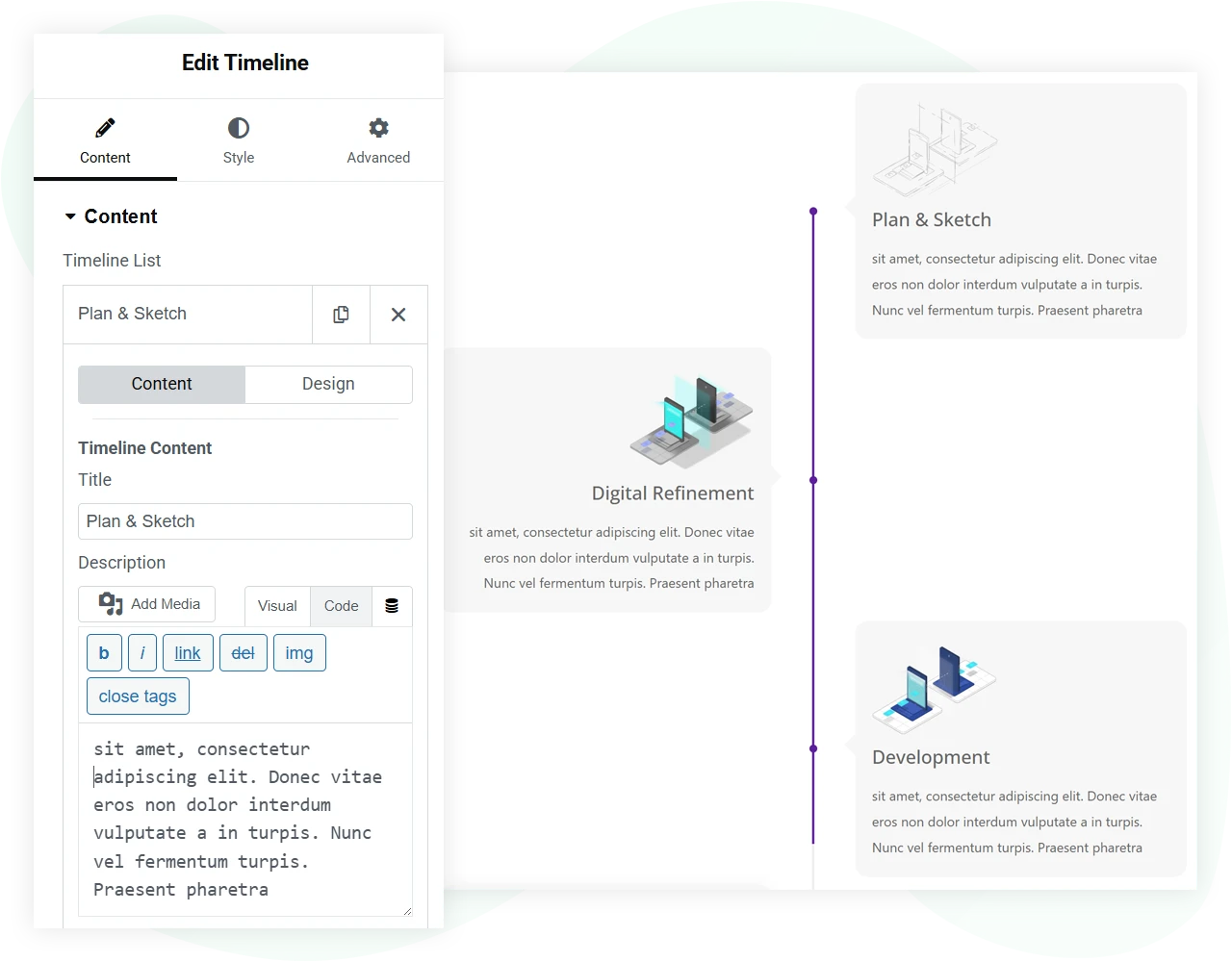
Use an Icon or an Image as a Timeline Element
Add an icon or an image to each event, so visitors can spot each step at a glance.
- Icon or image for each event
- Circle or square icon shape
- Set the image size

Separate Styling Options for Timeline Item and Stem
The stem fills with colour as visitors scroll, so they can see which event they are on.
Style the stem and the event area separately, including the stem width.
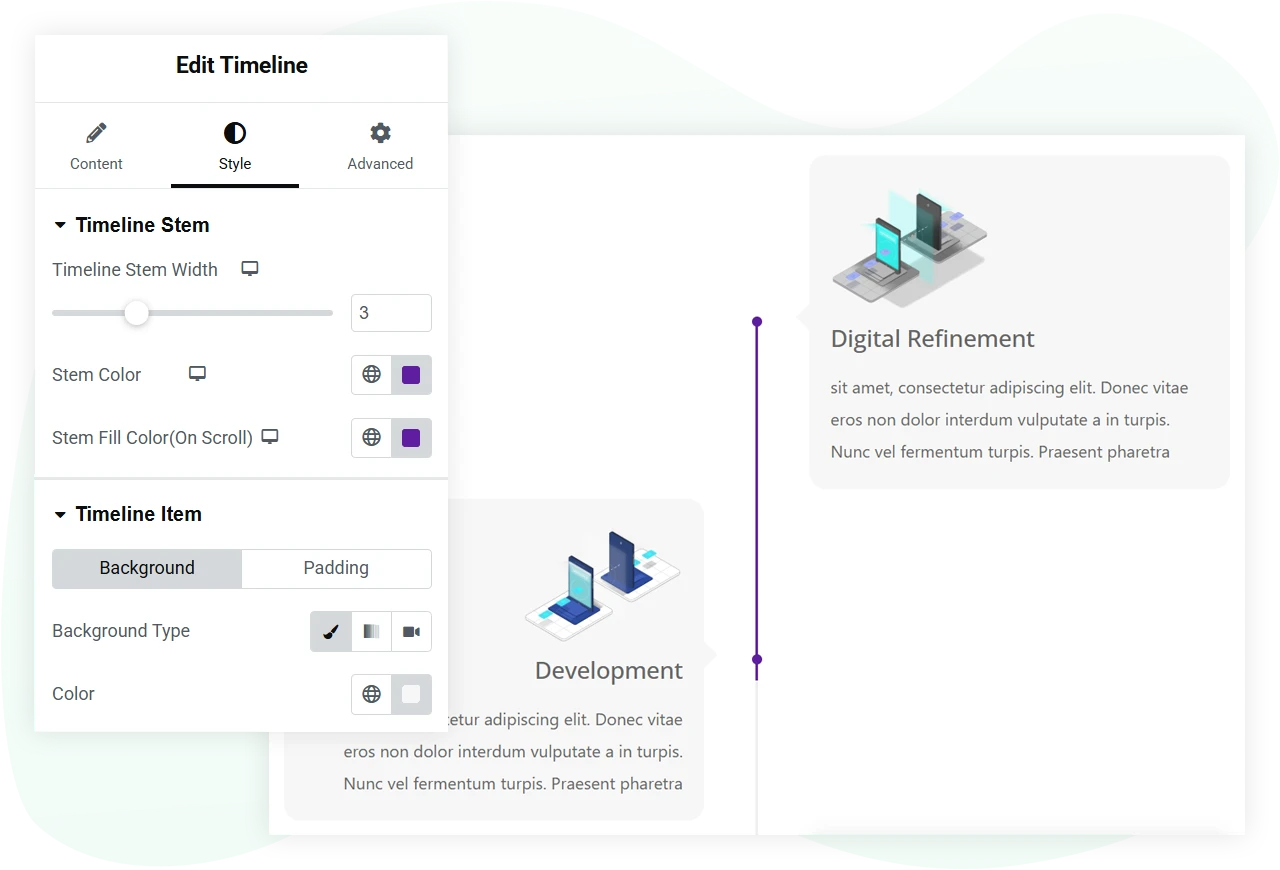
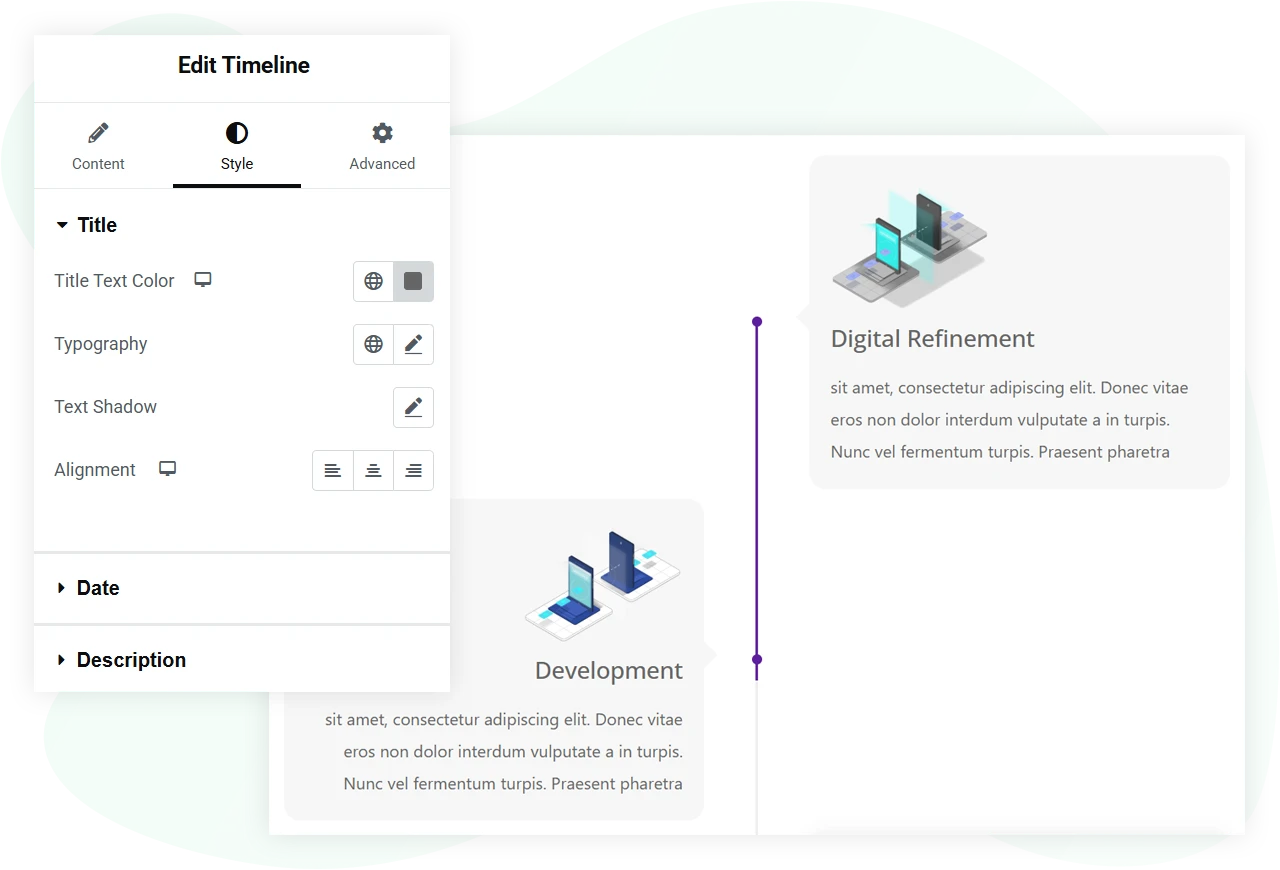
More Options to Style Timeline Title, Date, and Description
Each text part has its own styling.
- Title styling and heading level
- Date styling
- Description styling
Pro
Get the Timeline Widget
The Timeline widget comes with WPMozo Addons for Elementor, alongside 25 other paid widgets.
Related widgets

Fancy Heading
Free
Headings with extra styling options.

Content Toggle
Pro
Two versions of the same content behind one switch.

Fancy Text
Free
Text filled with gradient colours or an image.