
Elementor widgets / Instagram Feed
Pro widget Elementor
Instagram Feed widget for Elementor
Show your latest Instagram posts on any Elementor page, in a grid or masonry layout, and they stay up to date on their own.

What the WPMozo Instagram Feed Widget Does
The widget connects to one Instagram account with an access token from Meta for Developers, then pulls in your posts, captions and links. Place it anywhere on a page with Elementor.
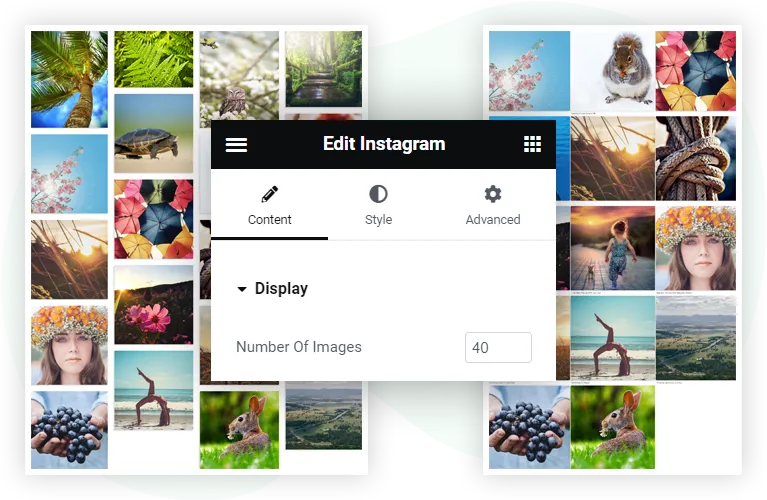
Choose a grid or masonry layout, up to six columns, captions and a follow button. New posts appear by themselves: the feed refreshes after a cache time you set, so there is nothing to upload.
2layouts: grid and masonry
6columns at most
200posts at most
60minute default cache
Key Features
Your feed
- Grid or masonry layout
- Up to six columns, with adjustable spacing
- Up to 200 posts from the connected account
- Images, albums and videos
Your posts
- Captions on or off
- Separate caption styling for normal and hover
- Optional link from each post to Instagram
- Follow button with text, icon, position and hover options
Your style
- Typography for captions and the button
- Rounded corners, border and box shadow on posts
- Padding and margin controls
- Works with Elementor and Elementor Pro
Layout Options: Grid and Masonry
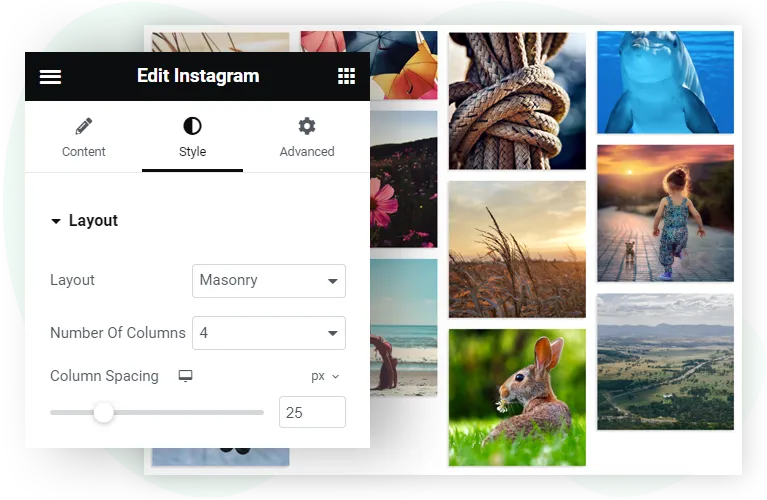
Both layouts use the same styling controls, and switching takes one dropdown in the Elementor panel.

Grid layout
All posts appear at the same height, so each row lines up. A tidy choice when your posts have mixed shapes.
Best for: product showcases and brand feeds, where consistency matters most.
Masonry layout
Posts keep their own proportions, and taller posts take more vertical space while shorter ones fill the gaps.
Best for: photography portfolios and design accounts, where each composition matters.
Display Options: Posts, Columns, and Captions
Decide how much of your feed to show and how people interact with it.
Post count
Set how many posts to show, up to 200. For most pages, 6 to 12 posts balance a full look with page speed.
Columns
Choose up to six columns. Set different values for tablet and mobile in the Elementor responsive controls.
Captions
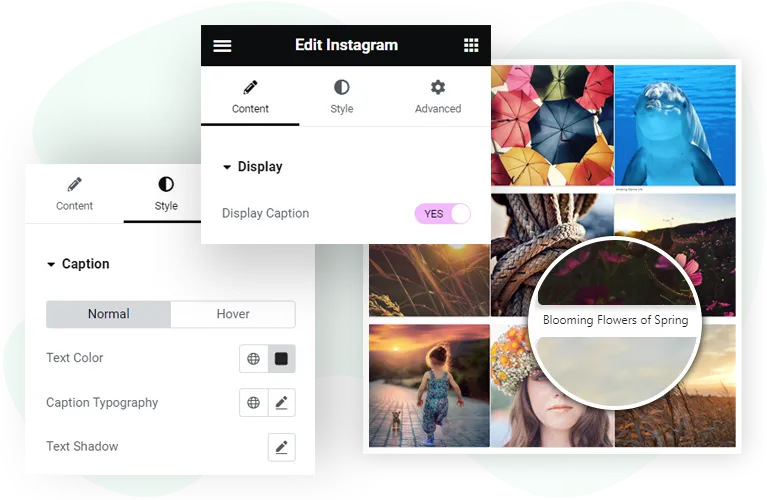
Turn captions on or off. Style them separately for normal and hover, including a transition time, to reveal them when someone hovers over a post.
Post linking
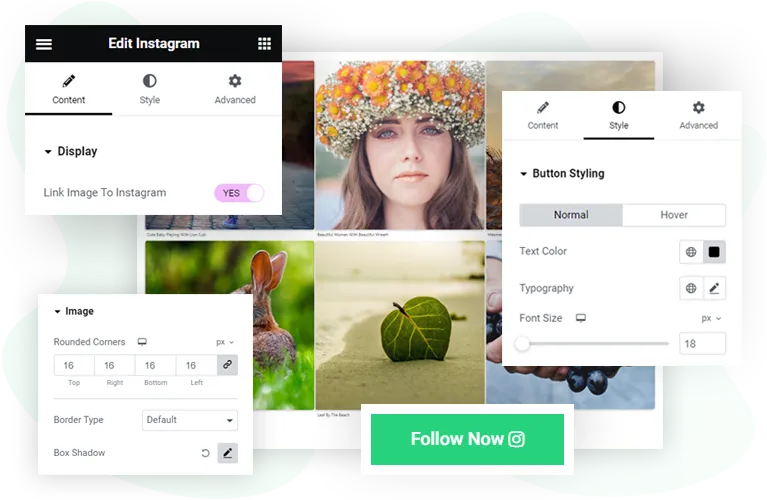
Turn on Link Post to Instagram to make each post clickable, which helps when the goal is more engagement on Instagram itself.
Follow button
Add a button below the feed with your own text and an icon, set its position, and show the icon on hover.
Styling Options: Typography, Colors, and Borders
Style every visible part of the feed under the Style tab in Elementor.
Post styling
Set the border type, rounded corners and box shadow for each post.
Caption typography
Control the caption font, colour and alignment. Hover styling can differ from normal styling.
Follow button styling
Set text and icon colours for normal and hover, typography, alignment, a hover animation and a transition time.
Spacing
Column Spacing sets the gap between posts, and padding and margin controls handle the space around them.
Responsive controls
Many settings have tablet and mobile versions, so you can tune the feed per screen without custom CSS.
Requirements
What you need before you start.
| Plugin | WPMozo Addons for Elementor (paid). This widget is not in the free Lite version. |
|---|---|
| Elementor | Elementor. The free version is enough, and it also works with Elementor Pro. |
| WordPress | 5.3 or above |
| PHP | 5.6 or above |
| A Business or Creator account, and an access token from Meta for Developers. Tokens expire, so refresh yours when Meta requires it. | |
| Post types | Images, albums and videos. Videos play in the feed with controls. Stories are not shown. |
Related Resources
Compare the options
See how Elementor Instagram feed widgets compare.
Read the documentation
Setup steps and settings for WPMozo plugins.
Try the live demo (opens in a new tab)
See the widget working in grid layouts.
Pro
Get the Instagram Feed Widget
The Instagram Feed widget comes with WPMozo Addons for Elementor, alongside 25 other paid widgets.
Related widgets
Showing a carousel instead? See the Instagram Feed Carousel widget.
Image Card
Free
A card with an image and its details.

Logo Slider
Free
Client or partner logos in a carousel.

Masonry Gallery
Free
A photo gallery in a masonry layout.