
Blocks
BreadcrumbsFree
Where to place the Breadcrumbs block so it works on every page, how to choose its layout, and how to style the background, separator, Home link and text.
On this page
See the Breadcrumbs block live on the demo site (opens in a new tab)
Adding the block#
- Click the “+” (Block Inserter) in a page, post, or Site Editor template (for example Single Posts or Pages).
- Search for “Breadcrumb” and select it.
- Choose a layout and style it from the sidebar.
Tip: For a site-wide trail, add the block to your Header template part or to the Single and Page templates in Appearance → Editor.
Settings overview#
| Tab | What you control there |
|---|---|
| General | Layout and link behavior |
| Design | Colors, separators, home link, and text styles |
| Advanced | See Common Advanced Settings |
General tab#
Breadcrumbs Settings#
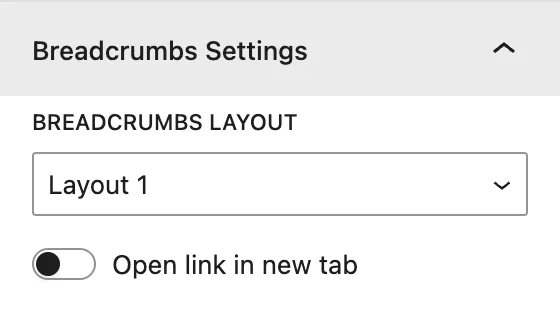
| Setting | Description |
|---|---|
| Breadcrumbs Layout | Layout 1 or Layout 2, two built-in visual styles for the trail. |
| Open link in new tab | Opens breadcrumb links in a new browser tab. |
Design tab#
Breadcrumbs#
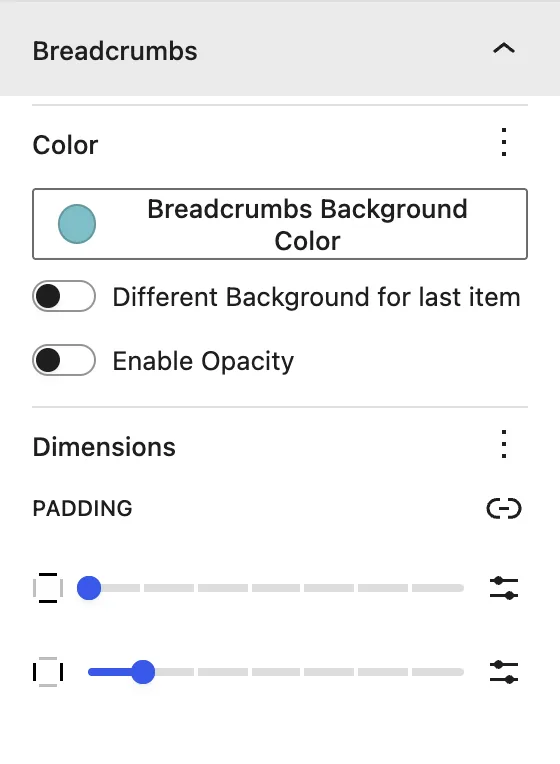
| Setting | Description |
|---|---|
| Breadcrumbs Background Color | Background of the breadcrumb items. |
| Different Background for last item | Gives the current page (last item) its own background. Set it in Last item Background Color. |
| Enable Opacity | Adds transparency to the item background. |
| Dimensions | Padding of each item. |
Separator Styling#
| Setting | Description |
|---|---|
| Separator Type | Text Separator (for example / or ») or Icon Separator. |
| Separator Text / Separator Icon | The character or icon placed between items. |
| Separator Color | Color of the separator. |
Home Link#
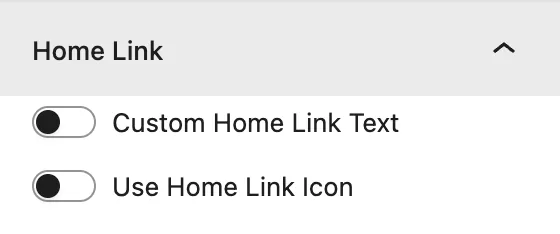
| Setting | Description |
|---|---|
| Custom Home Link Text | Replaces “Home” with your own text in Home Link Text. |
| Use Home Link Icon | Shows a house icon (or another Home Icon) for the first item. |
| Hide Home Text (Display Icon Only) | Shows only the icon for the home link. |
| Home Icon Color | Color of the home icon. |
Text Settings#
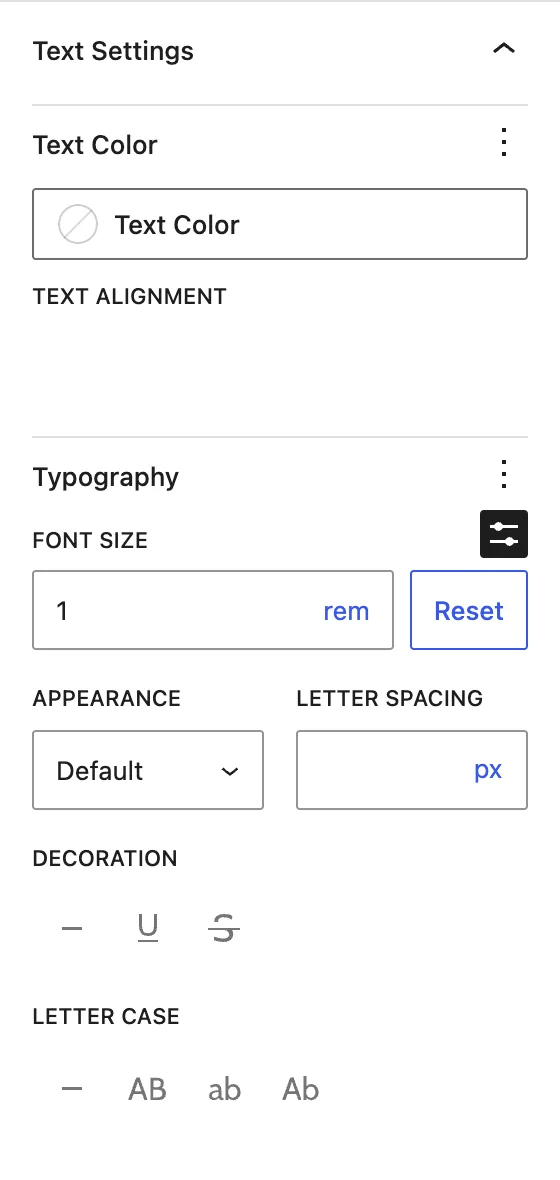
Text Color, Text Alignment, and Typography for the breadcrumb links and current page.
Advanced tab#
Was this article helpful?
Thanks for the feedback. Need more help? Contact support.