
Blocks / Timeline
Pro block Block editor
Timeline block
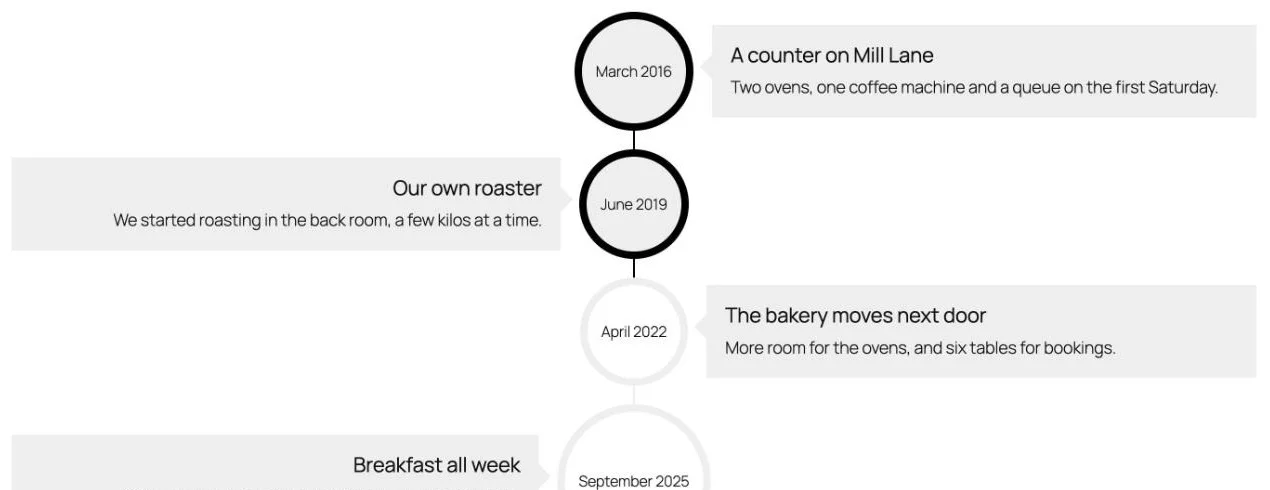
Lay out a company history, a project plan or an event schedule as dated steps on a vertical line.
What you can set
Three layouts
Alternate sides, or keep content on the left or the right.
Date formats
Choose DD/MM/YYYY, MM/DD/YYYY, Month DD, YYYY and more.
Date picker or custom
Pick a date, or type your own text such as “Spring 2026”.
Icon or image
Each step can carry an icon or an image, in a circle or square.
Where people use it
Company history
Show the milestones on an About page.
Project plans
Walk clients through each phase.
Event schedules
List the order of the day.
Pro
Part of WPMozo Blocks and Addons Pro
Timeline comes with the Pro version, alongside 21 other Pro blocks.
Related blocks
Using Elementor? See the Timeline widget for Elementor. Want a walkthrough? Read How to Show Your Company History as a Timeline in WordPress.
Advanced Tabs
Pro
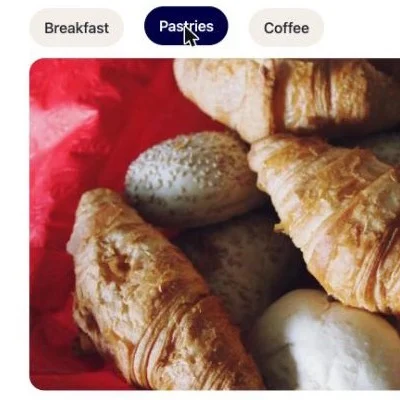
Sections behind tabs that open on hover or click.
Blog Slider
Pro
Blog posts in a slider.

Dynamic Gallery
Pro
Filterable image galleries.