
Pro blocks
Woo Product GridPro
How to filter products by type and category, choose a grid or masonry layout, set up pagination, and style every part of the product card.
This feature needs the Pro version of WPMozo Blocks and Addons.
See the Woo Product Grid block live on the demo site (opens in a new tab)
Requires: WooCommerce.
Adding the block#
- Click the “+” (Block Inserter) button.
- Search for “Woo Product Grid” and select it.
General tab#
Grid Settings#
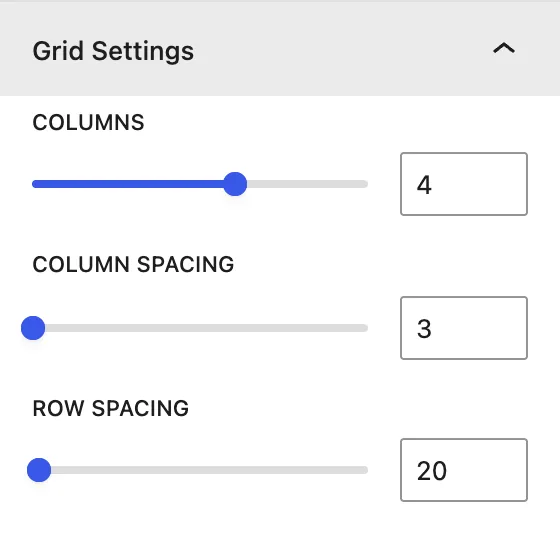
| Setting | Description |
|---|---|
| Columns | Products per row. |
| Column Spacing | Horizontal gap between products. |
| Row Spacing | Vertical gap between rows. |
Content#
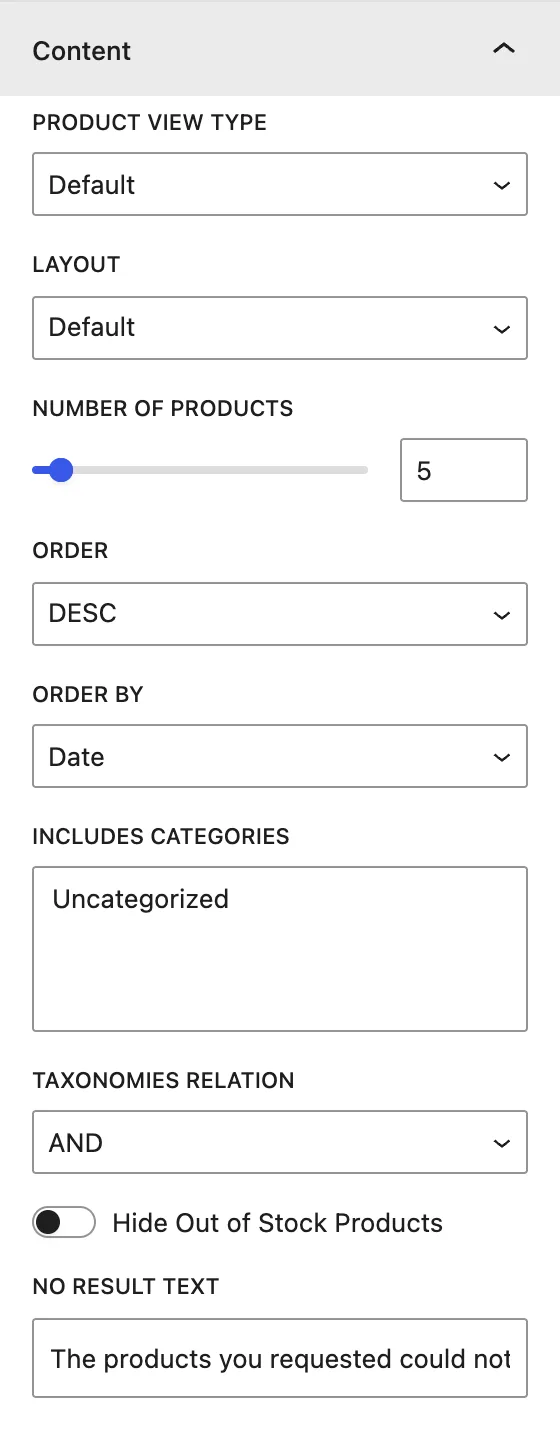
| Setting | Description |
|---|---|
| Product View Type | Default, Featured Products, Sale Products, Best Selling Products, Top Rated Products. |
| Layout | Default, Layout 1, or Layout 2 card design. |
| Number of Products | How many products to show (per page when pagination is on). |
| Order / Order by | DESC/ASC by Date, Modified Date, Title, Slug, ID, Random, None. |
| Includes Categories / Taxonomies Relation | Filters by product category, with OR or AND logic. |
| Hide Out of Stock Products | Leaves out products that are out of stock. |
| No Result Text | Message shown when nothing matches. |
Display#
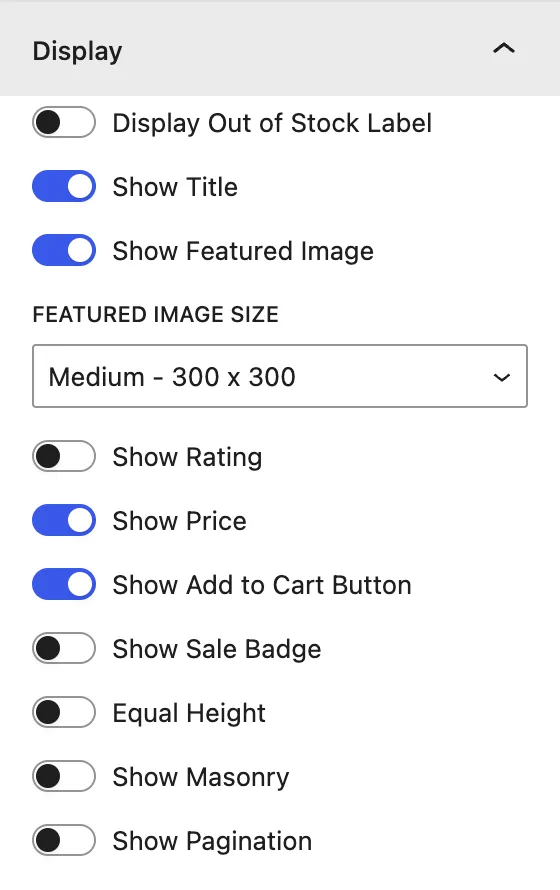
| Setting | Description |
|---|---|
| Display Out of Stock Label | Shows a label on out-of-stock products. |
| Show Title / Show Featured Image / Featured Image Size | Product name, image, and image size. |
| Show Rating / Show Price | Star rating and price. |
| Show Add to Cart Button / Show Sale Badge | Button and sale badge. |
| Equal Height | Makes all product cards the same height. |
| Show Masonry | Pinterest-style layout. Cards keep their natural height. |
| Show Pagination | Adds page numbers under the grid. |
Design tab#
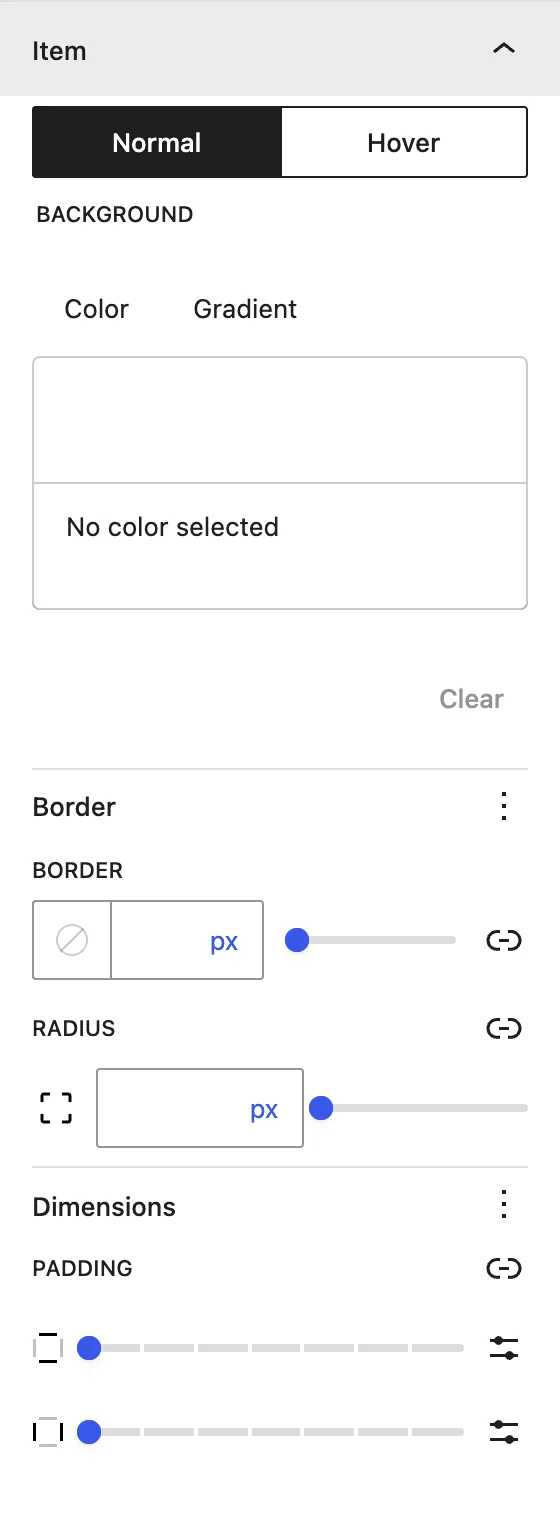
| Panel | What it controls |
|---|---|
| Grid Container | Padding around the grid. |
| Item | Normal / Hover background, border, radius, and padding of each card. |
| Pagination | Spacing, colors, typography, and border of page links. |
| Title | Alignment, color, typography, and spacing. |
| Price | Regular Price / Sale Price: alignment, color, and typography for each. |
| Add to Cart | Alignment, colors, typography, border, and spacing. |
| Image | Width and Height. |
| Sale Label | Colors, typography, border, and padding. |
Advanced tab#
Tips#
- Use Equal Height for neat rows, or Show Masonry when product images have different ratios. Don’t turn on both.
- 3 or 4 columns work well on desktop. The grid adapts on smaller screens.
Was this article helpful?
Thanks for the feedback. Need more help? Contact support.