
Block Editor
-
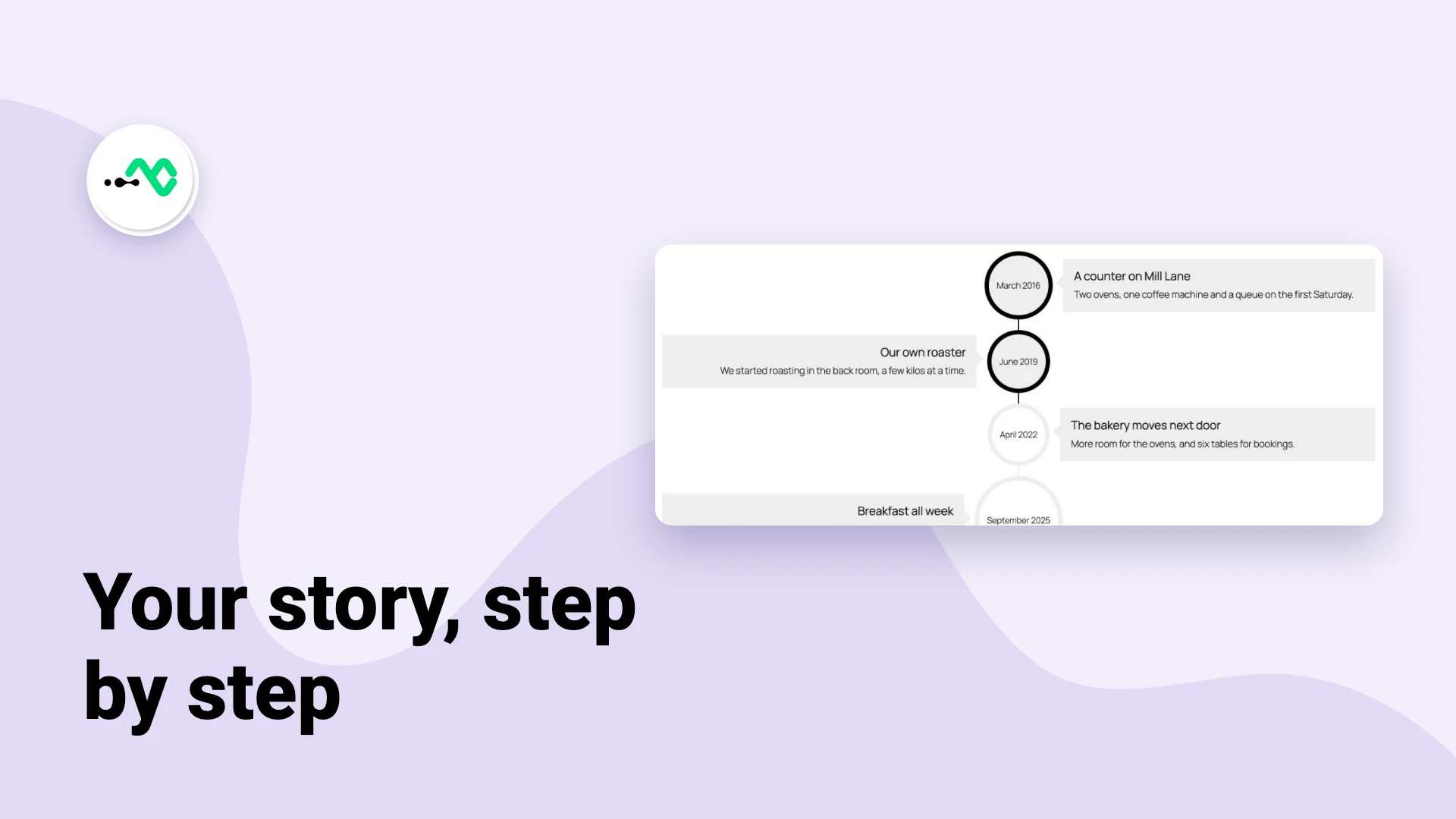
How to Show Your Company History as a Timeline in WordPress
A company history is usually three paragraphs on an About page that nobody finishes. A timeline says the same things…
-
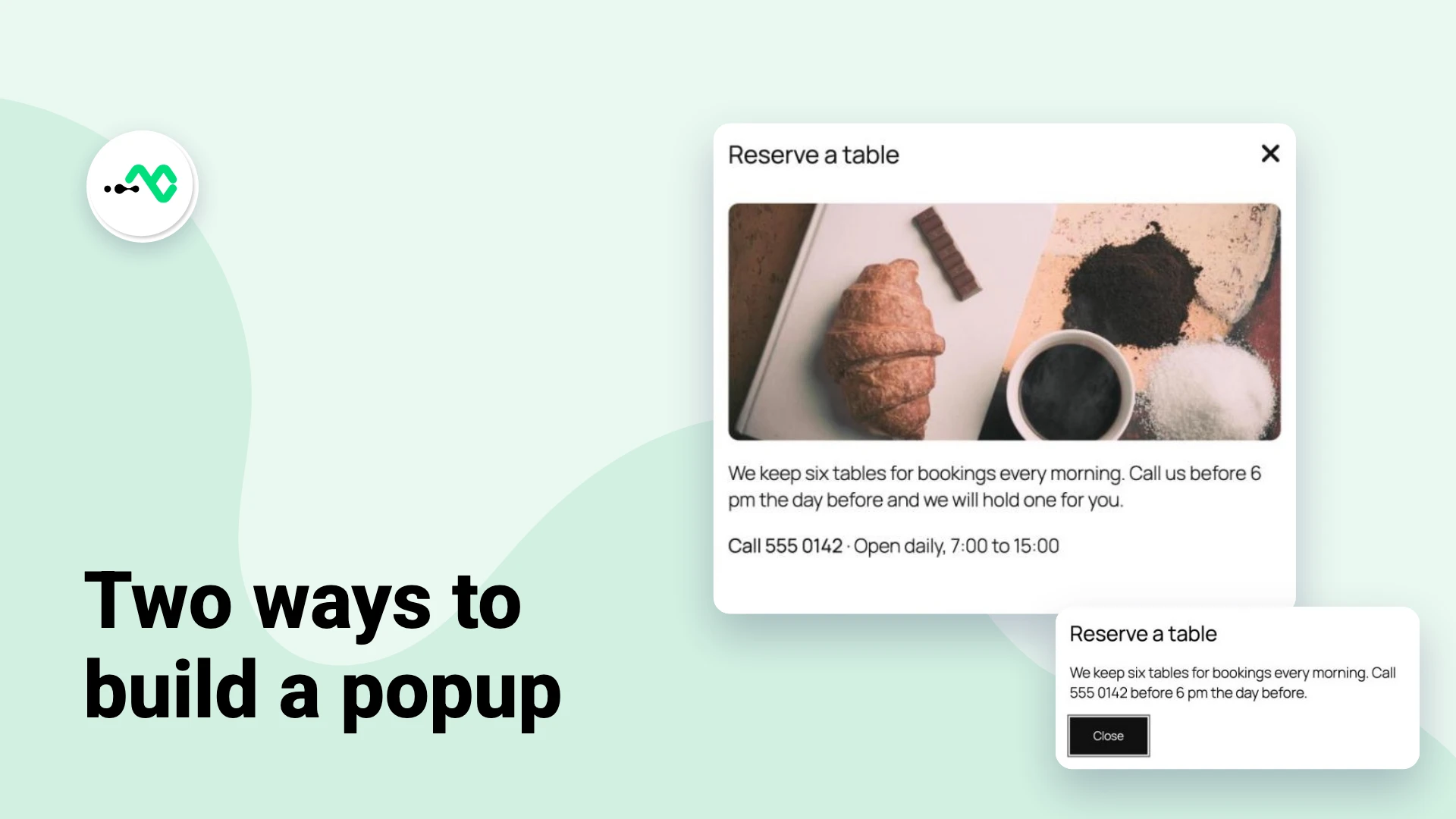
How to Add a Popup in the WordPress Block Editor
WordPress has no popup block, so adding one to a page takes a small piece of code or a block…
-
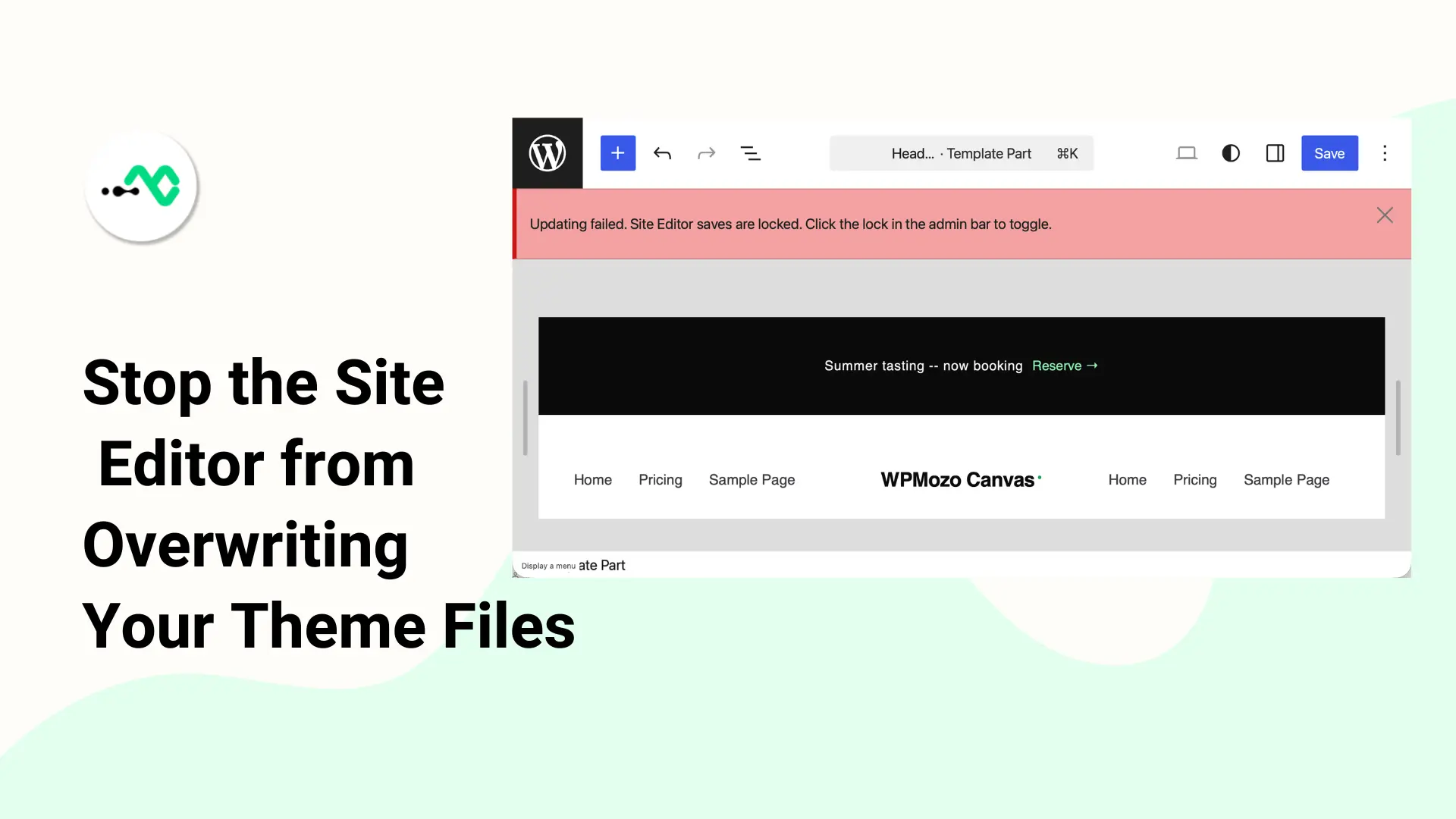
Why Your Block Theme File Edits Aren’t Showing Up (And How to Fix)
WordPress silently overrides your theme files with a database copy the moment you open the Site Editor. Here is why,…
-
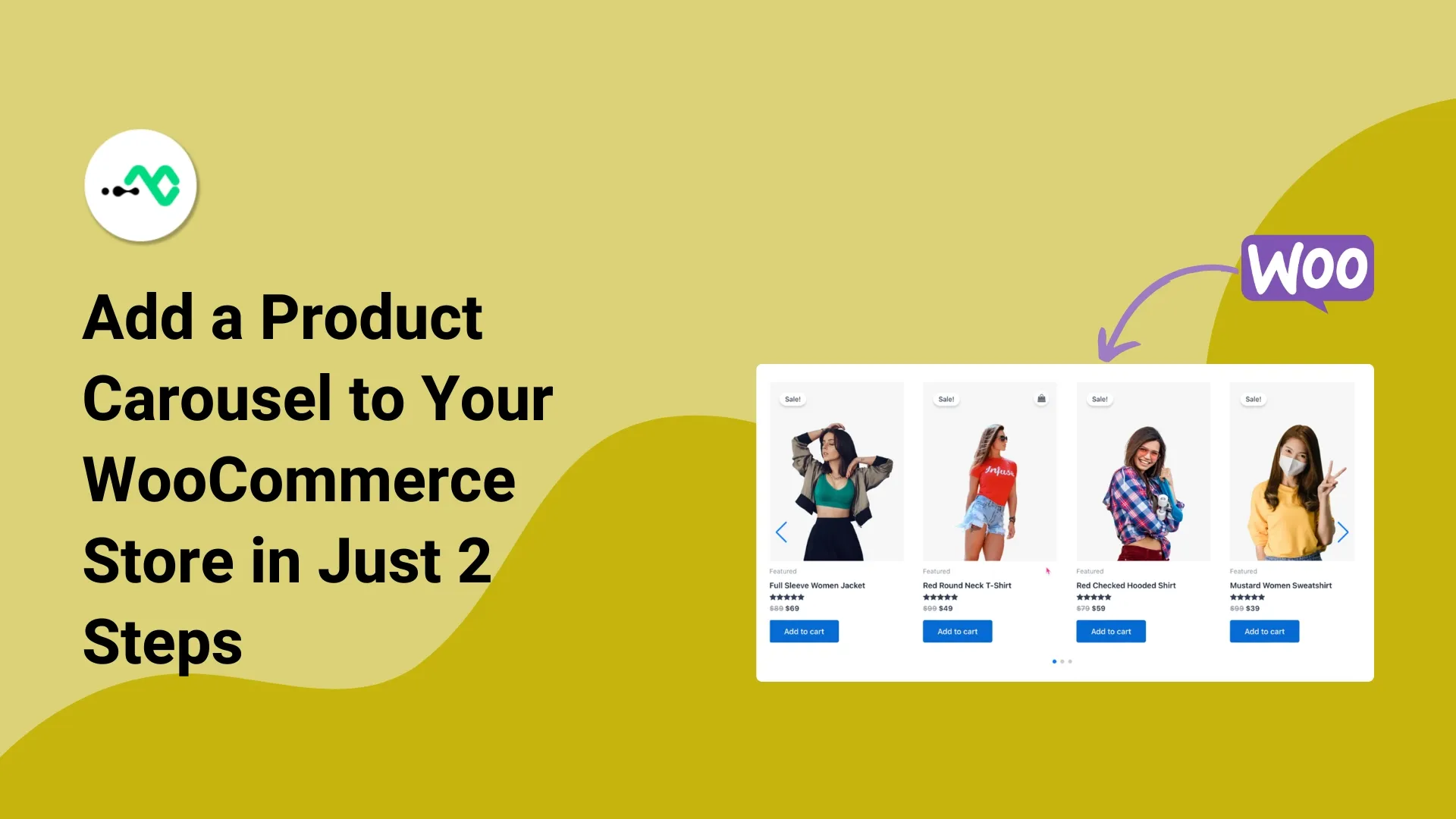
How to Add Product Carousel in WooCommerce Site | 2 Easy Steps
A WooCommerce product carousel displays your best-selling products in a sliding motion. These elements can improve user experience and keep…
-
Classic Editor for WordPress: The Past of Page Building, and What’s Ahead
The Classic Editor for WordPress; once it was the main tool for building pages, writing content, and managing media in…
-

Understand Dynamic Gutenberg Block and 2 Easy Ways to Use It
Since the introduction of the Gutenberg Editor, working with WordPress has become interesting. You have a clean editor with easy-to-use…
-

Top Free Gutenberg Image Blocks You Can Try Today
If you are utilizing WordPress block editor, you may have noticed by now that the default Gutenberg Image block is…
-
Drag, Drop, Done: Discover the Magic of Gutenberg WordPress Blocks Editor
You can’t think of content creation without WordPress. While your site’s success depends on picking the right editor, Gutenberg WordPress blocks…
-

26 Best WordPress Gutenberg Blocks for 2026 (Free and Paid)
The Gutenberg editor is the future of FSE for WordPress, and with the best Gutenberg blocks, you can make that…