
Blocks / Product Accordion
Pro block Block editor
Product Accordion block for WooCommerce
Show WooCommerce products as panels that open, so a whole range fits in a small space.
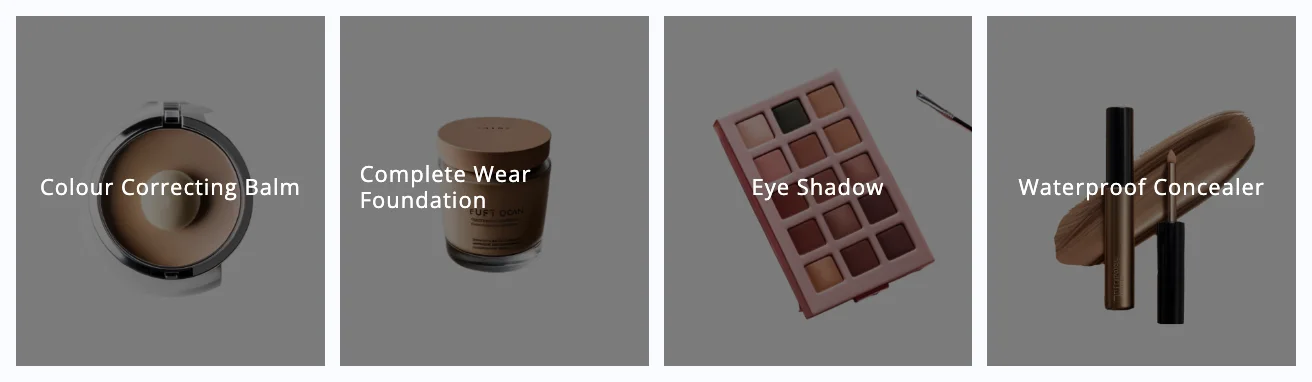
What you can set
Direction
Run the accordion horizontally or vertically.
Trigger and animation
Set what opens a panel, its animation, and which one starts open.
Choose the products
Best sellers, featured products, or specific categories and tags.
Panel content
Show the description at a length you set, with an Add to Cart button.
Where people use it
Featured ranges
Show a small range in one row.
Home pages
Add movement above the fold.
Campaign pages
Give each product a panel.
Pro
Part of WPMozo Blocks and Addons Pro
Product Accordion comes with the Pro version, alongside 21 other Pro blocks.
Related blocks
Using Elementor? See the Product Accordion widget for Elementor.
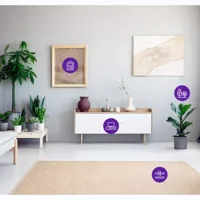
Image Hotspot
Pro
Clickable points on an image, each with its own note.

Marquee Text
Pro
Moving text for announcements and promotions.

Team Grid
Pro
Team members with photos, info and social links.