
Blocks / Team Grid
Pro block Block editor
Team Grid block
Introduce your people in a grid, with photos, job titles and social links. Add your team under WPMozo Team Members in the WordPress admin.

What you can set
Four layouts
Choose from Layout 1 to Layout 4, with the columns and spacing you set, and add pagination with Prev/Next links.
Filterable team
Let visitors filter people by category.
Click action
Open a popup with the member’s details, open a link, or do nothing. Add a “Read More” button if you like.
Strips animation
Show skill bars in the member popup, with optional striped bars, an animation and a speed setting.
Where people use it
About pages
Put names and faces to the company.
Agencies
Group people by department.
Clinics
Show doctors with a popup bio.
Pro
Part of WPMozo Blocks and Addons Pro
Team Grid comes with the Pro version, alongside 21 other Pro blocks.
Related blocks
Using Elementor? See the Team Grid widget for Elementor.
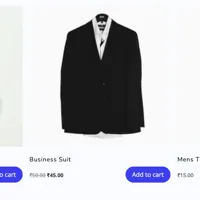
WooCommerce products in a carousel.
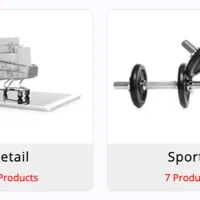
WooCommerce product categories in a grid.

Product images in a WooCommerce gallery.

