
Blocks / Marquee Text
Pro block Block editor
Marquee Text block
Run a line of text across the page for an announcement or a promotion.

What you can set
Your text
Add the words you want to scroll.
Direction
Choose which way the text moves.
Speed
Set the speed in milliseconds.
Hover action
Decide what happens when a visitor hovers.
Where people use it
Sales
Announce an offer site-wide.
Events
Share a date and place.
Brand lines
Add a moving statement between sections.
Pro
Part of WPMozo Blocks and Addons Pro
Marquee Text comes with the Pro version, alongside 21 other Pro blocks.
Related blocks
Using Elementor? See the Marquee Text widget for Elementor.
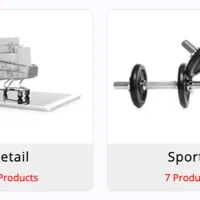
WooCommerce product categories in a grid.

Product images in a WooCommerce gallery.

Woo Product Grid
Pro
WooCommerce products in a grid or masonry layout.