
Blocks / Blog Slider
Pro block Block editor
Blog Slider block
Show your blog posts in a slider, on the home page or beside related content.
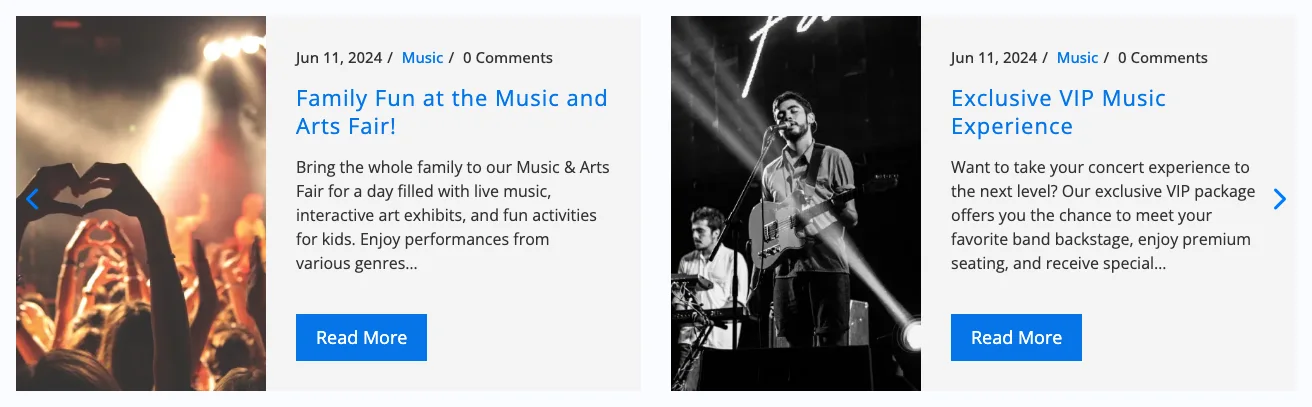
What you can set
Four layouts
Choose Layout 1, 2, 3 or 4.
Choose the posts
Include categories, ignore sticky posts, set the number of posts and an offset, and sort by date, title, slug, ID or at random.
Post details
Set the excerpt length in words, the date format (a PHP date pattern such as F j, Y) and the image height. Turn the image, title, excerpt, author, date, categories, comment count and Read More button on or off.
Motion
Autoplay with a delay you set, looping, and the Slide, Cube, Coverflow, Flip or Fade effect. Set how many posts show at once on desktop, tablet and mobile.
Where people use it
Home pages
Show the latest posts.
Category pages
Slide through one topic.
Resource pages
Group guides together.
Pro
Part of WPMozo Blocks and Addons Pro
Blog Slider comes with the Pro version, alongside 21 other Pro blocks.
Related blocks
Browse all 78 blocks.
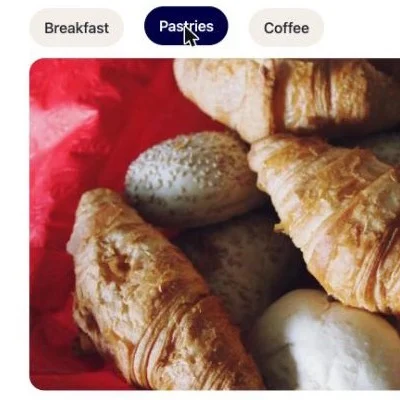
Advanced Tabs
Pro
Sections behind tabs that open on hover or click.

Dynamic Gallery
Pro
Filterable image galleries.
Styling options for Gravity Forms.

