
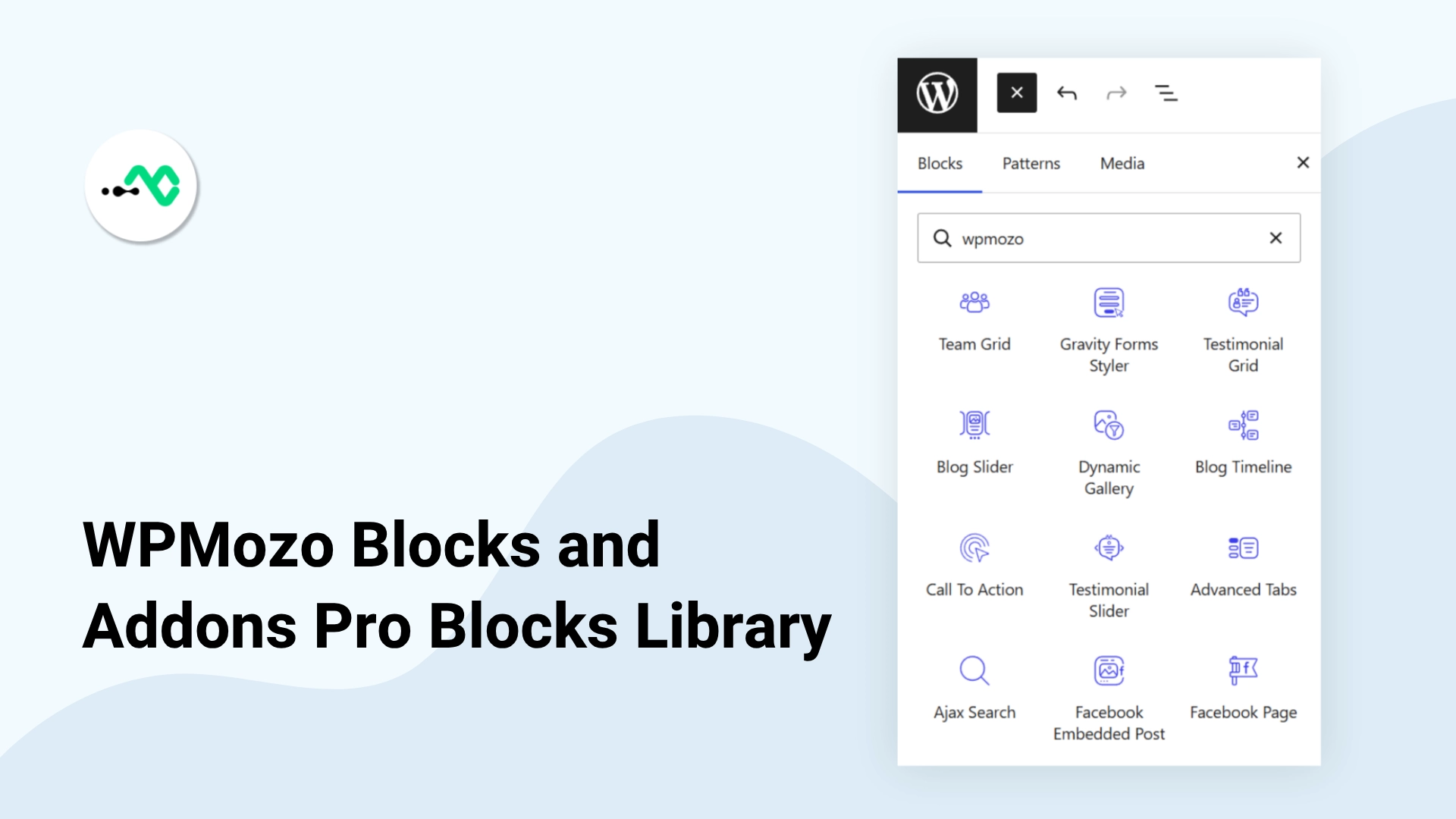
WPMozo Blocks and Addons has grown up. For the first time the plugin has a Pro tier, and it adds 22 new Gutenberg blocks on top of the 54 that ship in the free version. That brings the whole collection to 76 blocks, all built to work inside the native WordPress editor with no page builder required.
This post walks through the free-to-Pro story, then covers all 22 Pro blocks grouped by what they do, who each one helps, and a use case for each. At the end you will find the pricing and how to upgrade. If you want to buy or read the feature list straight from the source, the product page is linked throughout and at the bottom.
What Pro adds to the free 54 blocks
The free WPMozo Blocks and Addons plugin gives you 54 blocks for building pages and posts in Gutenberg. That has always been enough to lay out most content sites.
Pro is aimed at two jobs the free set did not fully cover: running a WooCommerce store inside Gutenberg, and building marketing and landing pages that pull in social proof, forms, and richer media. The 22 Pro blocks fill those gaps. Add them to the 54 free blocks and you have 76 blocks in one plugin, sharing the same editor experience and the same settings approach
You do not lose anything by upgrading. Pro sits on top of the free plugin, so everything you already built keeps working and the new blocks appear alongside the ones you know.
Run a WooCommerce store inside the block editor
These six blocks are for anyone selling with WooCommerce who wants product layouts and search that live in Gutenberg rather than in a theme template.
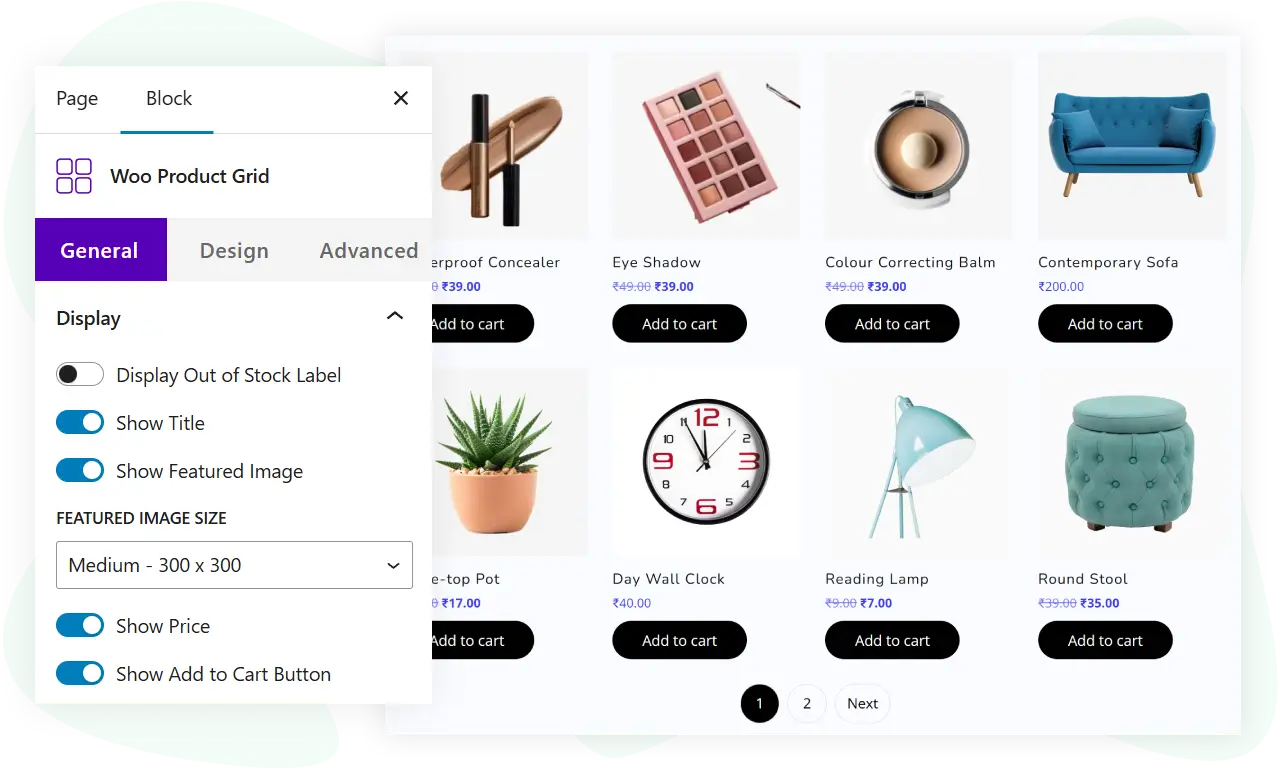
WooCommerce Product Grid
Woo Product Grid lays out your WooCommerce products in a grid you control from the editor. It helps store owners who want a curated product wall on a landing page or category page instead of the default shop layout. Use case: a homepage section that shows your newest or best-selling products in a tidy multi-column grid.
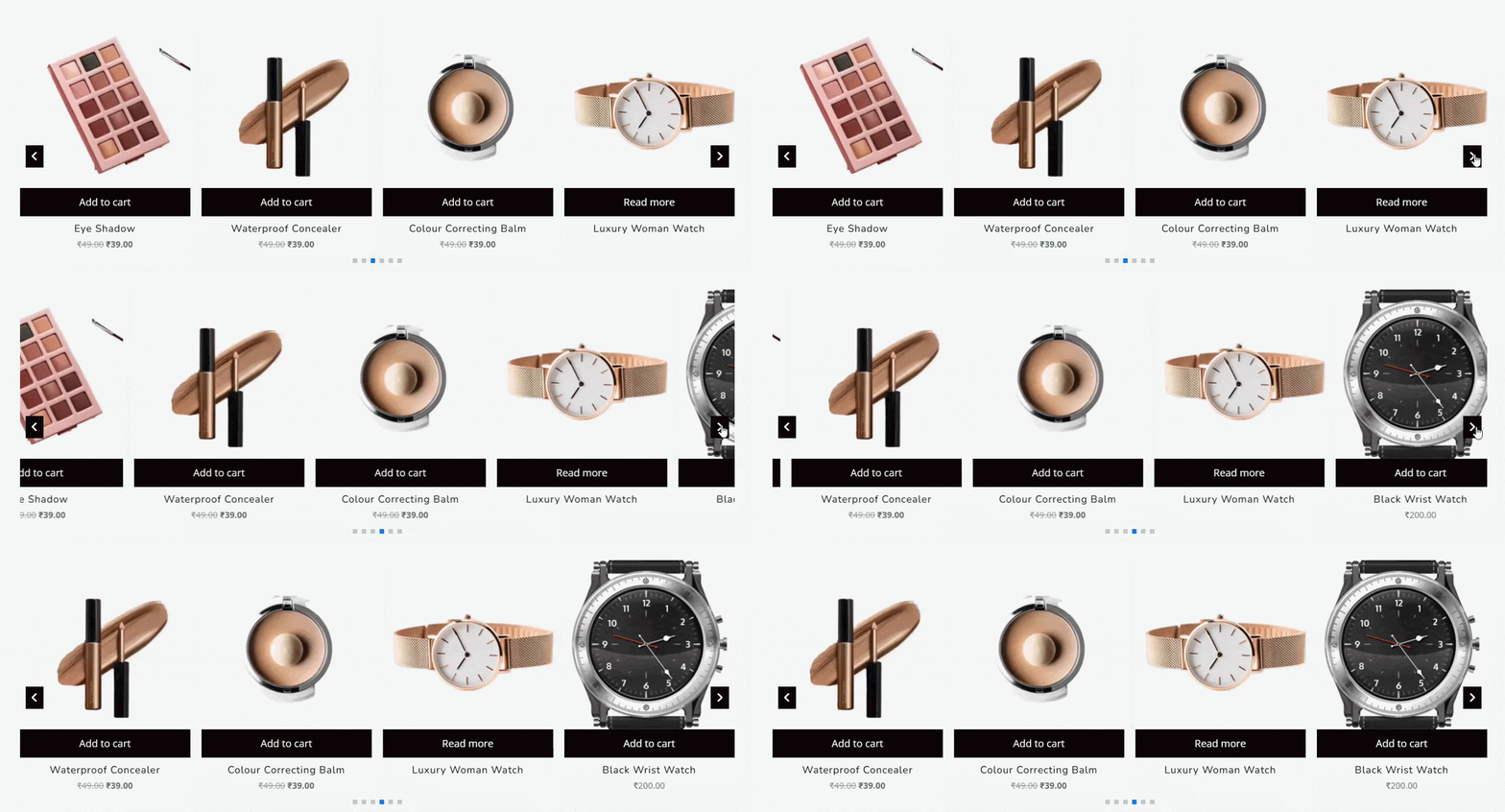
WooCommerce Product Carousel
Woo Product Carousel shows products in a sliding carousel so you can feature more items in less vertical space. It helps stores with long catalogs that want to surface a selection without a tall page. Use case: a “related products” or “you may also like” strip near the bottom of a page.
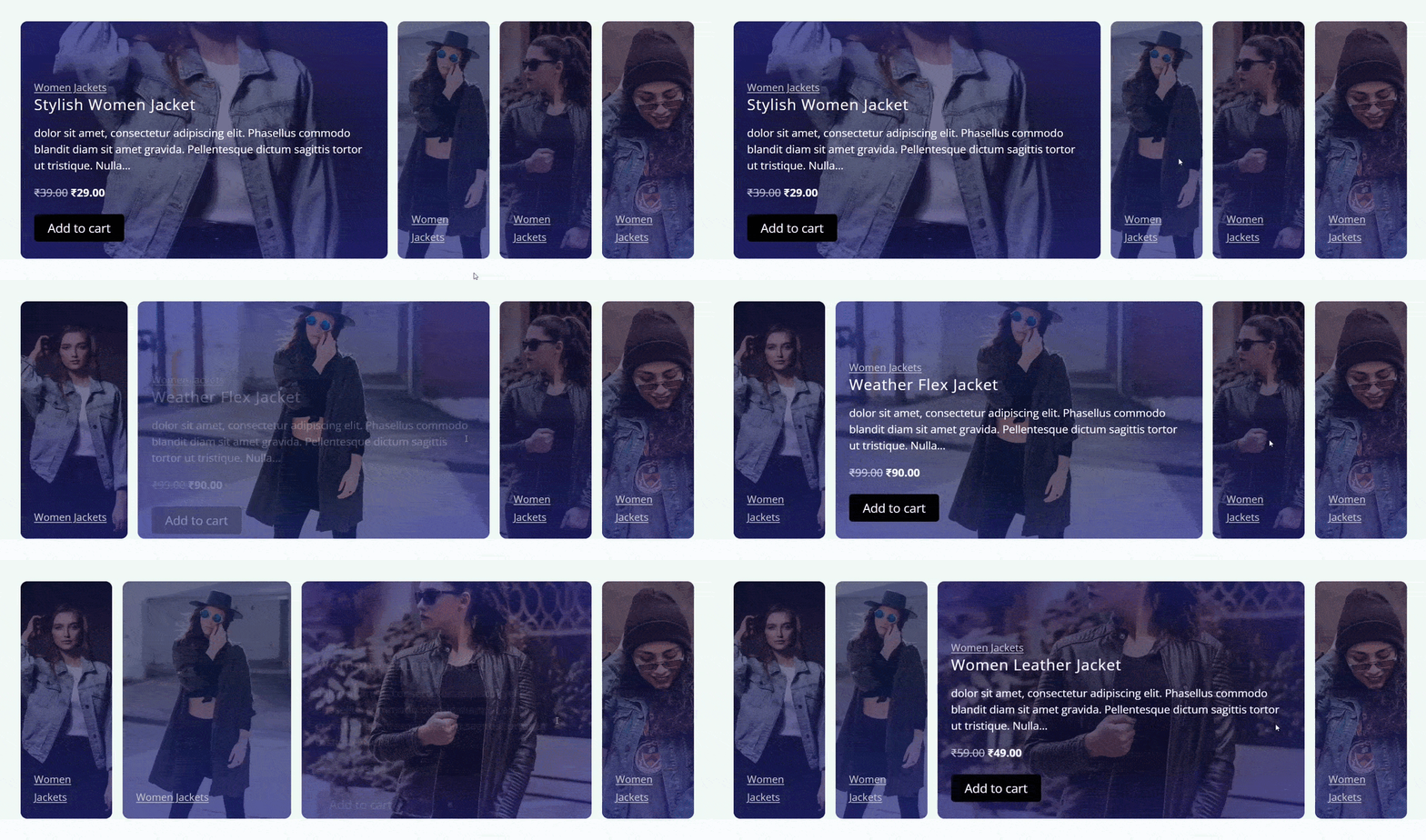
WooCommerce Product Accordion
Woo Product Accordion presents products or product details in collapsible sections. It helps stores that want to group products under expandable headings to keep a page compact. Use case: a page that lists product ranges by type, each range folded into its own accordion section.
WooCommerce Product Categories
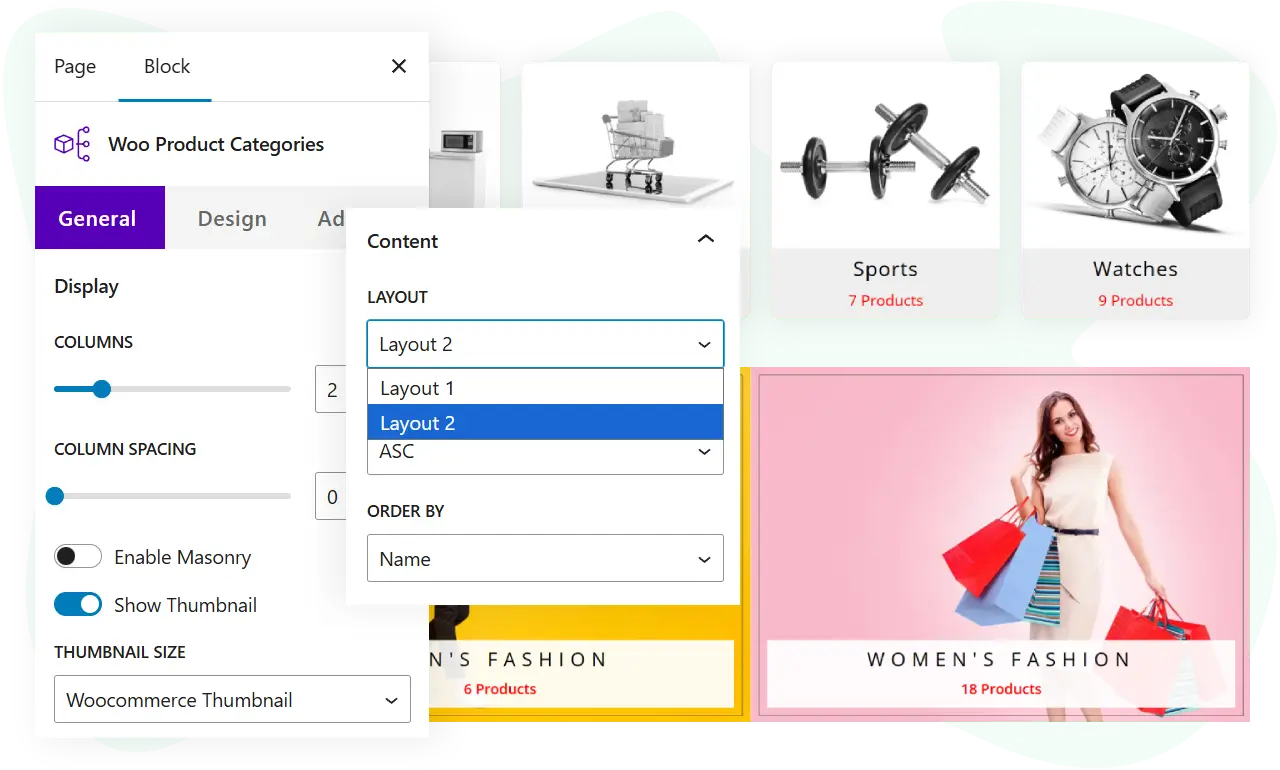
Woo Product Categories displays your store categories as a browsable block. It helps shoppers find the right section fast and helps owners build category-led landing pages. Use case: a “shop by category” grid on the homepage that links straight into each category archive.
WooCommerce Product Gallery
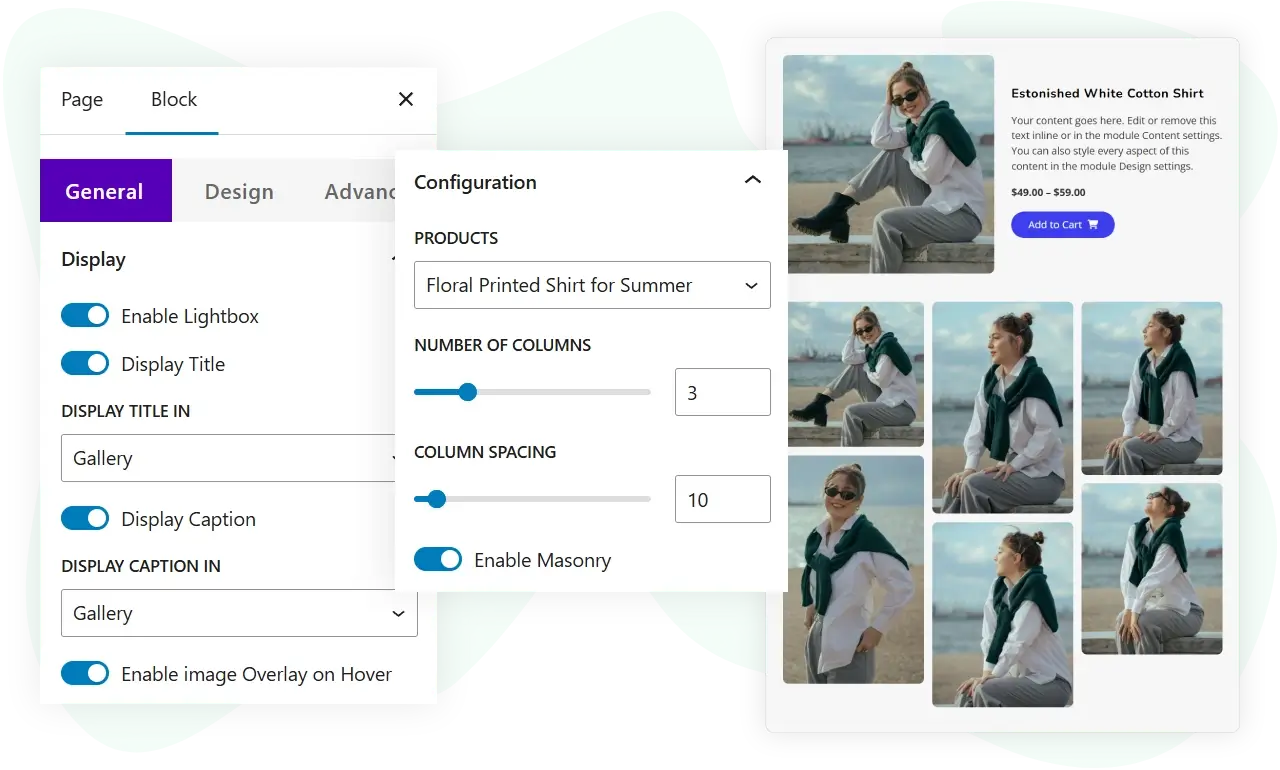
Woo Product Gallery is a media-forward way to show a product’s images inside Gutenberg. It helps stores that want a custom product presentation on a landing page rather than the standard single-product template. Use case: a hero product feature that shows several angles of one item in a gallery.
Ajax Search
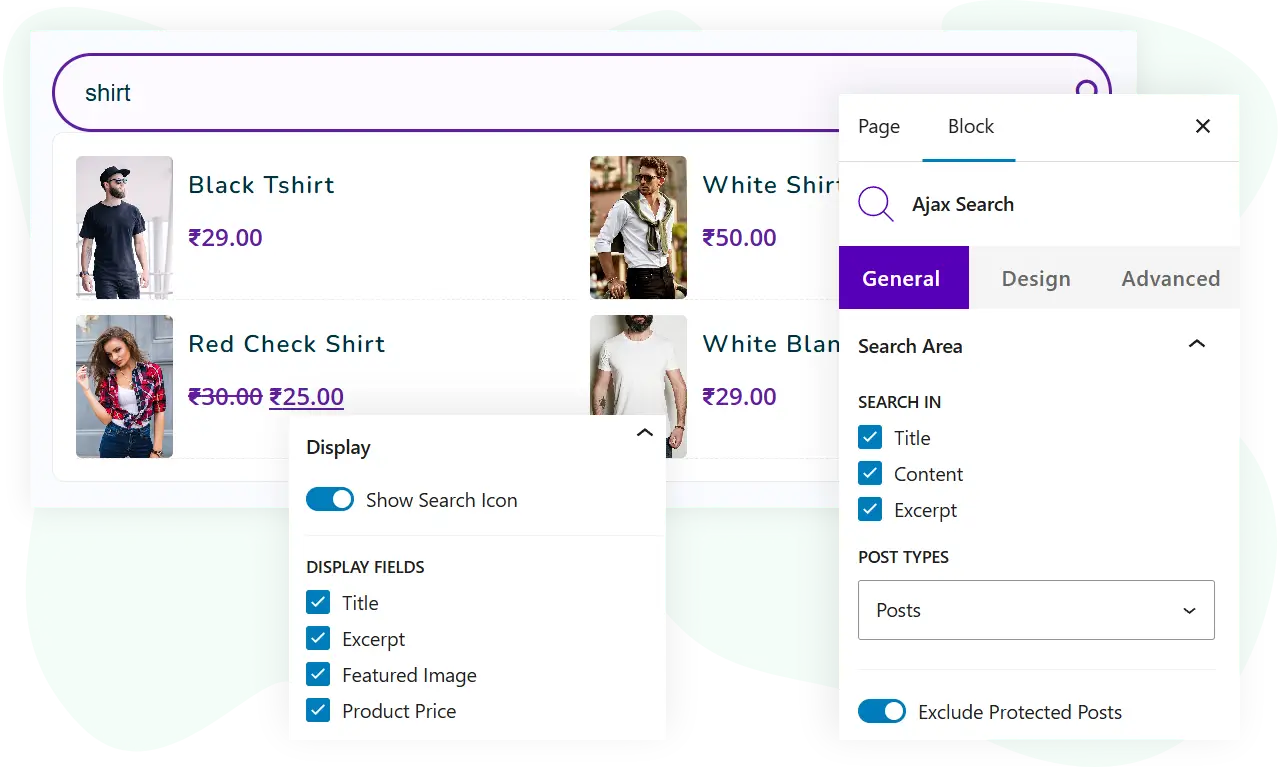
Ajax Search adds a search field that returns results as the shopper types, without a full page reload. It helps stores and content sites where visitors want to find a product or post quickly. Use case: a search box in the header of a store landing page that shows matching products live as the query is typed.
Add social proof and marketing to any page
These eight blocks are for landing pages and campaigns: social feeds, styled forms, popups, testimonials, and attention-drawing text.
Gravity Forms Styler
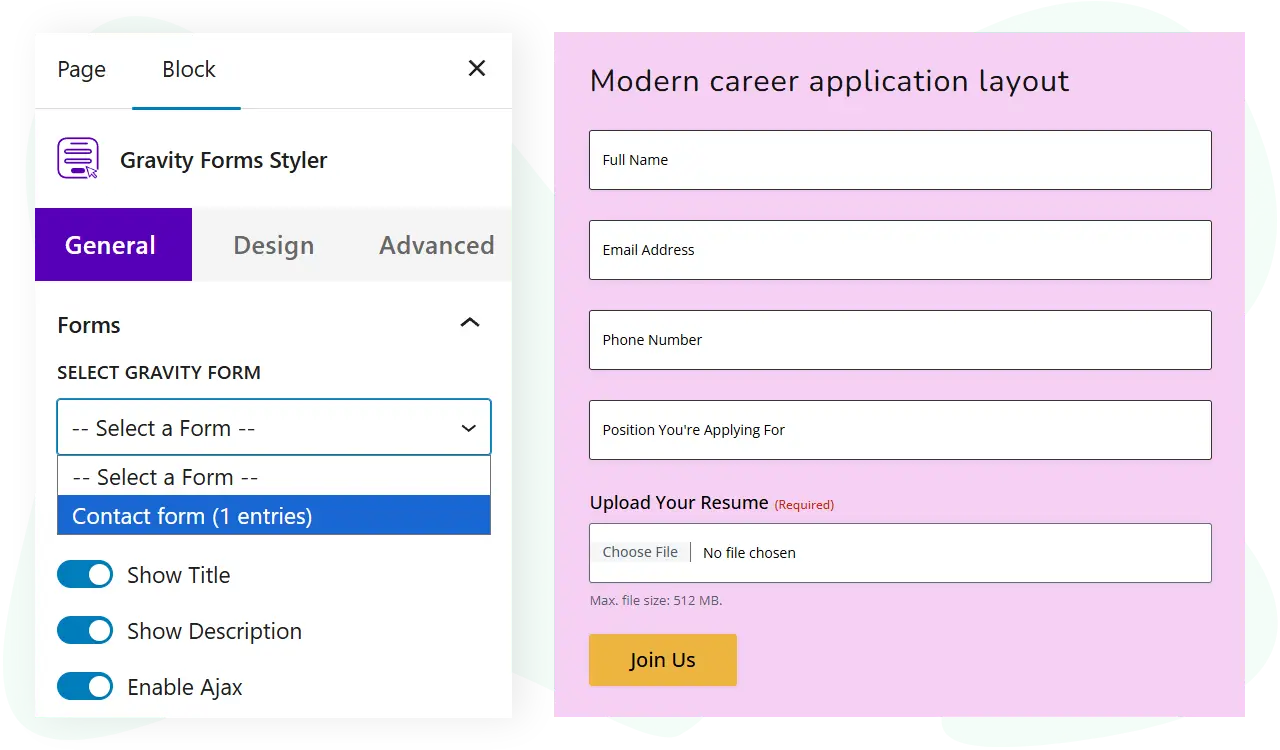
Gravity Forms Styler applies WPMozo styling to your existing Gravity Forms so they match your page design. It helps site owners who use Gravity Forms but want the form to look like part of the page rather than the plugin default. Use case: a lead-capture form on a landing page styled to match your brand colors and spacing.
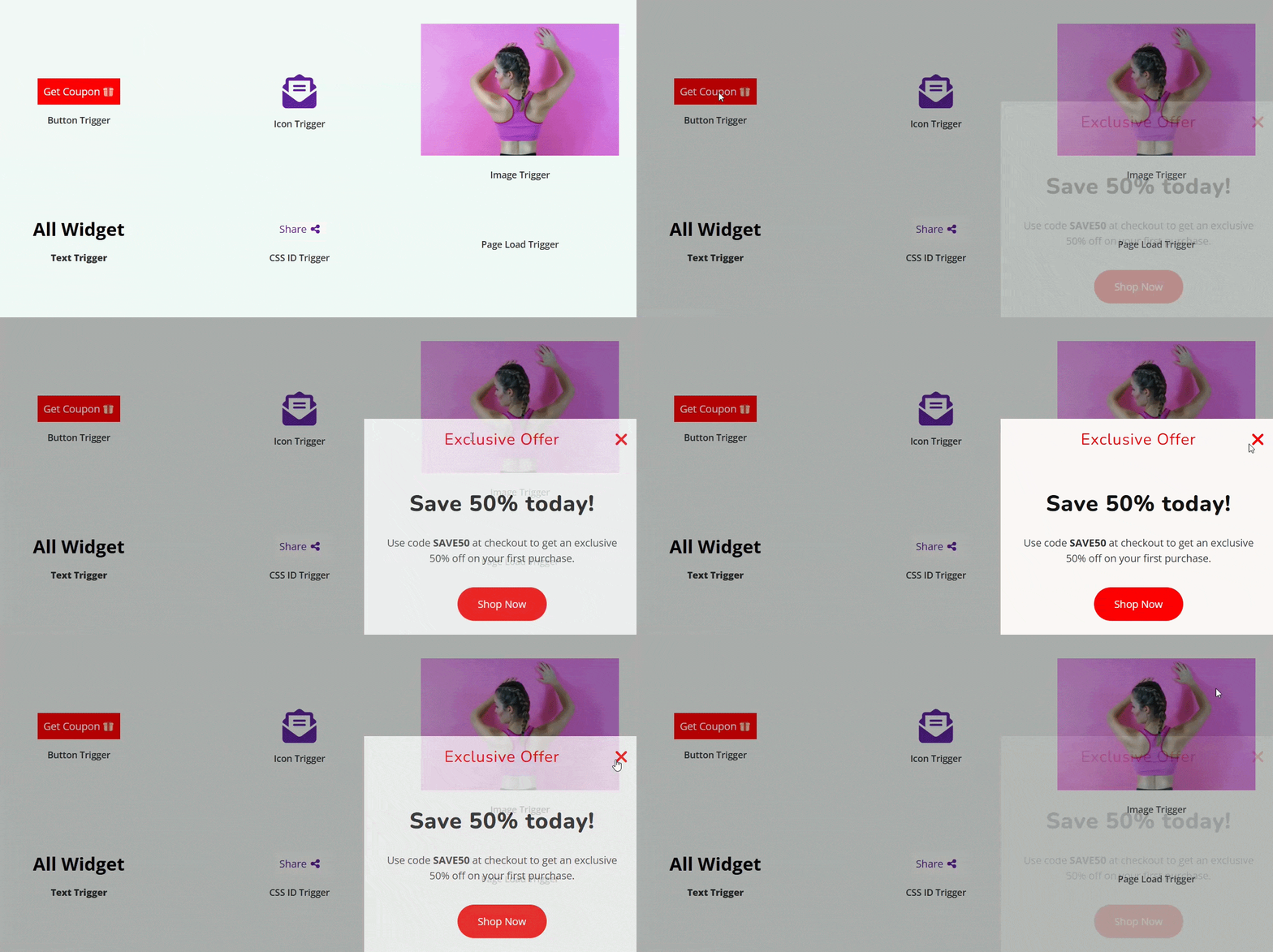
Modal Popup
Modal Popup shows content in an overlay triggered on the page. It helps marketers who want to present an offer, sign-up, or notice without sending the visitor to another page. Use case: a discount offer that opens in a popup when a visitor clicks a button.
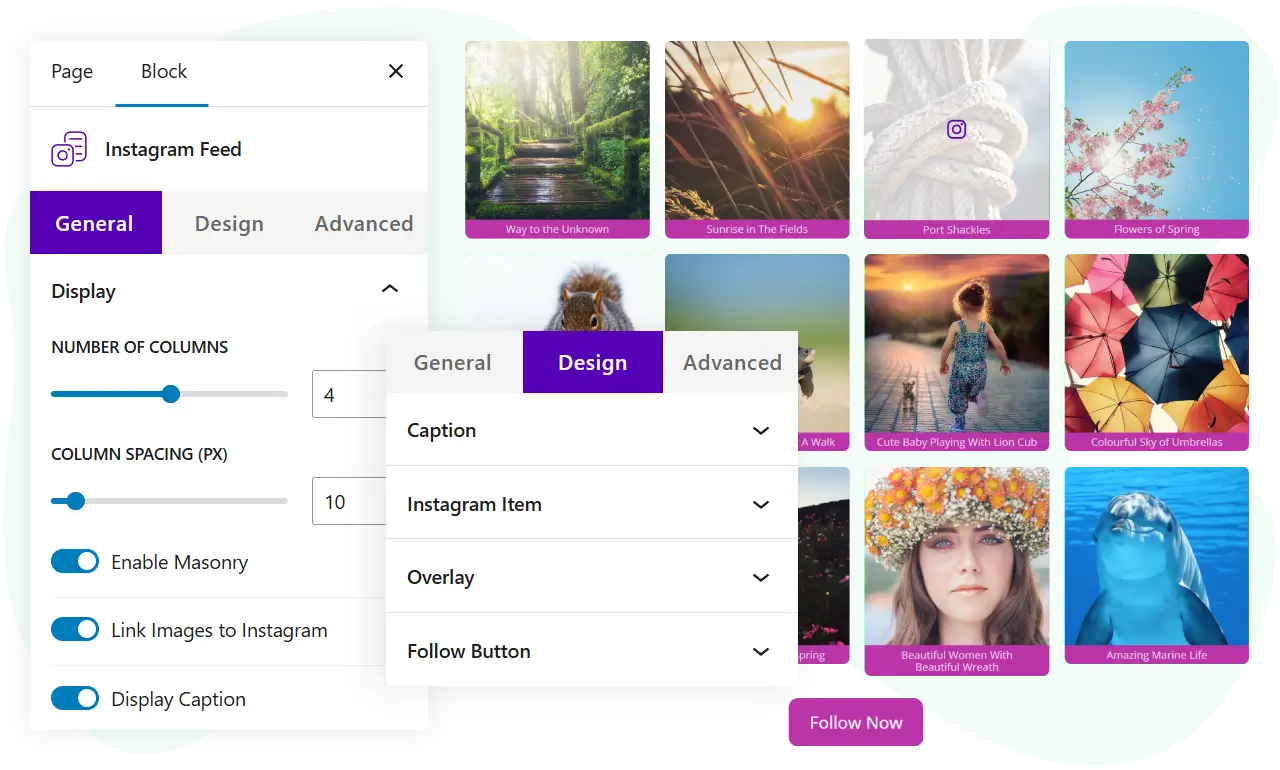
Instagram Feed
Instagram Feed pulls your Instagram posts onto the page in a grid. It helps brands and creators who want to show live social proof and keep the page fresh. Use case: a “follow us on Instagram” section under a product feature that displays your latest posts.
Instagram Feed Carousel
Instagram Feed Carousel shows the same Instagram content as a sliding carousel to save vertical space. It helps brands that want the feed to take up less of the page. Use case: a single-row Instagram strip in a footer or between page sections.

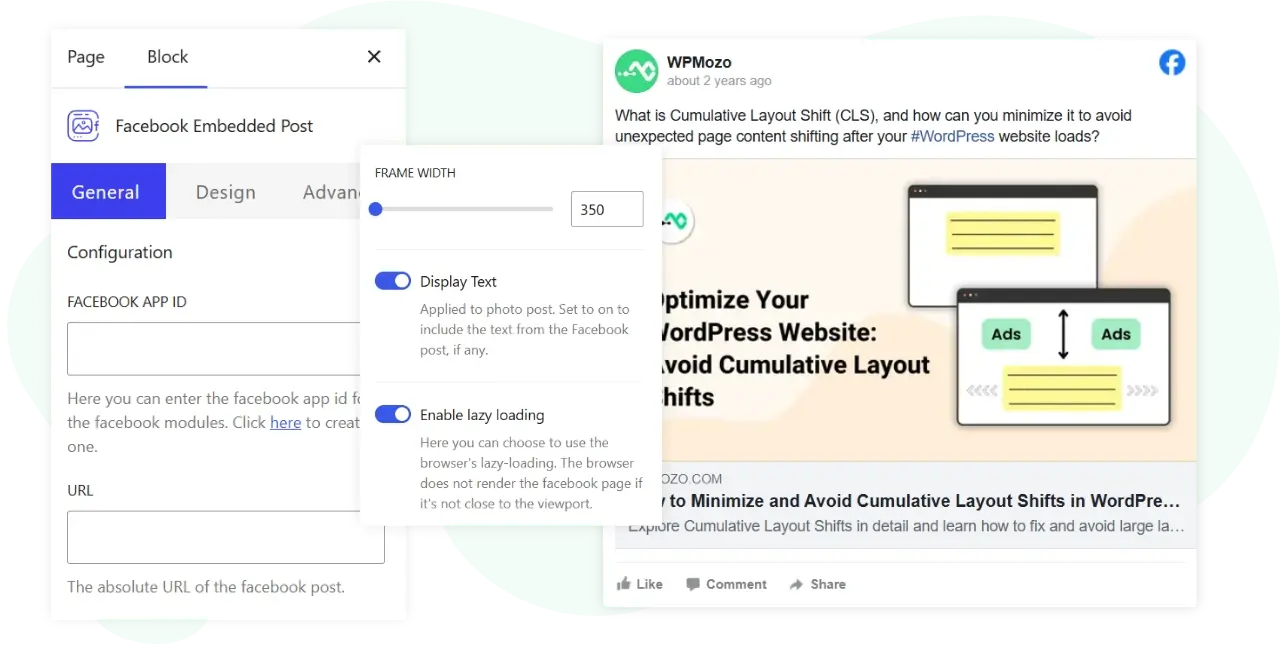
Facebook Embedded Post
Facebook Embedded Post places a specific Facebook post directly on your page. It helps marketers who want to highlight a particular announcement or piece of social proof. Use case: embedding a well-received Facebook post as testimonial-style content on a campaign page.
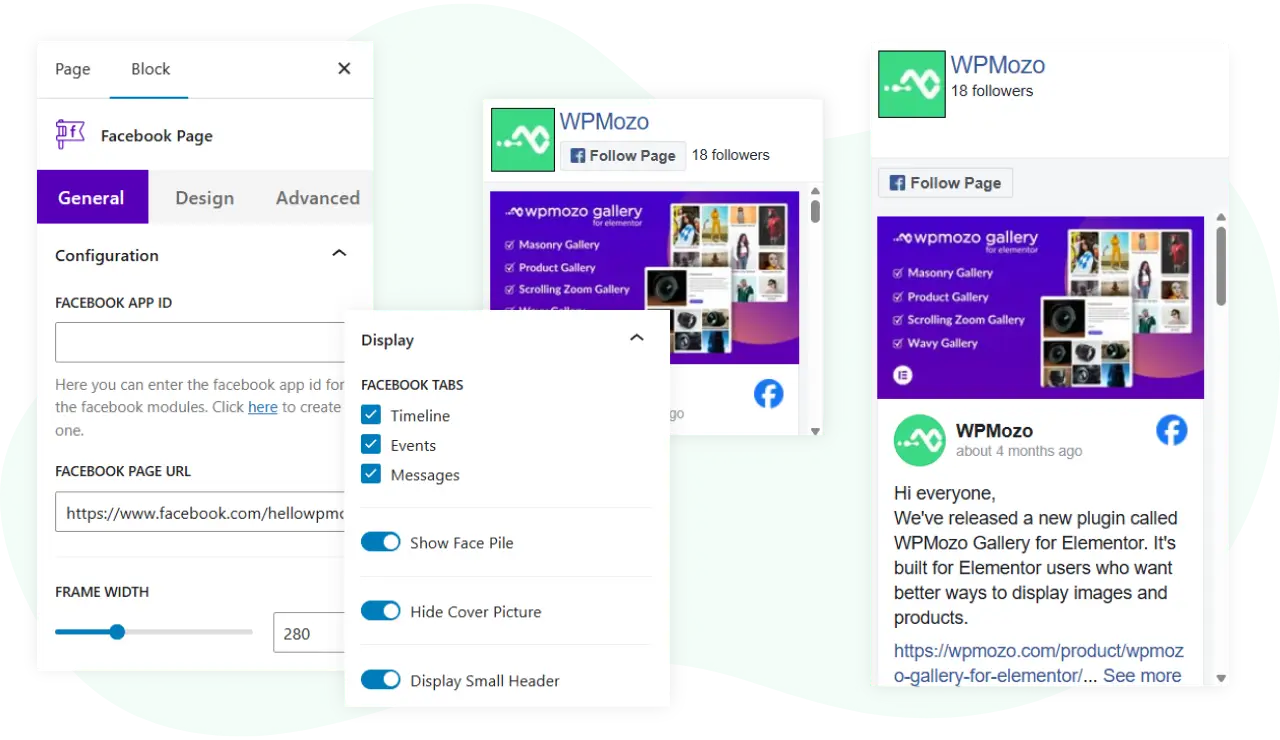
Facebook Page
Facebook Page embeds your Facebook Page feed or widget so visitors can see and follow your page. It helps brands that want to grow their Facebook following from their website. Use case: a sidebar or footer widget showing your Facebook Page with a follow button.
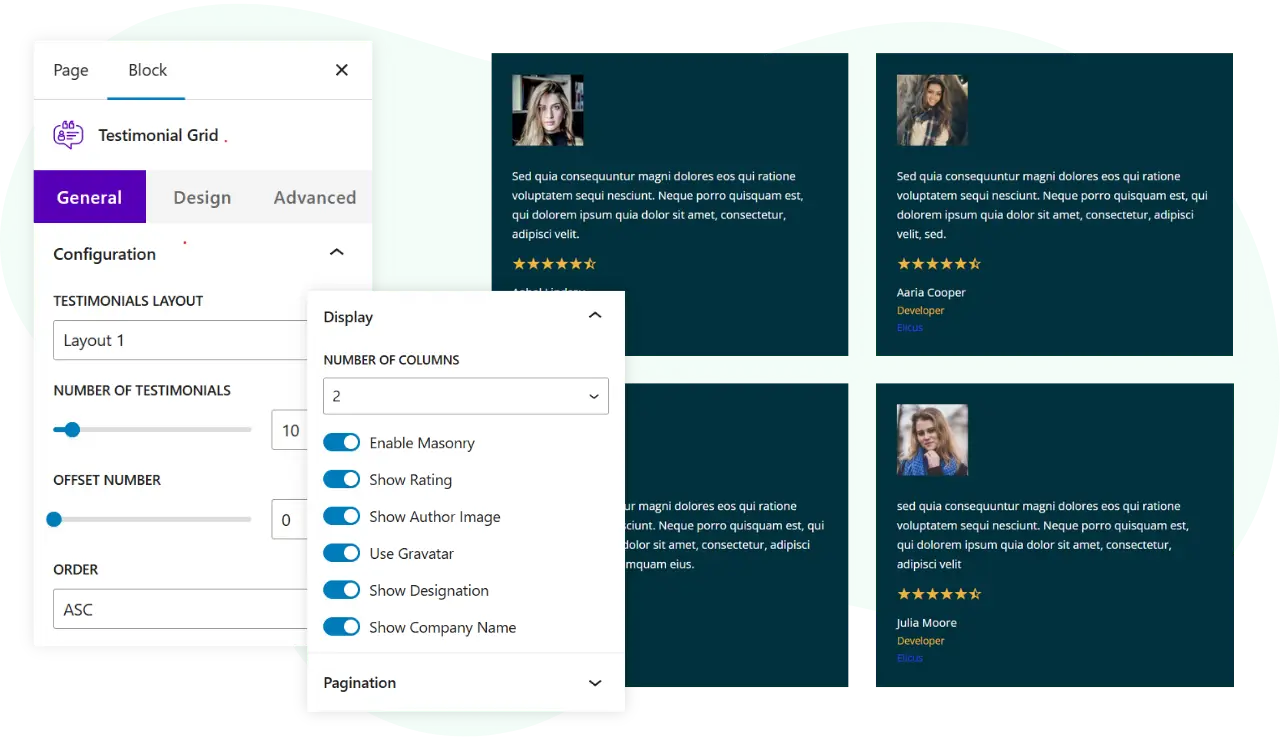
Testimonial Grid
Testimonial Grid arranges customer quotes in a grid layout. It helps any business that wants to show social proof in an organized block. Use case: a “what our customers say” section on a sales page with several testimonials side by side.
Marquee Text
Marquee Text scrolls a line of text across the page to draw attention. It helps marketers who want a moving announcement bar or headline. Use case: a scrolling “free shipping this week” line across the top of a store landing page.

Build richer page layouts, no code
These eight blocks are for structuring pages: tabs, sliders, galleries, hotspots, timelines, and team layouts.
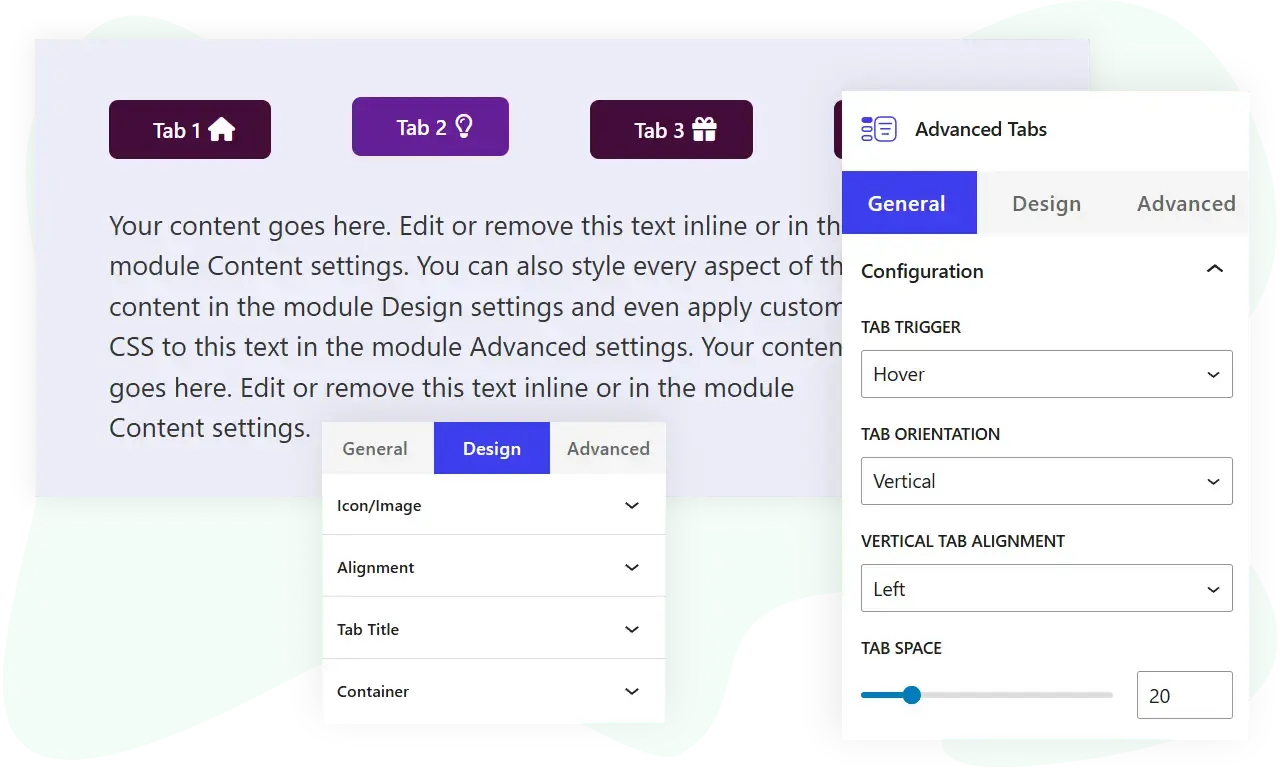
Advanced Tabs
Advanced Tabs organizes content into tabbed panels so visitors can switch between sections in place. It helps anyone with a lot of content to present without a long scroll. Use case: a product page that splits description, specifications, and FAQ into three tabs.
Advanced Blog Slider
Advanced Blog Slider shows your blog posts in a slider pulled from your post archive. It helps content sites that want to feature recent or selected posts on a page. Use case: a “from the blog” carousel on the homepage that rotates through your latest articles.
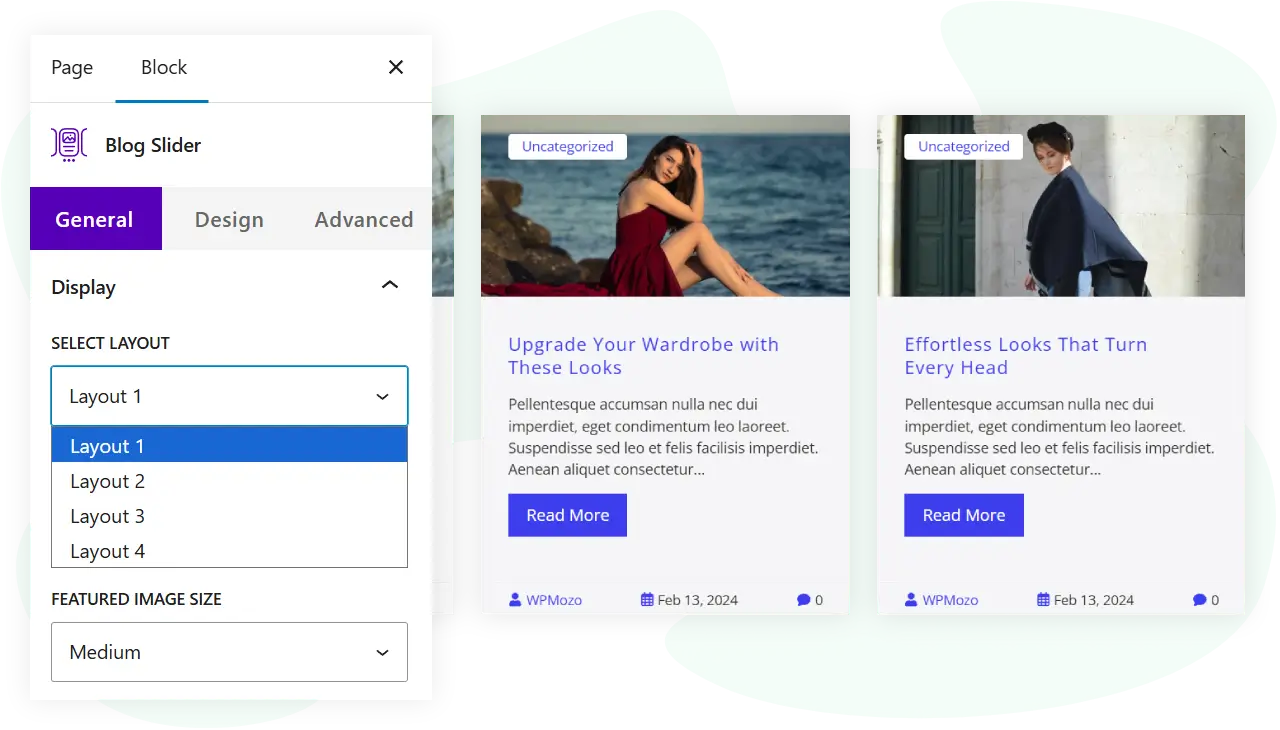
Image Hotspot
Image Hotspot lets you place clickable markers on an image that reveal text or links. It helps stores and product teams that want to annotate an image with details. Use case: a product photo with hotspots that explain each feature when a visitor hovers or clicks.
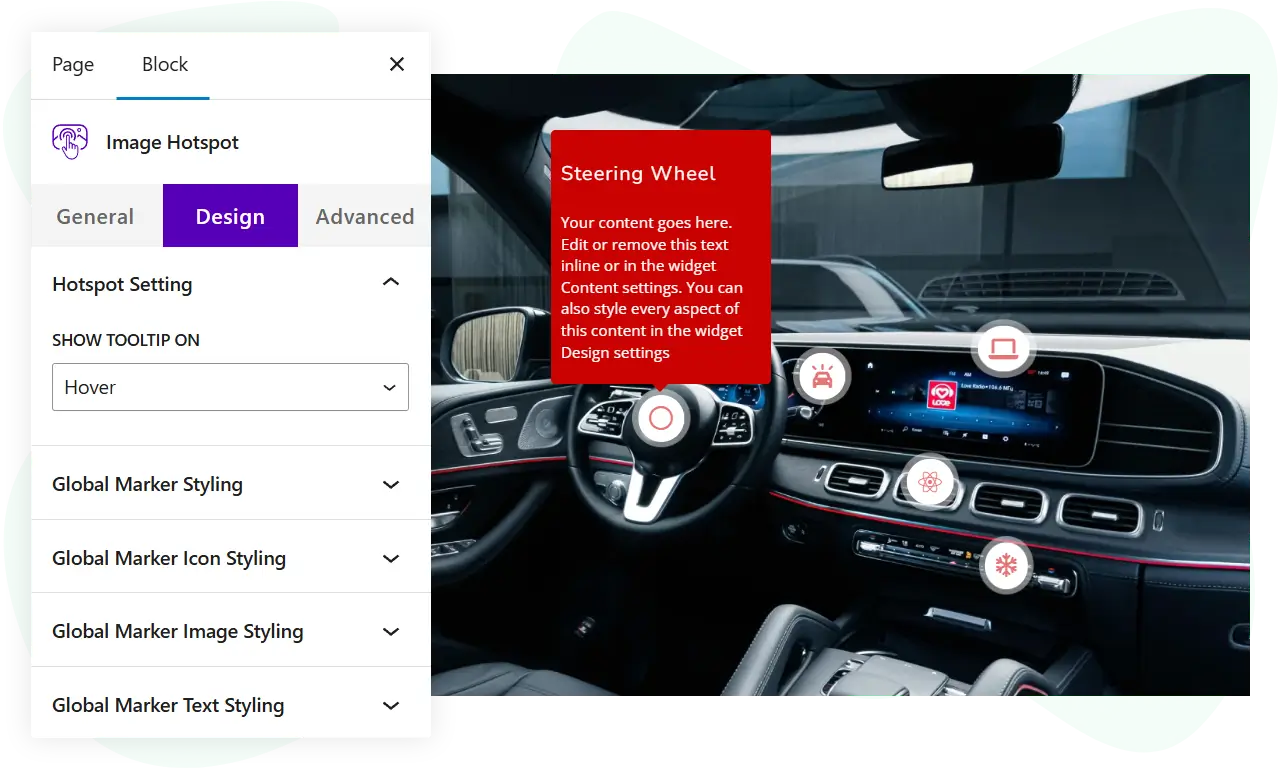
Image Card Carousel
Image Card Carousel shows image-led cards in a sliding row. It helps teams presenting services, features, or products as visual cards. Use case: a row of service cards that slides through your offerings on a landing page.

Hero Slider
Hero Slider builds a full-width slideshow for the top of a page. It helps landing pages that want a rotating headline area with images and buttons. Use case: a homepage hero that cycles through several promotions, each with its own image and call to action.

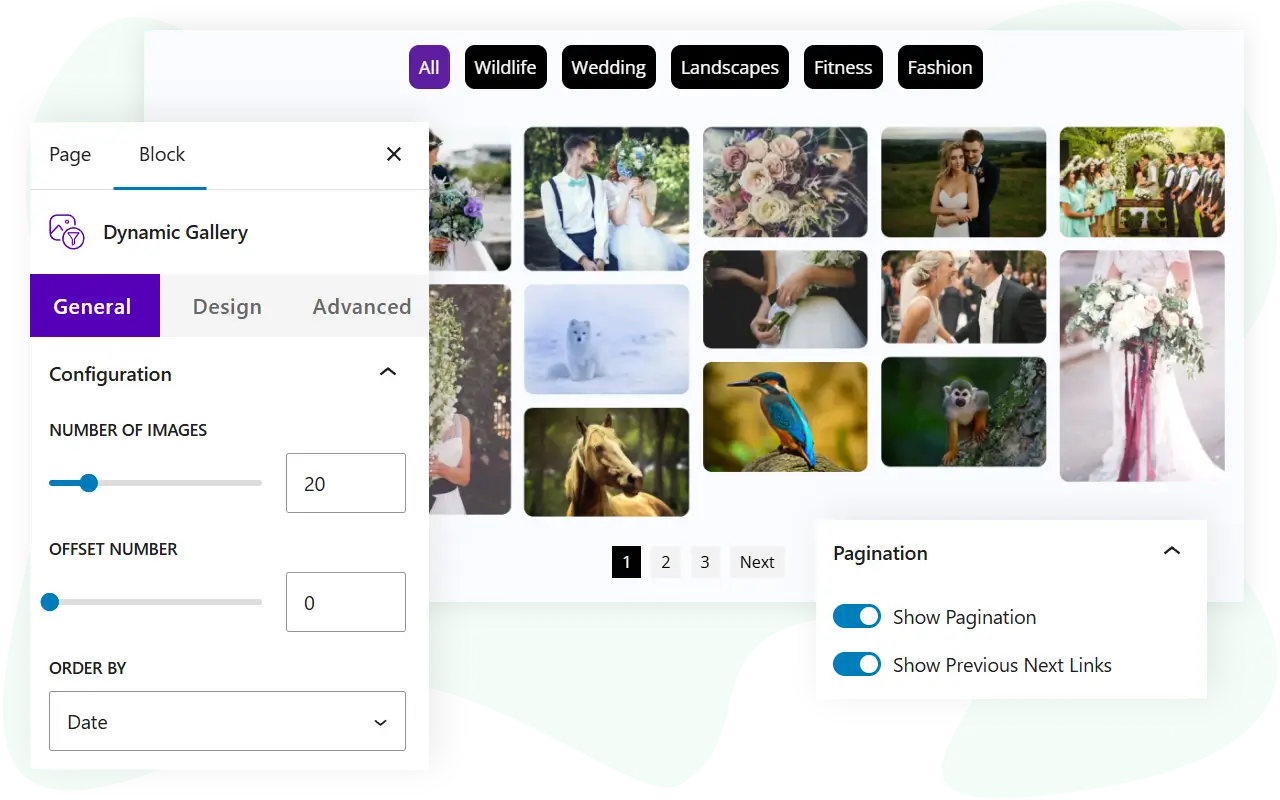
Dynamic Gallery
Dynamic Gallery presents images in a gallery that can pull content dynamically. It helps sites with a lot of imagery that want a filterable or query-driven display. Use case: a portfolio page that shows images grouped by category with filtering.
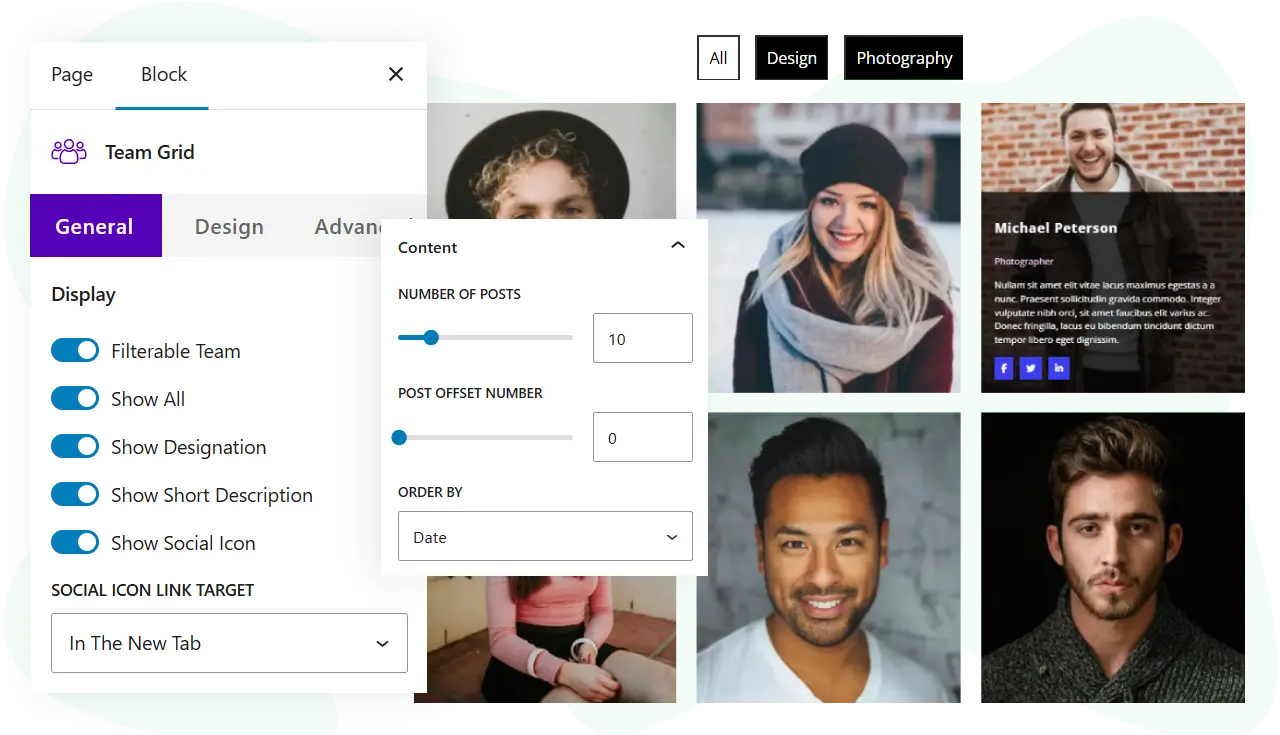
Team Grid
Team Grid arranges team members in a grid with photos and details. It helps agencies and businesses that want an about page or team section. Use case: a “meet the team” page with each member’s photo, name, role, and social links.
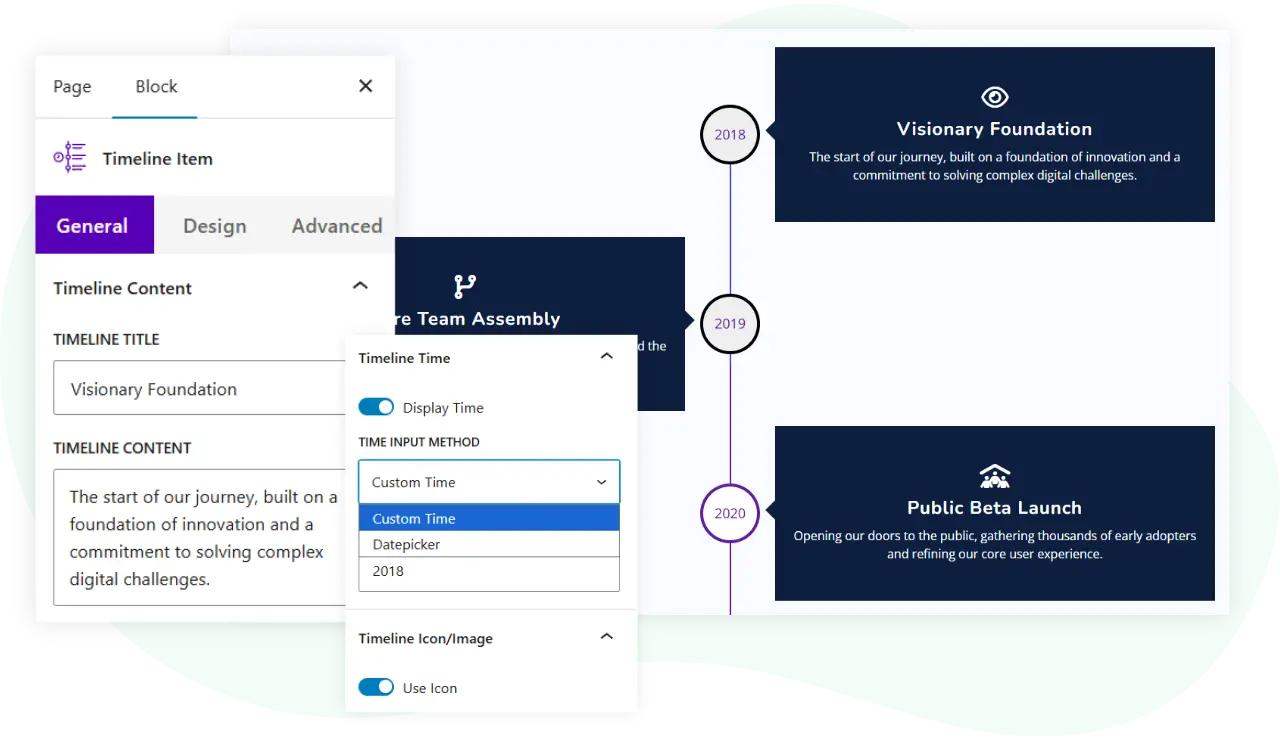
Timeline
Timeline lays out events or steps along a vertical or horizontal line. It helps businesses telling a story of milestones or a process. Use case: an “our story” section that shows company milestones by year, or a step-by-step process on a service page.
Plans and pricing
WPMozo Blocks and Addons Pro is available on two plans:
- Annual: $79 per year for unlimited websites
- Lifetime: $249 for unlimited websites
Both plans give you all 22 Pro blocks on top of the 54 free blocks. The free plugin stays free, so you can try the core blocks first and add Pro when you need the store, social, and landing-page blocks..
How to upgrade to Pro
If you already run the free plugin, upgrading keeps everything in place:
- Buy a plan from the product page.
- Install and activate the Pro add-on alongside the free plugin.
- The 22 Pro blocks appear in the editor next to your existing blocks.
You can see the blocks in action first on the live demo at https://wpmozoblocks.com before you decide.
Start building with all 76 blocks
Ready for all 76 blocks in one Gutenberg plugin? Read the full feature list and choose your plan on the product page:

0 Comments