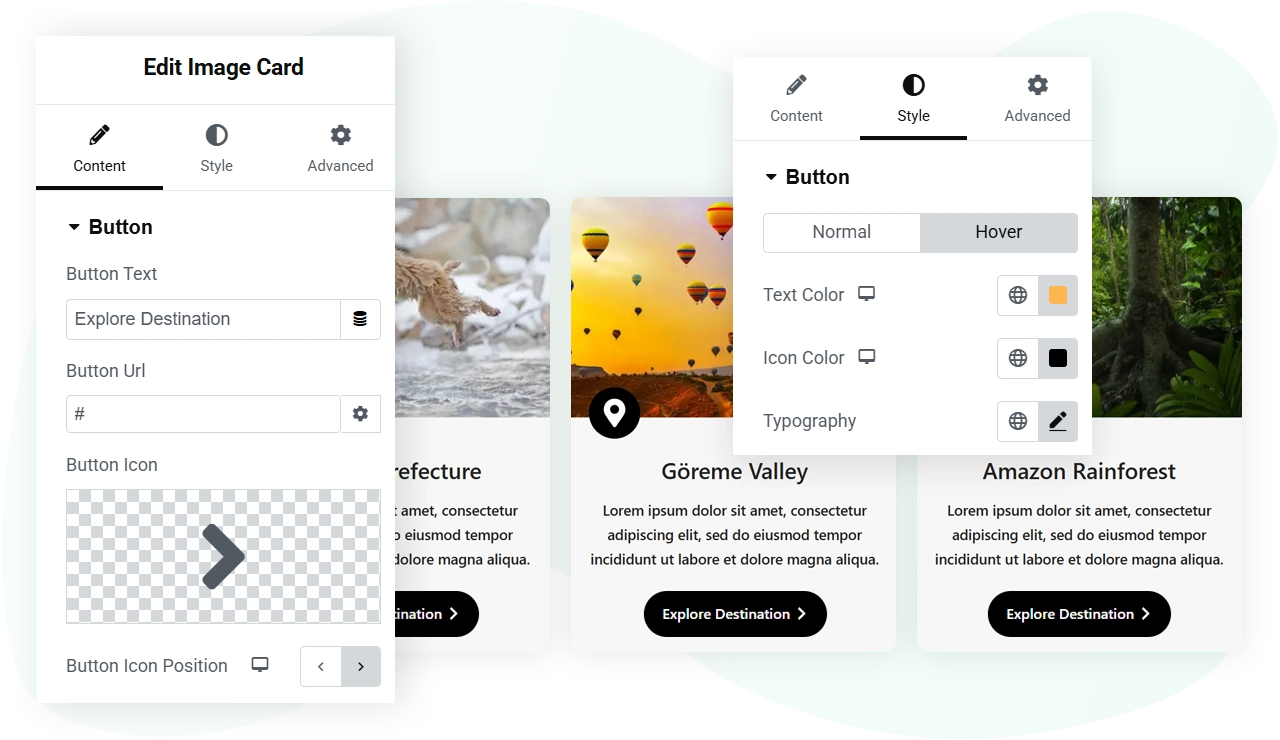
Elementor widgets / Image Card
Free widget Elementor
Image Card widget for Elementor
A card with an image and its details.
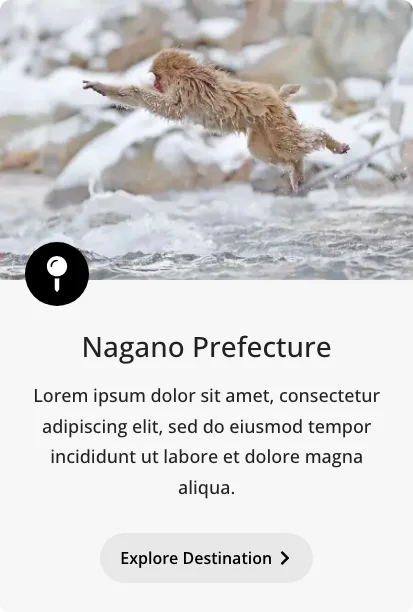
Use Multiple Resolutions of the Image Cards
Create Image Cards on your Elementor website without worrying about image resolution. The Image Card widget from WPMozo Addons for Elementor plugin provides you with easy options to select the image’s resolution. After adding the image, you can choose how to render it from the available options, including Thumbnail, Medium, Large, Full, Custom, and more.
Add Image Title and Content With Dynamic Tags
The Image Card widget of the WPMozo Addons for Elementor plugin provides you with easy options to display the Title and Content on the images. You can set a custom title or choose the default title of the images using the Dynamic Tags. You can do the same with the content you want to display on the pictures. Furthermore, using the available style options, you can improve the look of the Title and Content according to the design requirements.Show Custom Icons on the Image Cards
In order to improve the engagement of the Image Cards, you can choose to display icons from Elementor’s library. Or upload your own. By doing so, you can give the Image Card an additional creative touch, keeping the theme of the images in mind. You also get styling options to customize the size, placement, and look of the icon for effective engagement.