
Blocks / Product Gallery
Pro block Block editor
Product Gallery block for WooCommerce
Build a gallery from a WooCommerce product’s featured and gallery images and show it on any page. Needs WooCommerce installed and active.
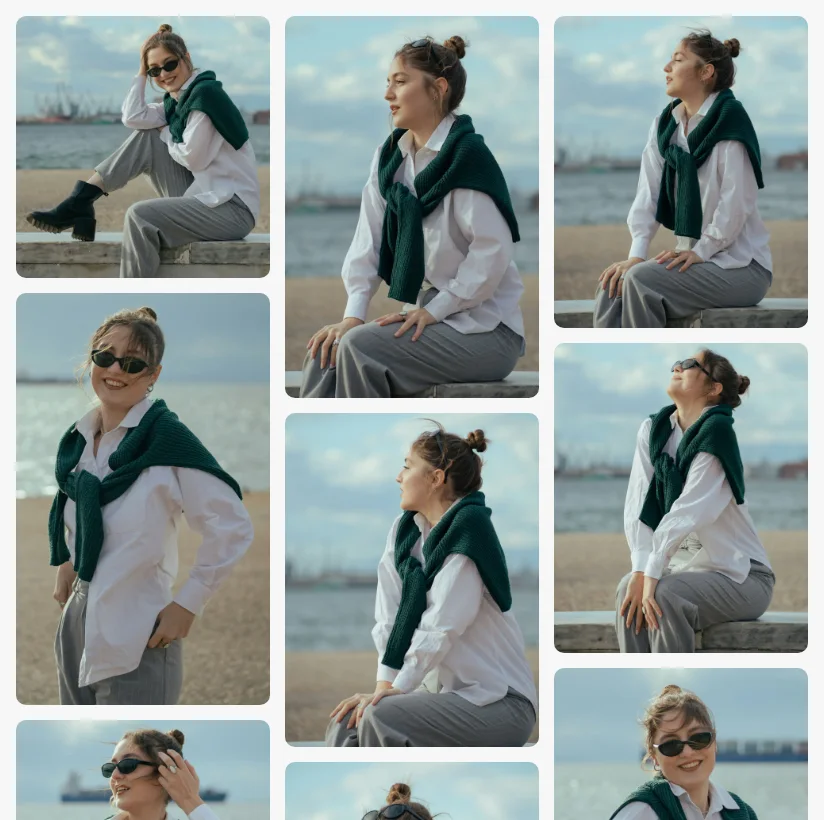
What you can set
Lightbox
Open images in a lightbox, and set its background, close icon and arrow colours.
Grid or masonry
Set the number of columns, or turn on masonry.
Title and caption
Show the image title and caption in the gallery, the lightbox, or both. They come from each image’s details in the Media Library.
Hover overlay
Add an overlay with an icon you pick.
Where people use it
Lookbooks
Show one product from every angle.
Landing pages
Add a product gallery away from the shop.
Blog posts
Show the product you are writing about.
Pro
Part of WPMozo Blocks and Addons Pro
Product Gallery comes with the Pro version, alongside 21 other Pro blocks.
Related blocks
Using Elementor? See the Product Gallery widget for Elementor.

Hero Slider
Pro
Hero sections with images as slides.

Image cards in a carousel.
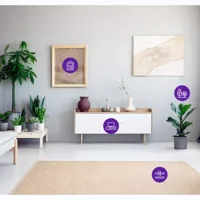
Image Hotspot
Pro
Clickable points on an image, each with its own note.

