
Elementor widgets / Masonry Gallery
Free widget Elementor
Masonry Gallery widget for Elementor
Show a large photo collection in a masonry layout, with a lightbox, captions and overlay effects, free in Elementor.

WPMozo Addons for Elementor Offering Masonry Gallery Widget
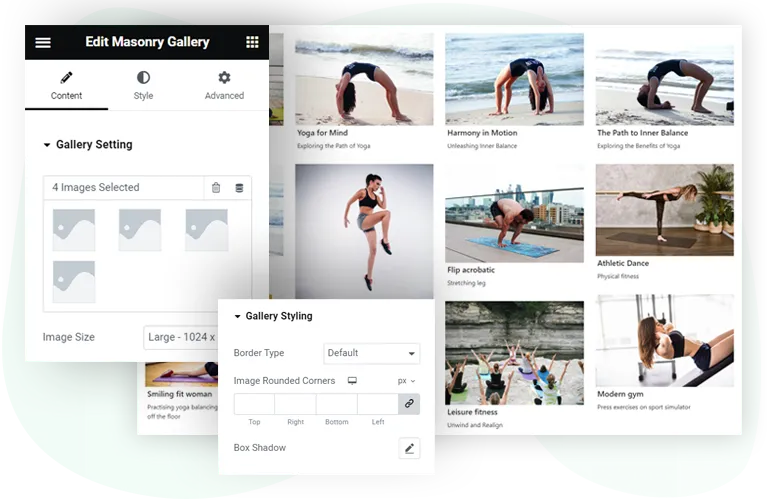
Build a gallery by picking images as you go. Masonry Gallery is one of the 85 widgets in WPMozo Addons for Elementor.
10columns at most
3title and caption places
Freeno paid plan needed
Anynumber of images
Visually Engage Visitors with Elementor Masonry Gallery Widget
The main things it does.
Image sizes
Choose the image size for the gallery.
Titles and captions
Show them with your images.
Lightbox and overlay
Give visitors a closer view.
Showcase Unlimited Images with Masonry Gallery
Add as many images as you need, which suits larger galleries. You can add them while you build the gallery.
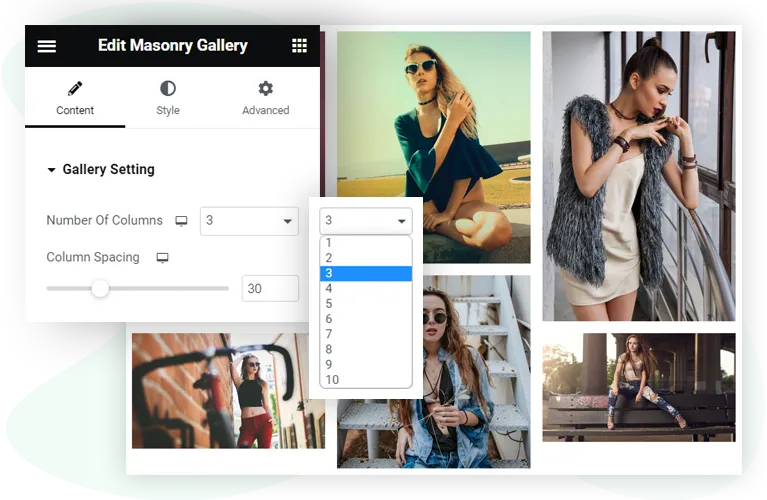
Display Images in Up to 10 Columns
Change the layout to suit how many images you have.
Columns
Show images in up to 10 columns.
Column spacing
Set the space between images.
Per device
The defaults are 4 columns on desktop, 2 on tablet and 1 on mobile.
Title and Caption with Placement Option
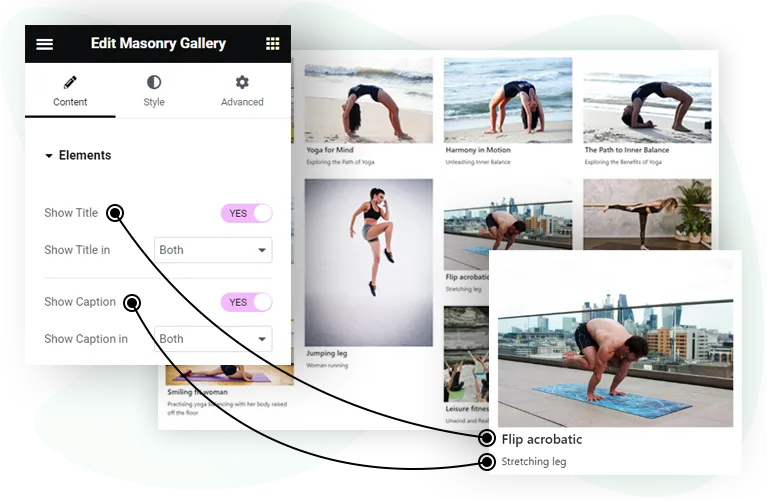
Turn on the title and caption in the content settings, then choose where each appears.
- In the gallery
- In the lightbox
- Or in both places
Enable Lightbox and Overlay Effect
Open images in a lightbox on click, and add an overlay with an icon on hover.
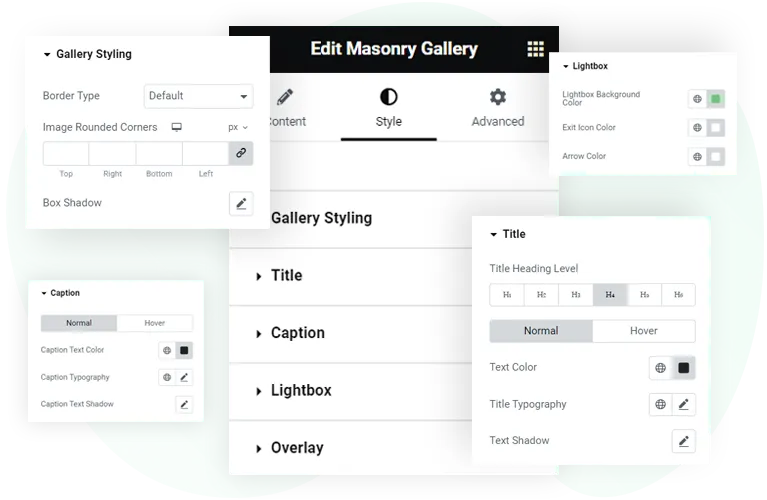
- Lightbox background, exit icon and arrow colours
- Overlay colour and icon
- Overlay icon size

Custom Styling for Different Elements
Style the gallery to match your site: borders, rounded corners and box shadow on images, plus text and colour settings for the title and caption.
Free
Get the Masonry Gallery Widget
The Masonry Gallery widget comes with WPMozo Addons for Elementor, alongside 84 other widgets.
Related widgets

Logo Slider
Free
Client or partner logos in a carousel.

Image Card
Free
A card with an image and its details.

Before After Slider
Free
Two images compared with a slider.