
Blocks / Image Hotspot
Pro block Block editor
Image Hotspot block
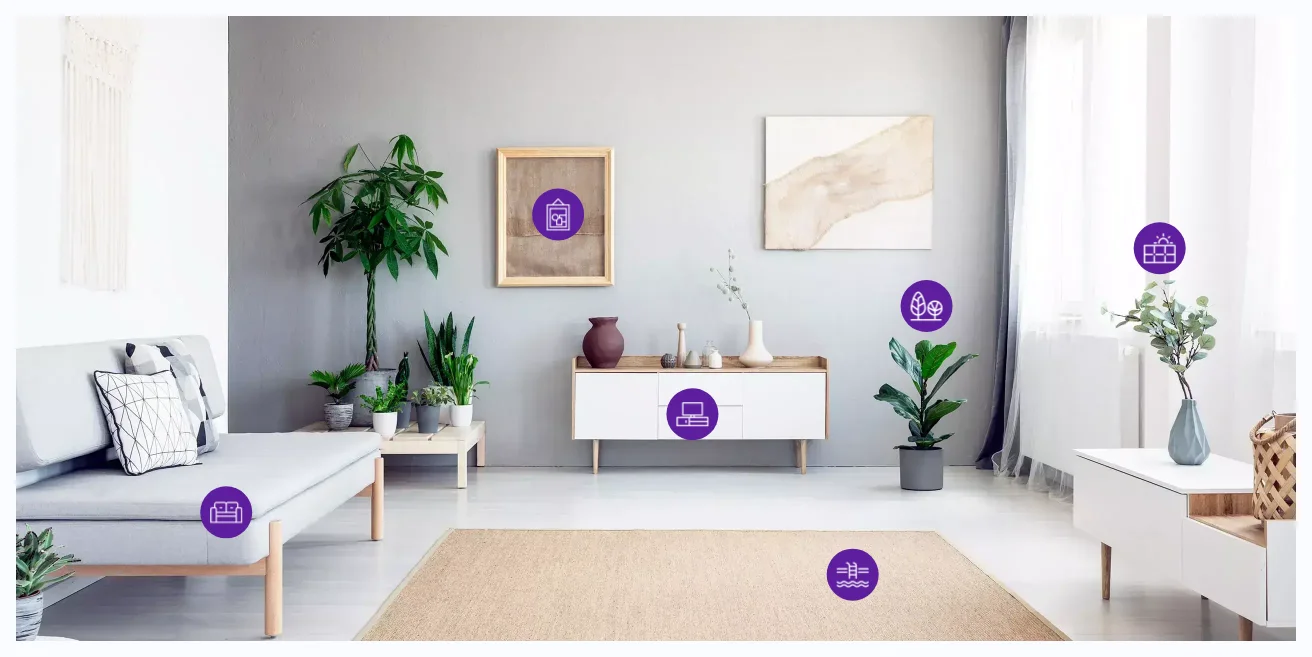
Put notes on a photo, a floor plan or a product shot, so people can explore it point by point.
What you can set
Three marker types
Each marker can be an icon, an image or text.
Exact placement
Set each marker by percentage from the left and top of the image.
Tooltip animation
Pick from Fade, Scale and Perspective styles and set the duration.
Global or per marker
Style every marker at once, then change a single one where needed.
Where people use it
Room sets
Name each item in an interior photo.
Product tours
Point out the parts of a product.
Maps and plans
Mark locations on a floor plan or map.
Pro
Part of WPMozo Blocks and Addons Pro
Image Hotspot comes with the Pro version, alongside 21 other Pro blocks.
Related blocks
Using Elementor? See the Image Hotspot widget for Elementor.

Modal Popup
Pro
Content that opens in a popup over the page.
Advanced Tabs
Pro
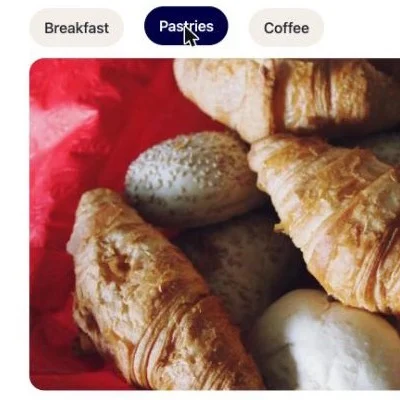
Sections behind tabs that open on hover or click.
Blog Slider
Pro
Blog posts in a slider.