
Blocks / Modal Popup
Pro block Block editor
Modal Popup block for WordPress
Show a booking note, an offer or a sign-up over the page without sending people elsewhere. Open it from a button, when the page loads, or as the pointer leaves.
Opens on click, page load or exit intentPosition seven places on screenInside blocks you choose
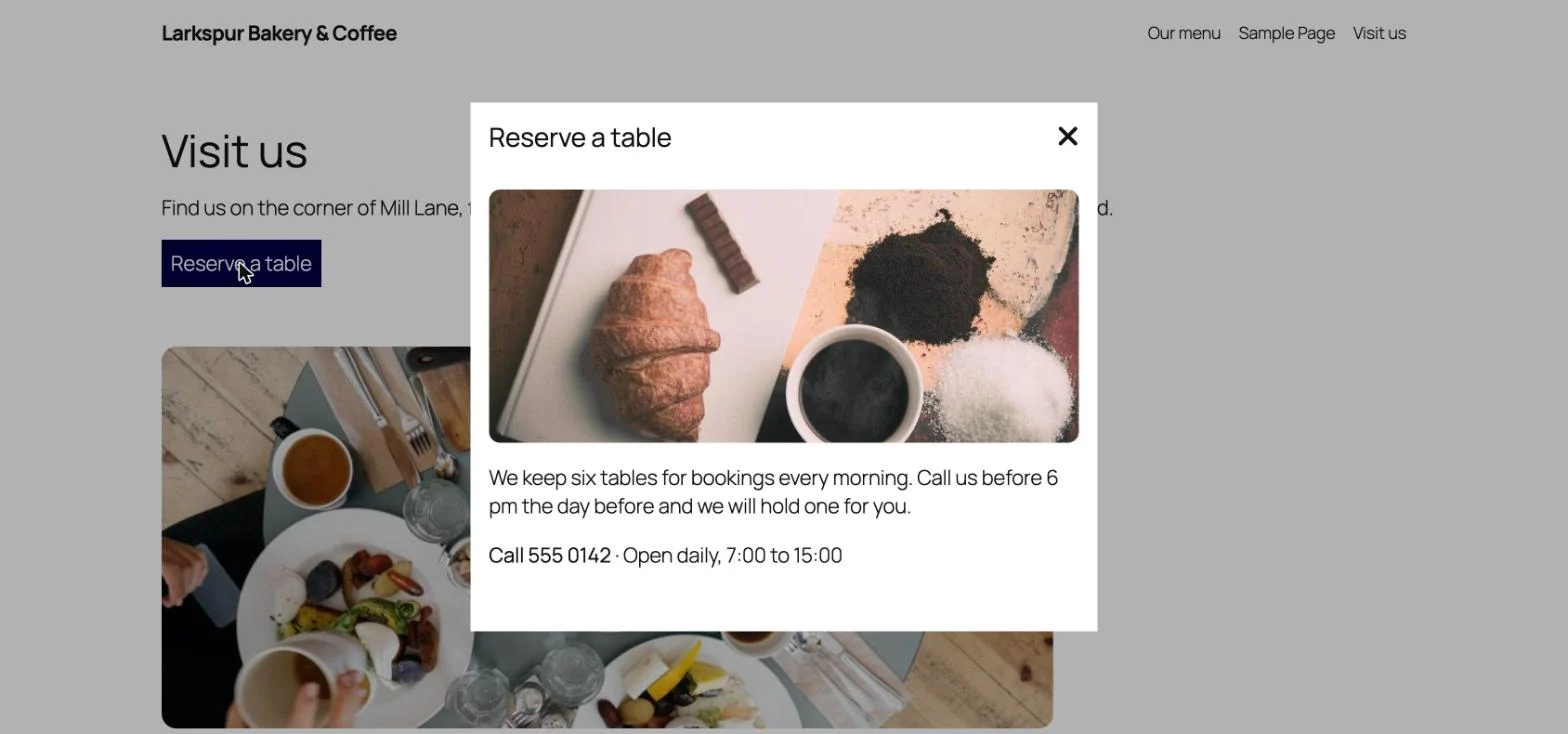
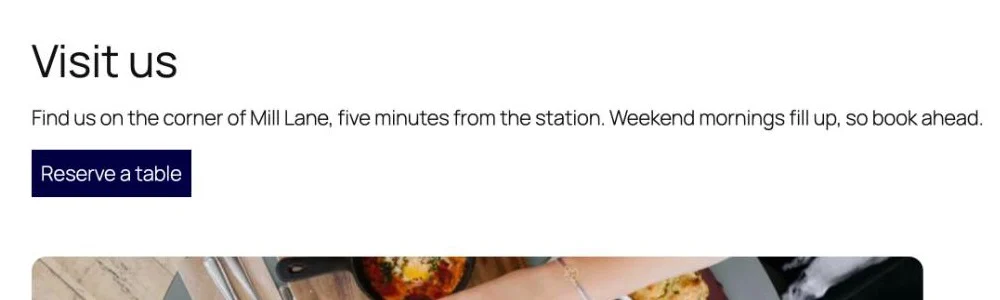
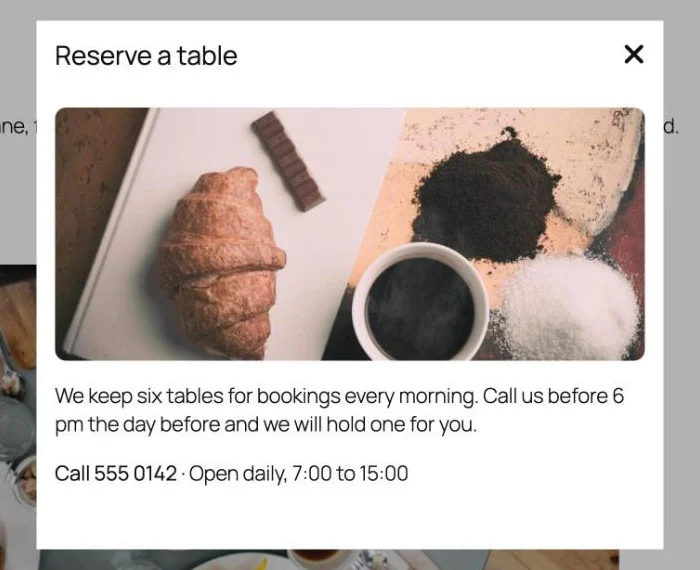
From one button to a full popup
The page stays where it is. Visitors read the popup, close it with the icon or Esc, and carry on.
What you can set
Three ways to open
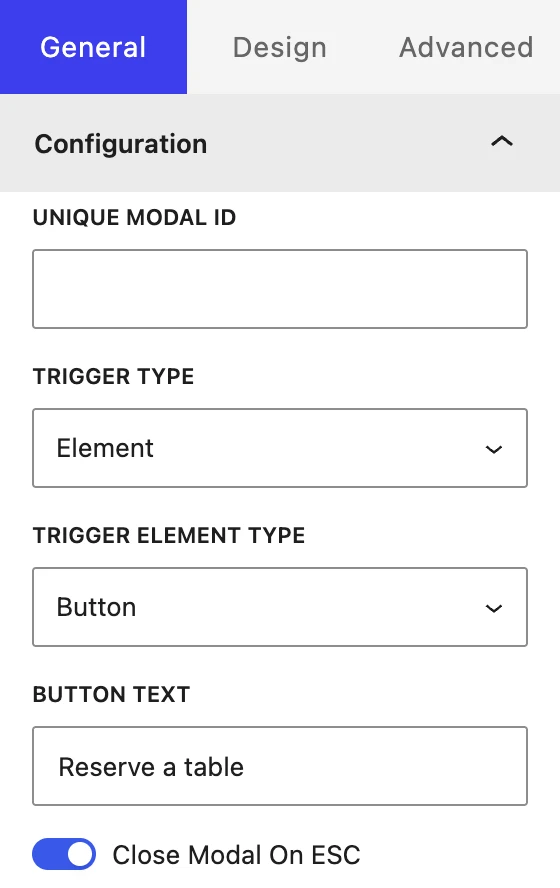
From an element on the page, on page load after a delay you set in milliseconds, or on exit intent.
Your choice of trigger
The element can be a button, an image, an icon or a line of text.
Seven positions
Centre the popup, or place it top or bottom, on the left, in the middle or on the right.
Header and footer
Turn on a title, a close icon and a footer with its own close button.
Built from blocks
Add images, text and other blocks to the body, the same way you build a page.
Closing and scrolling
Let Esc close it, stop the page behind from scrolling, and show or hide the popup’s scrollbar.
Set up in the block editor
- Add Modal Popup where the trigger should sit.
- Pick the Trigger Type, then set the button text, image, icon or delay.
- Add your blocks to the body, then set the size and position.
Exit intent follows the mouse pointer, so use a button or page-load trigger for visitors on phones.
Where people use it
Restaurants and cafes
Booking details
Hours and a phone number one click away from the page.
Online shops
Offers on arrival
A sale note that appears a few seconds after the page loads.
Blogs and services
A last word before leaving
A sign-up or contact note on exit intent.
Pro
Part of WPMozo Blocks and Addons Pro
Modal Popup comes with the Pro version, alongside 21 other Pro blocks.
Related blocks
Want a walkthrough? Read How to Add a Popup in the WordPress Block Editor. Using Elementor? There is a Modal Popup widget in WPMozo Addons for Elementor.
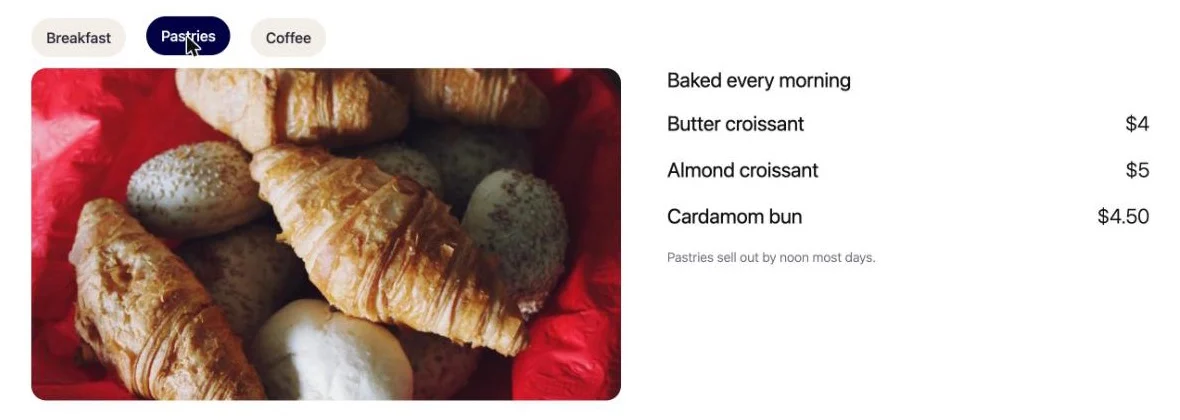
Advanced Tabs
Pro
Sections behind tabs that open on hover or click.
Content Toggle
Free
Two versions of the same content behind one switch.
Image Hotspot
Pro
Clickable points on an image, each with its own note.