
Elementor widgets / Advanced Tabs
Pro widget Elementor
Advanced Tabs widget for Elementor
Put long content into tabs that open on hover or click, across the top or down the side of your Elementor page.
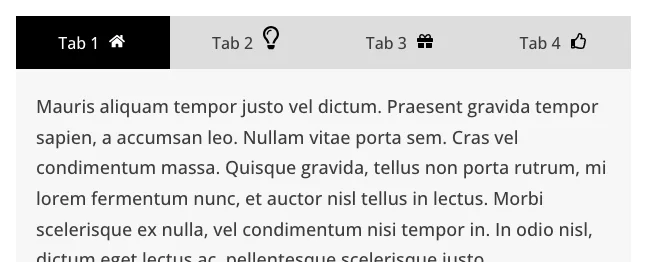
What you can set
Tab titles
Text, icon only, image only, or text with an icon or image.
Tab content
Write text, or load an Elementor Library layout into a tab.
Orientation
Horizontal or vertical tabs, placed on the top, bottom, left or right, with a full-width option.
A button per tab
Add a button with its own text, link and icon to any tab that has written content.
Where people use it
Menus and price lists
Group items by section.
Product details
Keep specs side by side.
Help pages
Sort answers by topic.
Pro
Part of WPMozo Addons for Elementor
Advanced Tabs comes with the paid plugin, alongside 25 other paid widgets.
Related widgets
Using the block editor? See the Advanced Tabs block.
Styling options for Gravity Forms.
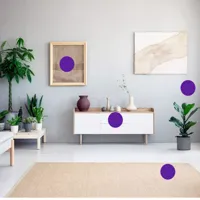
Image Hotspot
Pro
Clickable points on an image, each with its own note.

Lottie
Free
Lottie animations placed as a block.