
Blocks / Gravity Forms Styler
Pro block Block editor
Gravity Forms Styler block
Style a Gravity Forms form inside the block editor, so it matches your site without custom CSS.
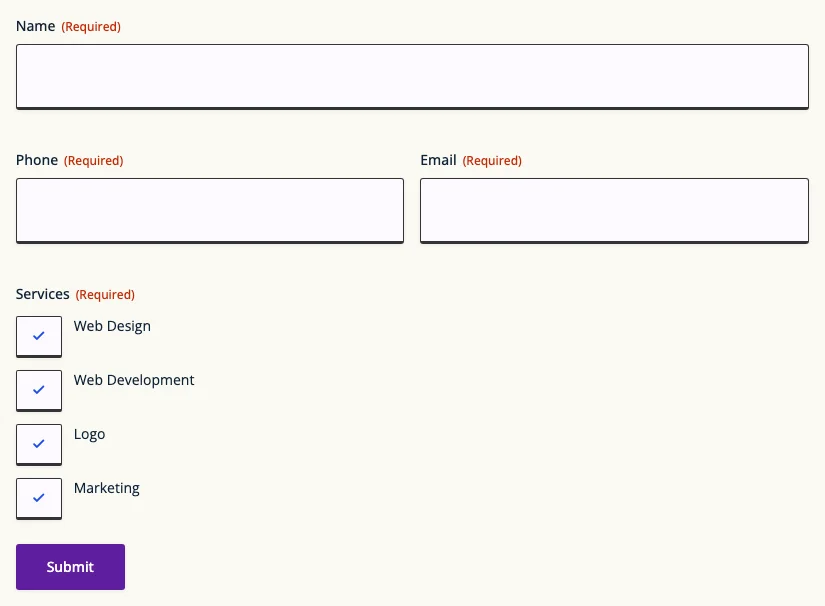
What you can set
Pick a form
Choose any Gravity Form from a dropdown; the REST API must be on in Gravity Forms settings.
Every field type
Style inputs, labels, checkboxes, radio buttons and instructions text.
Form buttons
Separate styling for Next, Previous, Save and Continue buttons.
Title and Ajax
Show or hide the form title and description, and turn on Ajax.
Where people use it
Contact pages
Match the form to the page design.
Multi-page forms
Keep step buttons on brand.
Landing pages
Give a sign-up form its own look.
Pro
Part of WPMozo Blocks and Addons Pro
Gravity Forms Styler comes with the Pro version, alongside 21 other Pro blocks.
Related blocks
Using Elementor? See the Gravity Forms Styler widget for Elementor.

Blog Slider
Pro
Blog posts in a slider.

Dynamic Gallery
Pro
Filterable image galleries.

Hero Slider
Pro
Hero sections with images as slides.