Your best products are buried below the fold
Most stores hide their sale items and best sellers on a page nobody scrolls to. A product ticker keeps them moving across the screen, where every visitor sees them, on any page you choose. It is the storefront version of a stock ticker: always visible, always current.
Everything you need to run a ticker, free
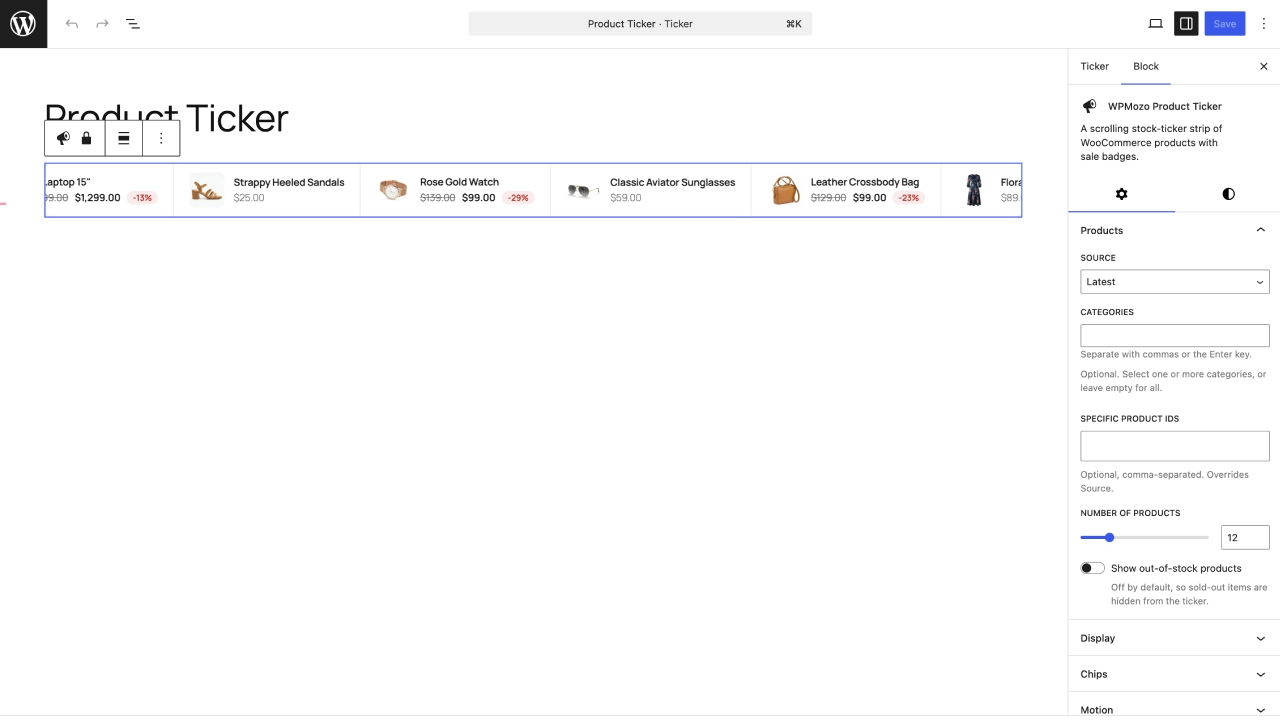
- Pull products from on sale, featured, latest, best selling, top rated, a specific category, or a hand-picked list of product IDs.
- Automatic sale badges with the discount percentage worked out from the WooCommerce price.
- Two layouts: Classic (image, name, and price in a row) and Portrait (image on top).
- Full control of speed, direction, and pause-on-hover.
- An optional promo flag on the left of the strip (“On sale”, “New in”, or your own text), and an optional out-of-stock label.
- Design controls for color, typography, and image size on every element, so it matches your theme.
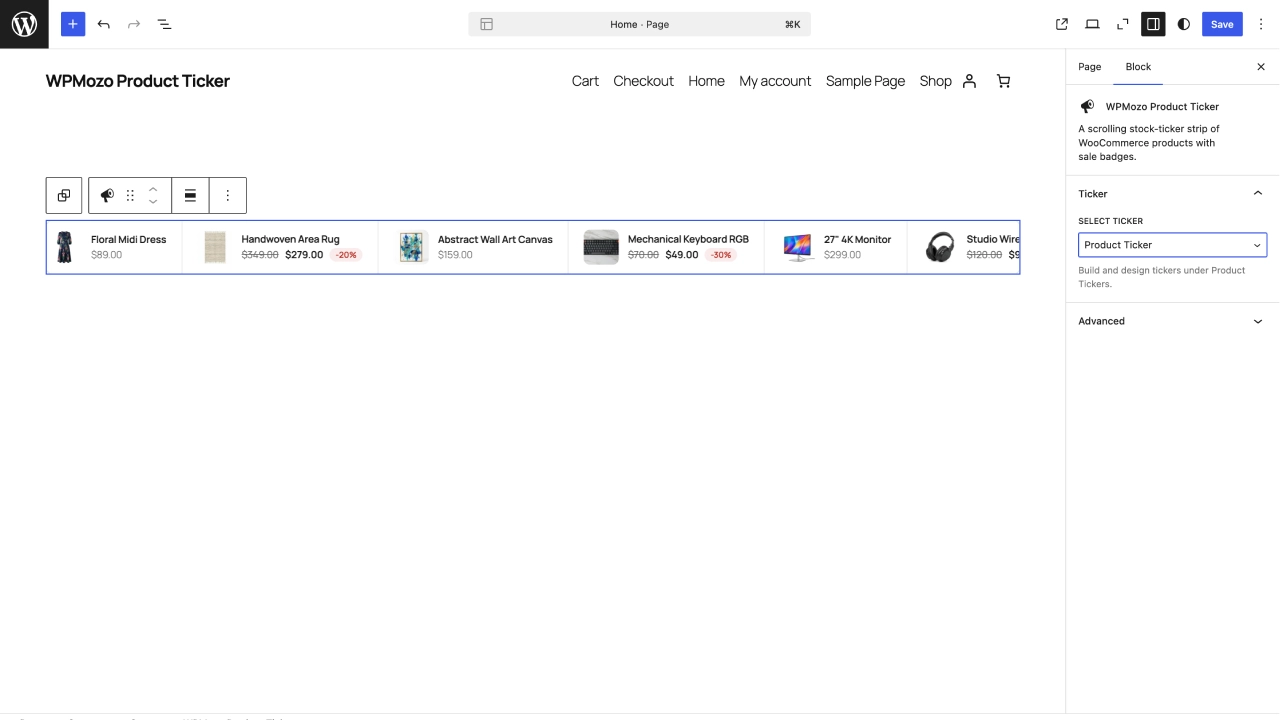
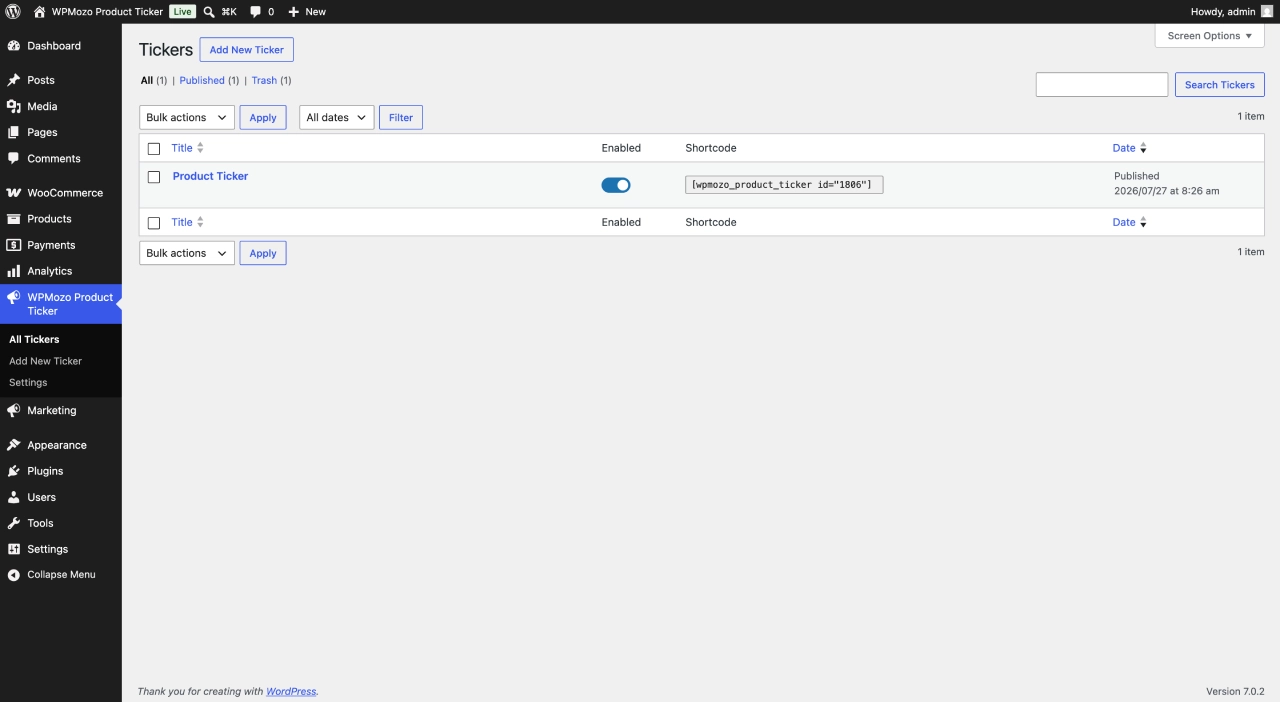
- Save a ticker once and place it anywhere by ID, with the block or the `[wpmozo_product_ticker]` shortcode.
- Light on your site: assets load only on pages that run a ticker, output is cached, and it respects reduced-motion.
Make every number live, with Pro
The free ticker looks great. Pro connects it to your store, so the numbers move because your store moves. Annual $29, Lifetime $199.
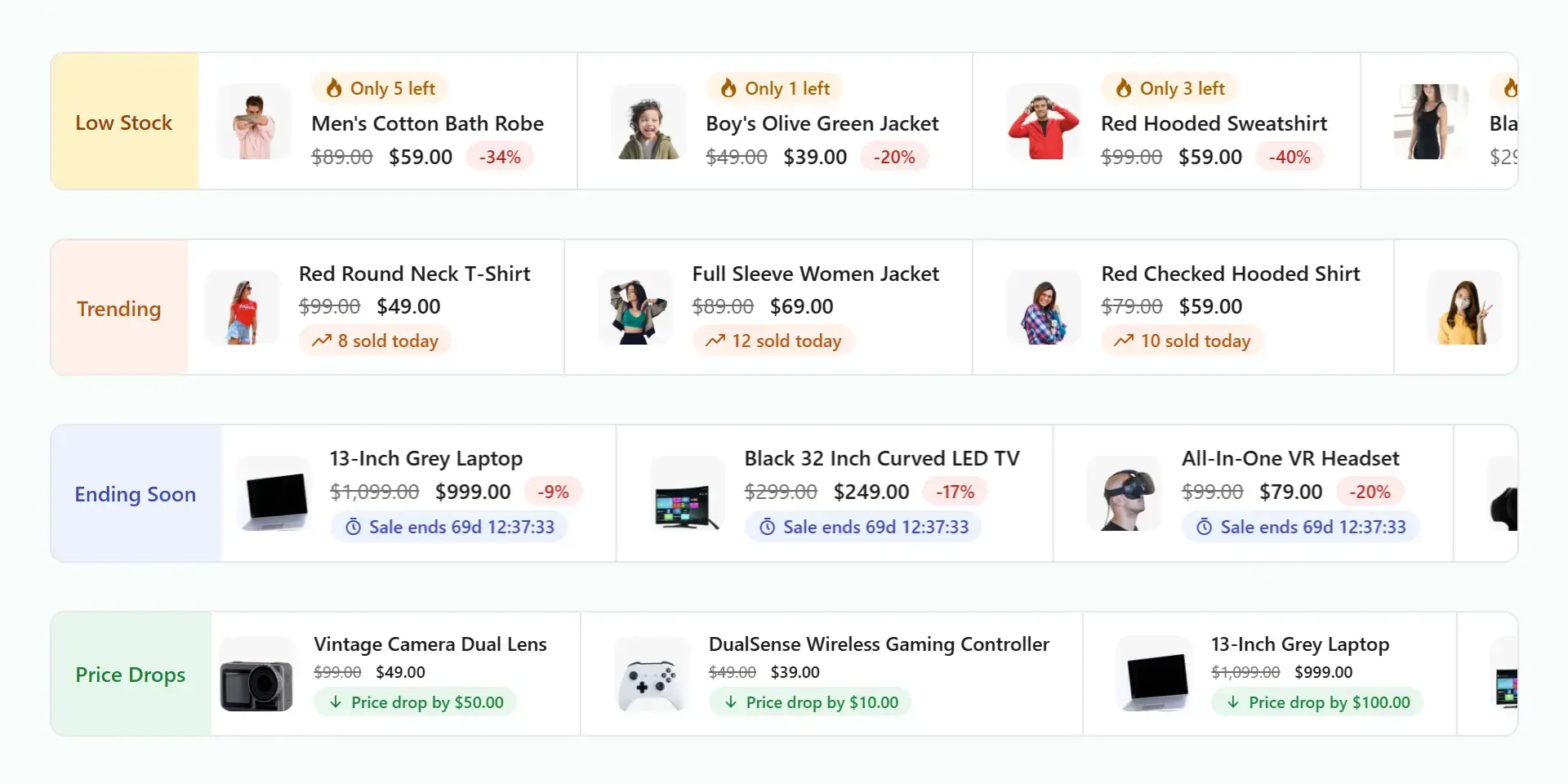
- Live stock: “Only 3 left” that updates as items sell.
- Sold today: “12 sold today”, counted from real orders since midnight.
- Sale countdown: a timer ticking to the exact end of a scheduled sale.
- Price drop: “Price drop by $40” the moment a scheduled sale begins.
- Two more layouts: Cards and Compact.
- Per-chip design: place each chip (above the title, after the title, after the price, or on its own line), size it, color it, and add an icon or a tooltip.
Real urgency, not fake motion
Every live number on a Pro ticker maps to a real store event: an order placed, stock changing, a sale ending. No invented price ticks, and no fake “someone just bought” popups. Shoppers can tell the difference. Pro is an add-on to the free plugin and turns nothing off, so existing tickers look identical until you switch a chip on.
Where stores use it
- A sale strip in the header during a promotion.
- Best sellers on the home page.
- New arrivals on a category page.
- A countdown ticker for a flash sale (Pro).
- An announcement bar with live “sold today” proof (Pro).
Four layouts, one ticker
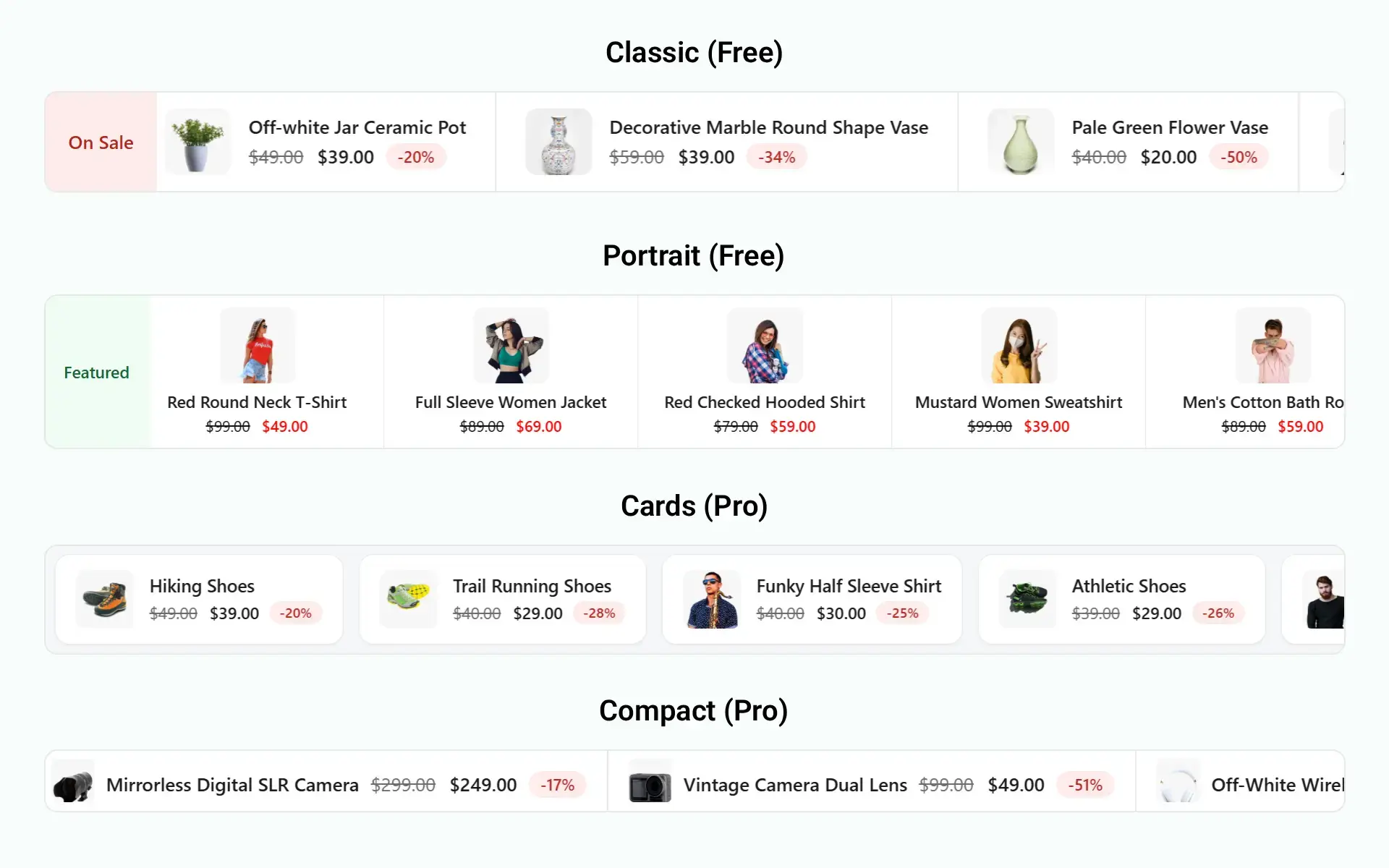
- Classic (free): image, name, and price in a row.
- Portrait (free): image on top, for sidebars and narrow columns.
- Cards (Pro): a card per product, with room for the live chips.
- Compact (Pro): a thin, dense strip for a header or an announcement bar.
Live in a few minutes
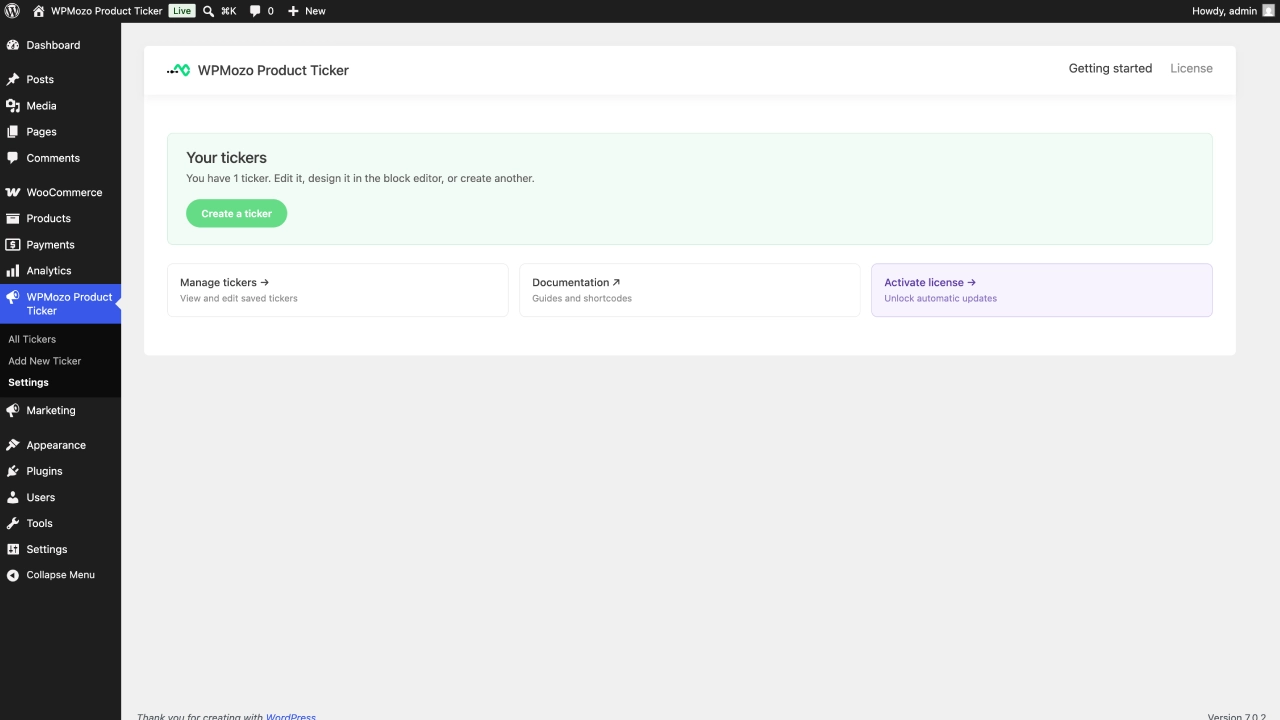
- Install the free plugin (WooCommerce required).
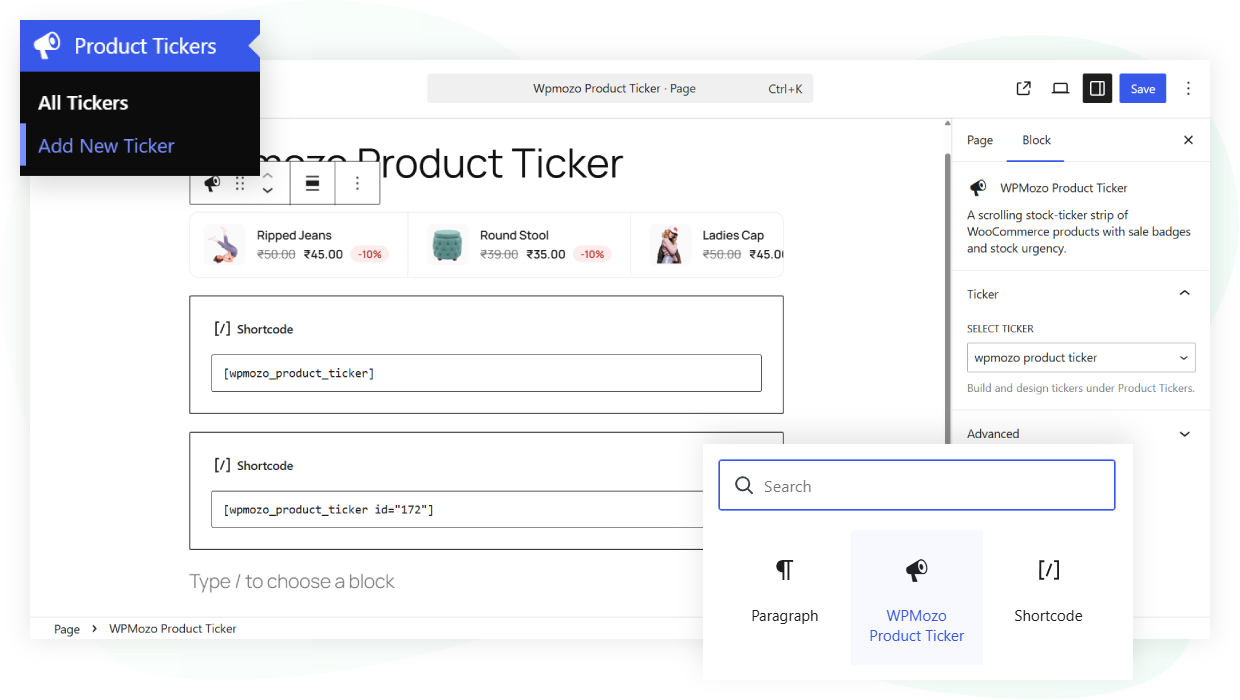
- Create a ticker in the block editor: pick a source and a layout, with a live preview as you build.
- Place it with the block, the `[wpmozo_product_ticker]` shortcode, or a saved ticker’s ID.
- Add Pro to switch on the live chips and the Cards and Compact layouts.
Put your products in motion
Download the free plugin and build your first ticker in a few minutes.
Pricing
Choose your plan.
Every plan covers unlimited websites.
Annual
$29.00 / year
Billed once a year.
- Every Pro feature
- Unlimited websites
- One year of updates and email support
Lifetime
$199.00
Pay once.
- Every Pro feature
- Unlimited websites
- One payment, no yearly fee
Every paid plan has a 30-day money-back guarantee: a full refund within 30 days, no questions asked.
Frequently asked questions
Yes. The ticker reads your products, prices, and stock from WooCommerce.
No. Assets load only on pages that run a ticker, and the free version caches its output.
The free version renders on page load and caches for 15 minutes. Pro adds live stock, sold-today, and countdowns.
No. The free ticker is complete. Pro adds live urgency and two more layouts.
Yes. Pro is an add-on and turns nothing off in the free plugin.
Yes. It works with any WordPress theme, and you can style every element to match.