

4 Elementor Gallery Widgets
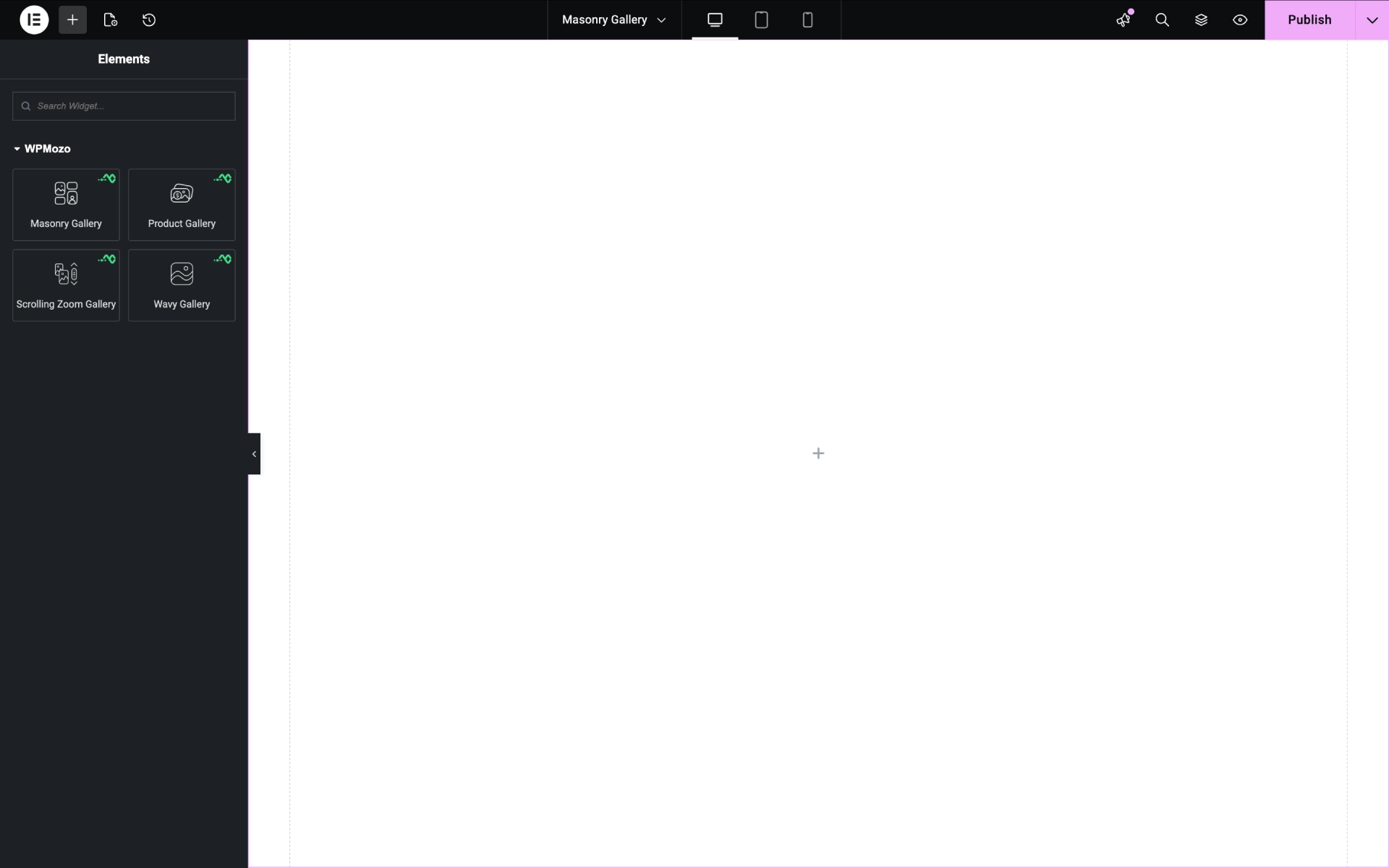
With this single gallery plugin for Elementor, you get a total of 4 difference and easy-to-use WordPress gallery widgets. Whether you’re a pro user of Elementor or just starting out, these widgets let you build state-of-the-art image and product galleries without extra effort or time. Just insert the widget, select images of any size or resolution, adjust a few options, and your Elementor gallery with thumbnails and other essential elements is ready to impress.
Create Masonry Galleries in Elementor
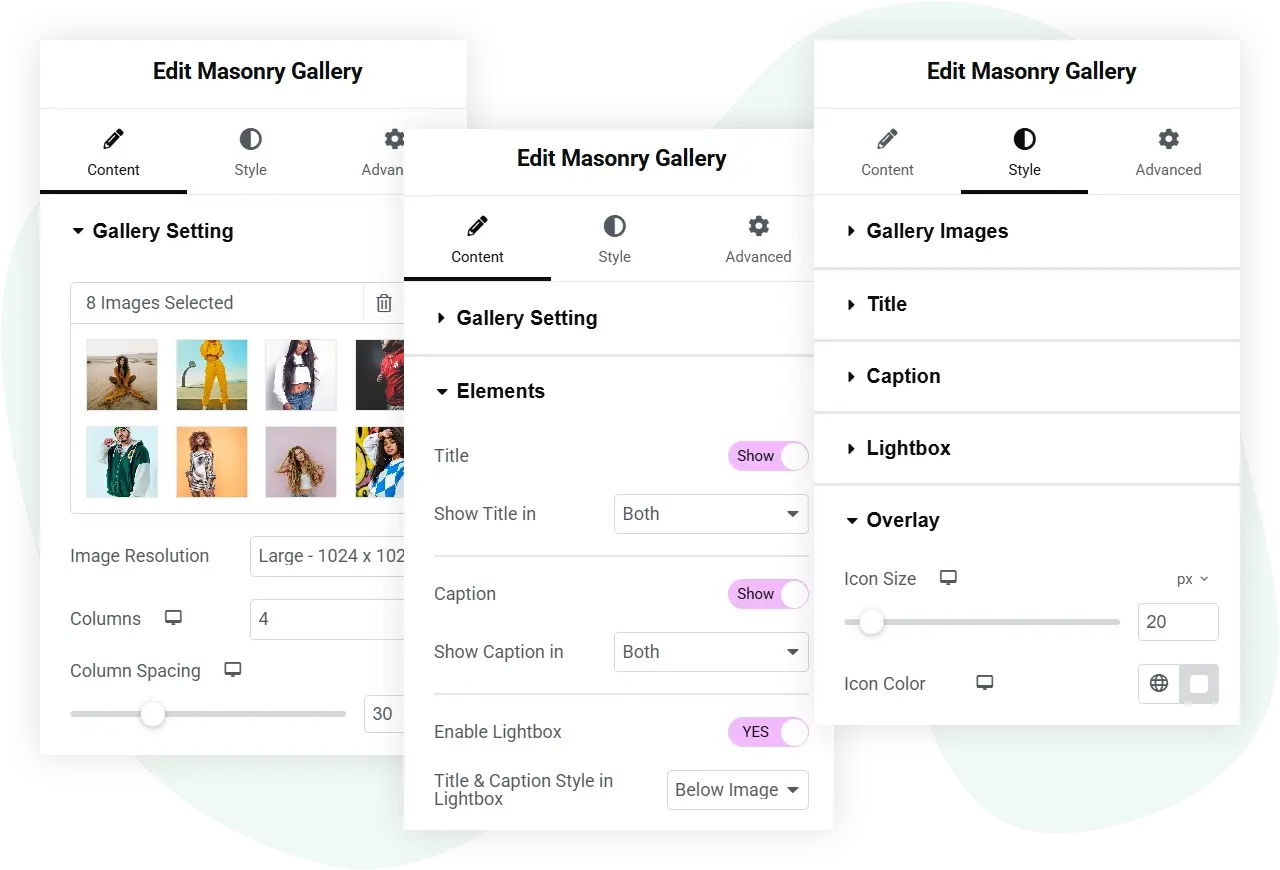
With up to 10 columns and custom spacing between images, this plugin lets you create spacious masonry galleries on your Elementor website that mesmerize visitors at a single glance. You can make your WP masonry gallery more effective by showing the lightbox, title, caption, and overlay on hover. Furthermore, you get dedicated styling options to improve the look as well as the functionality of the gallery for maximum effect.

Add WooCommerce Product Galleries in Elementor
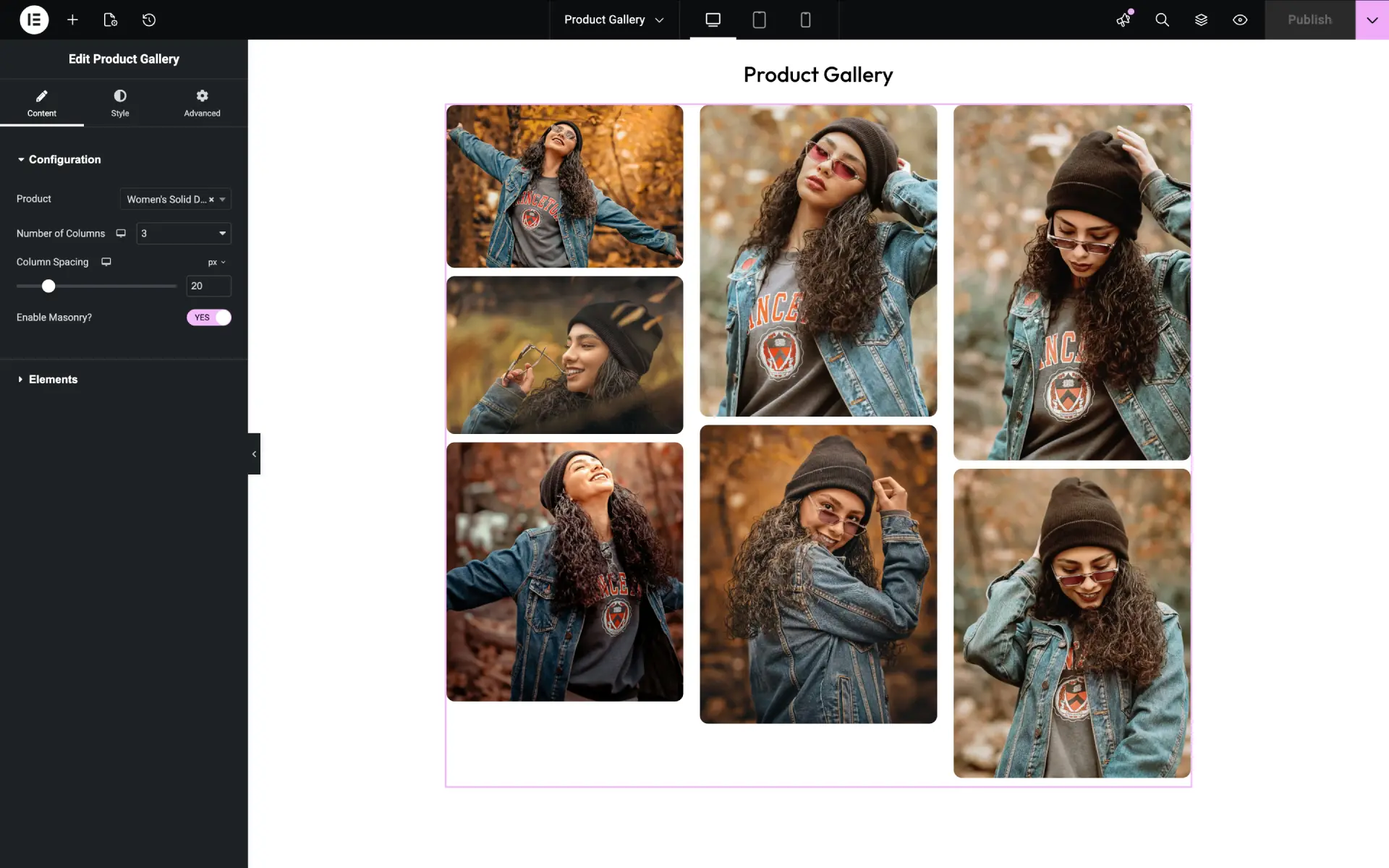
If you’re using WooCommerce as your eCommerce plugin for Elementor, you can use the Product Gallery widget of the WPMozo Gallery for Elementor plugin to create optimized product galleries. The widget lets you select any product and display its images as a gallery in multiple columns, up to 10. You can also optimize the columns’ gap, enable a masonry layout, and enable elements like Title, Caption, Lightbox, and Overlay for more effective product presentation.

Create Scrolling Zoom Galleries in Elementor
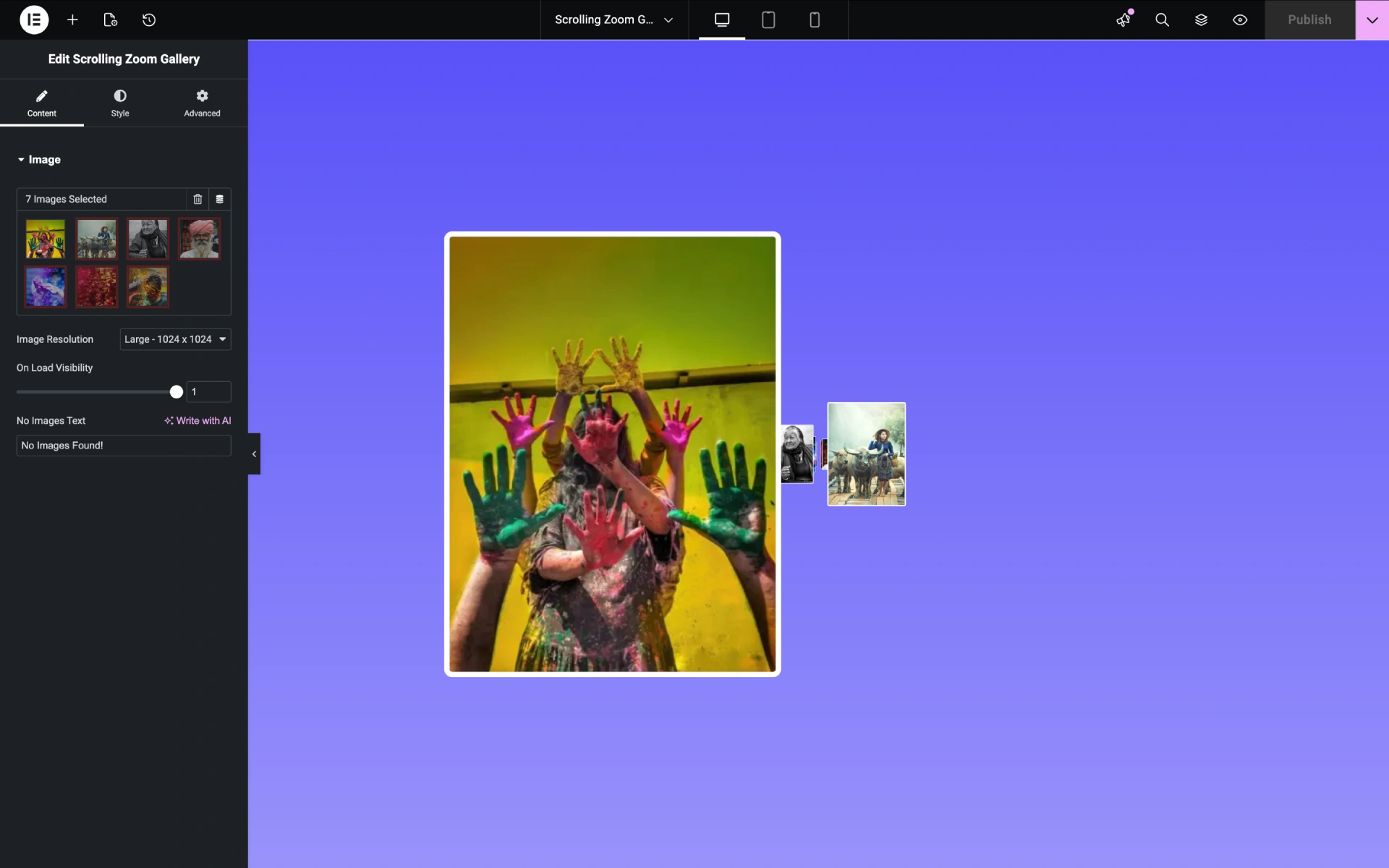
If you’re looking to build an image gallery that displays images on page scroll, the Scrolling Zoom Gallery widget from this plugin is what you need. It allows you to create a pro gallery with a scroll-and-zoom effect for every image it showcases. At first, the images appear distant, but as you scroll, they scale as if coming closer to you — a nice, engaging effect that makes your visuals and website worth exploring again and again.

Show Images in a Wavy Gallery
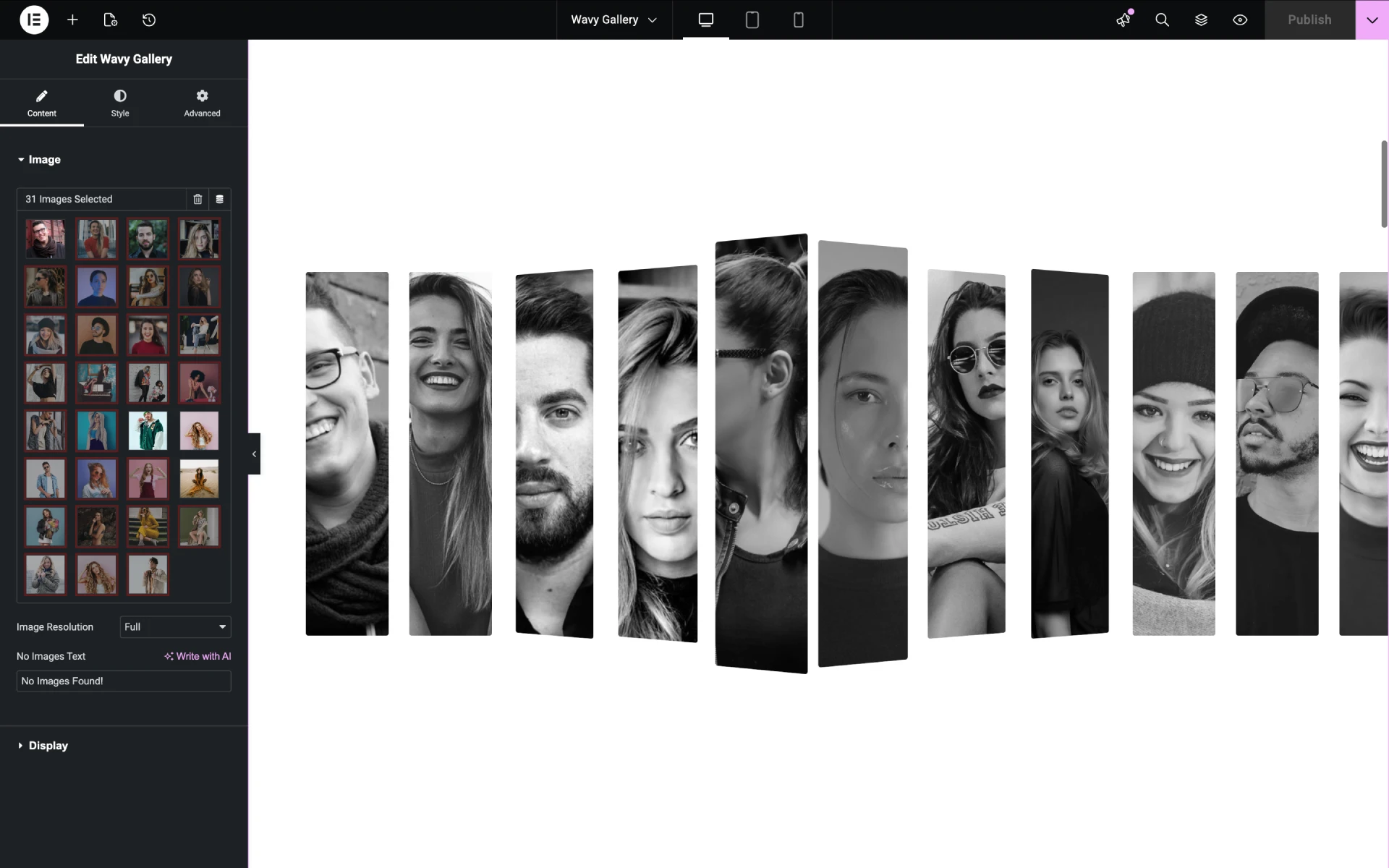
The third widget included with this plugin is the Wavy Gallery. Using this widget, you can create image galleries in Elementor that wave when the user scrolls the page. Each scroll slides the images from right to left while lifting and dropping them one by one, constructing the wave effect. By default, the images appear monochromatic; when you hover over them, color appears, creating an interactive touch that enhances engagement.

Easily Adjustable Controls and Features
Every feature and every option you get with this Elementor gallery plugin is intuitive and requires no prior knowledge of building an image gallery with WordPress or Elementor. From day one, you can build galleries that look engaging and serve your purpose. Whether it’s enabling the lightbox or customizing the overlay effect, you can do it in just a few clicks. There are no complex steps or procedures to follow; just insert the widgets and use them according to your requirements without getting stuck.
Frequent Updates
When you get the WPMozo Gallery for Elementor plugin, you’re getting a suite that will receive frequent updates to improve features, controls, and compatibility. Both WordPress and Elementor undergo regular changes, so you need a plugin that’s always in sync. With WPMozo Gallery for Elementor, you can rest assured and continue working on outstanding projects with ease while we handle the heavy lifting.
More Elementor Gallery Widgets Soon
Not limited to these three image gallery widgets—soon you’ll find more essential, feature-rich WordPress gallery widgets for Elementor in this plugin. This will offer more possibilities to build highly engaging and functional galleries for various purposes, enabling you to make the most of your image galleries on your Elementor website.





Reviews