WPMozo Addons for Elementor Documentation
Search for answers or browse our knowledge base.
List
This widget comes free with WPMozo Addons Lite. To use it, simply install and activate the free version of plugin.
https://wordpress.org/plugins/wpmozo-addons-lite-for-elementor
How to add widget on page
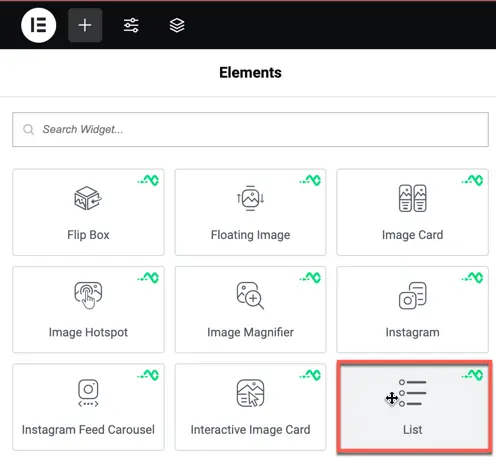
Once the WPMozo Addons plugin is activated, it introduces several widgets to the Elementor builder. To add the List widget, follow these steps:
- Open or edit a page or post that uses the Elementor builder.
- Create or edit a container.
- In the widget search bar, type “List” under WPMozo.