
WPMozo Addons for Elementor Documentation
Search for answers or browse our knowledge base.
Facebook Embedded Video
The Facebook Embedded Video widget allows you to easily display public Facebook videos directly on your website, helping you engage visitors with social content without redirecting them away from your site.
This widget comes free with WPMozo Addons Lite. To use it, simply install and activate the free version of plugin.
https://wordpress.org/plugins/wpmozo-addons-lite-for-elementor
How to add widget on page
To add the Facebook Embedded Video widget, follow these steps.
- Create/edit a page/post that uses Elementor builder.
- Create/edit container.
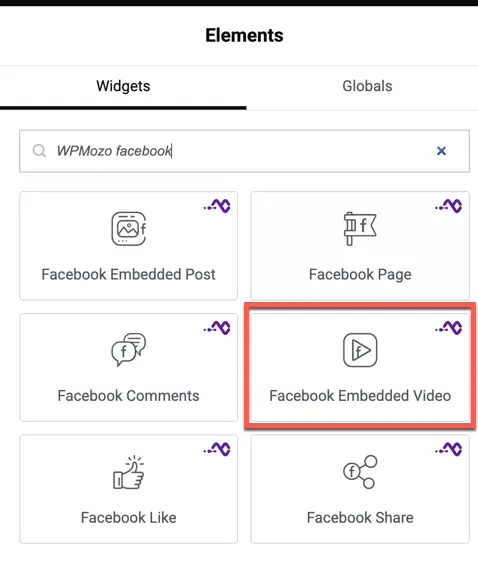
- Search widget WPMozo Facebook Embedded Video under WPMozo.
Overview
Facebook is a major platform for video content. This widget allows you to integrate that content seamlessly into your Elementor pages with controls for autoplay, captions, and more.
Content settings
- Video URL: Paste the full URL of the public Facebook video you wish to embed.
- Playback Controls: Toggle Autoplay, Allow Fullscreen, and Captions visibility.
Style settings
Video styling
- Video Aspect Ratio: Choose between 16:9, 4:3, 1:1, or custom aspect ratios.
- Border & Shadow: Add a custom border and box shadow to the video container.
- Alignment: Align the video to the left, center, or right of the section.