WPMozo Addons for Elementor Documentation
Search for answers or browse our knowledge base.
Section blocks
Section Blocks are individual sections created using the WPMozo Addons plugin, and they are available for free download. To use a Section Block, ensure that the WPMozo Addons plugin is installed and activated.
Download section block
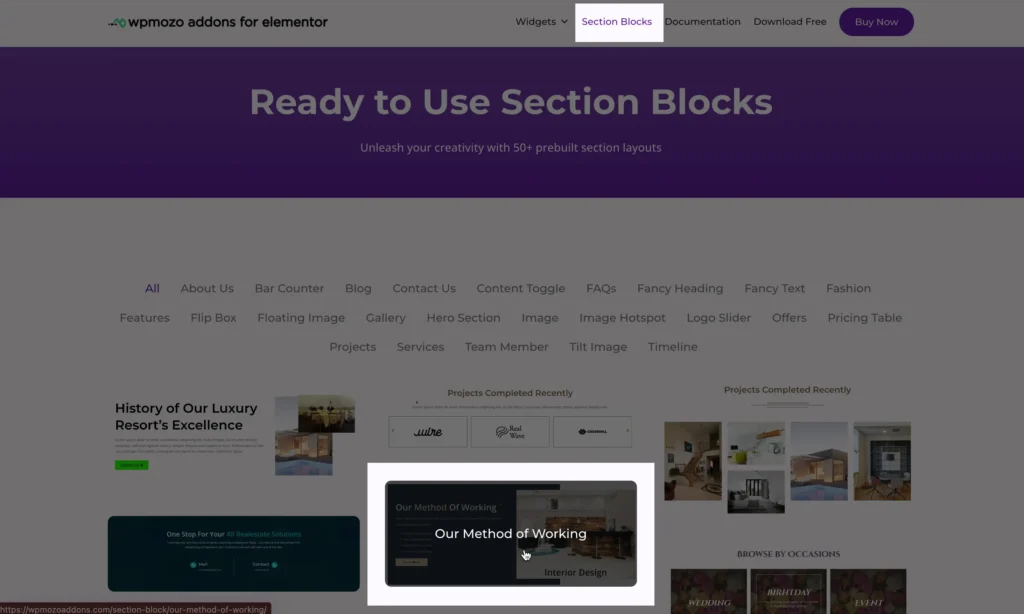
To download a Section Block, visit this page, choose the section you like.
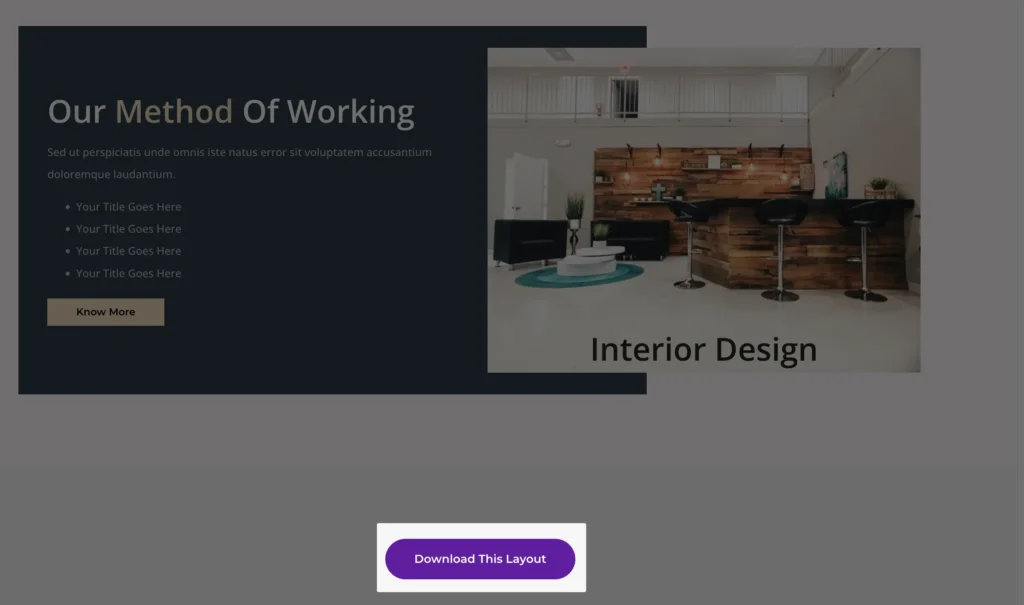
Scroll to the bottom of the section layout you’ve chosen, and you’ll find a Download button to get your Section Block.
How to use section layouts on page
To use downloaded template, follow these steps:
Edit or create a new page
- Log in to your WordPress dashboard.
- Navigate to Pages and select an existing page to edit or click Add New to create a new one.
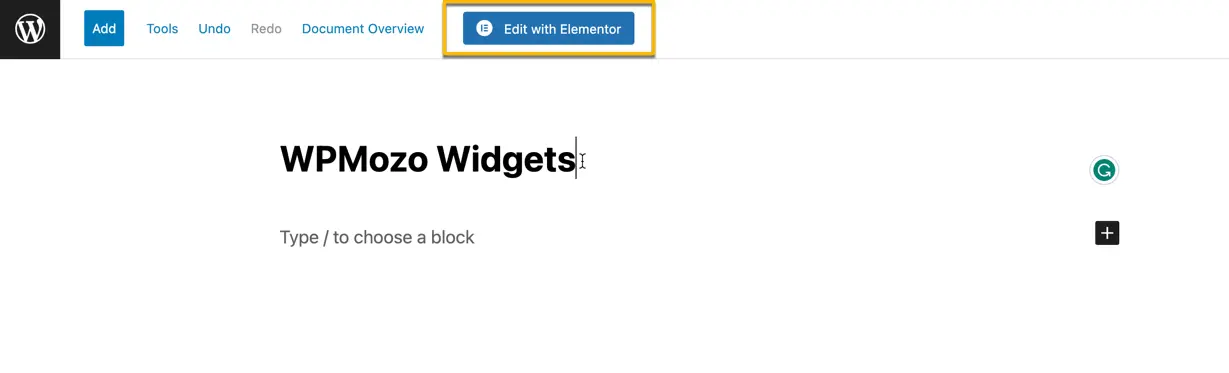
- Enable the Elementor Builder by clicking Edit with Elementor.
Access the template library
- Once the Elementor editor is open, click on the folder icon located in the bottom panel.
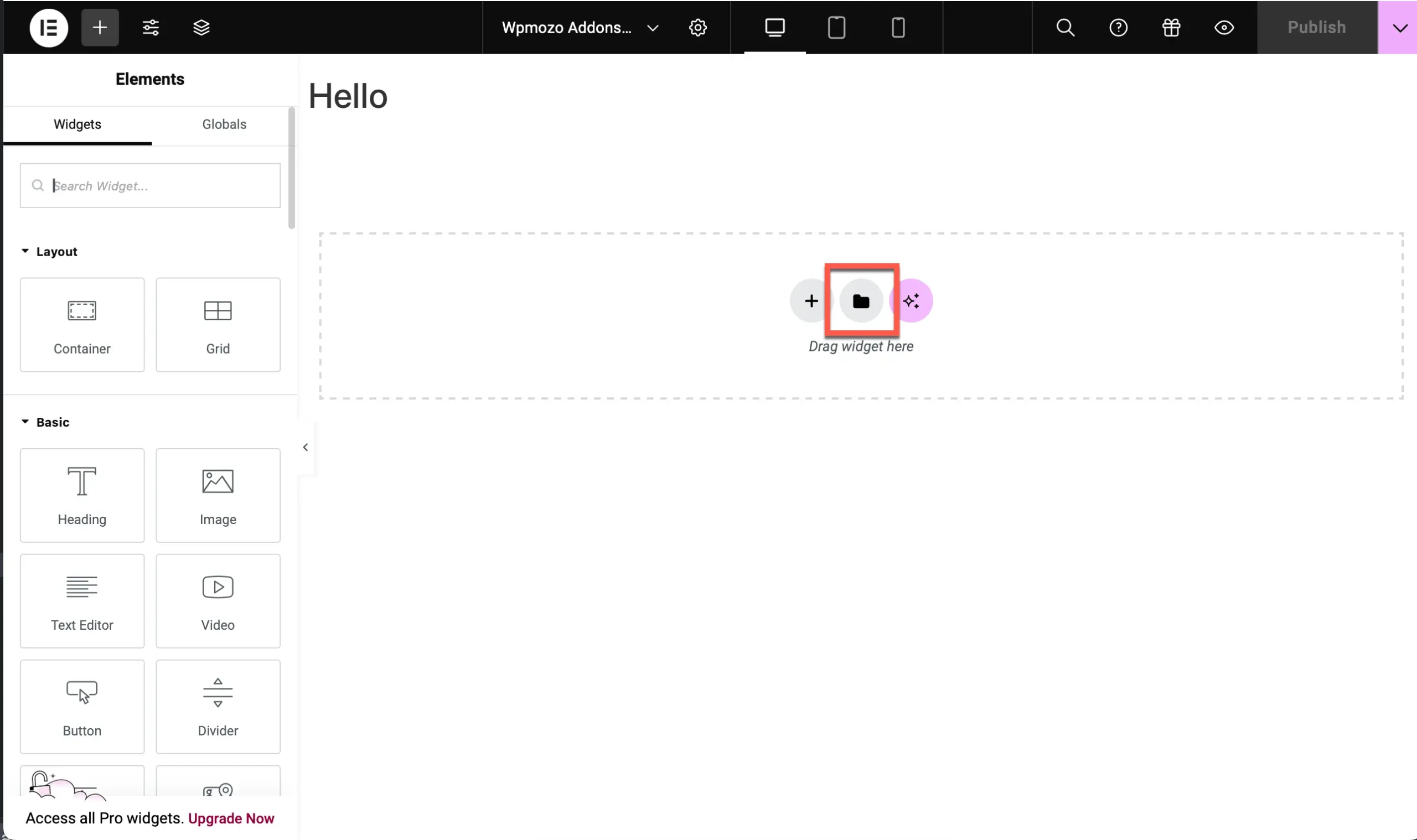
Import template
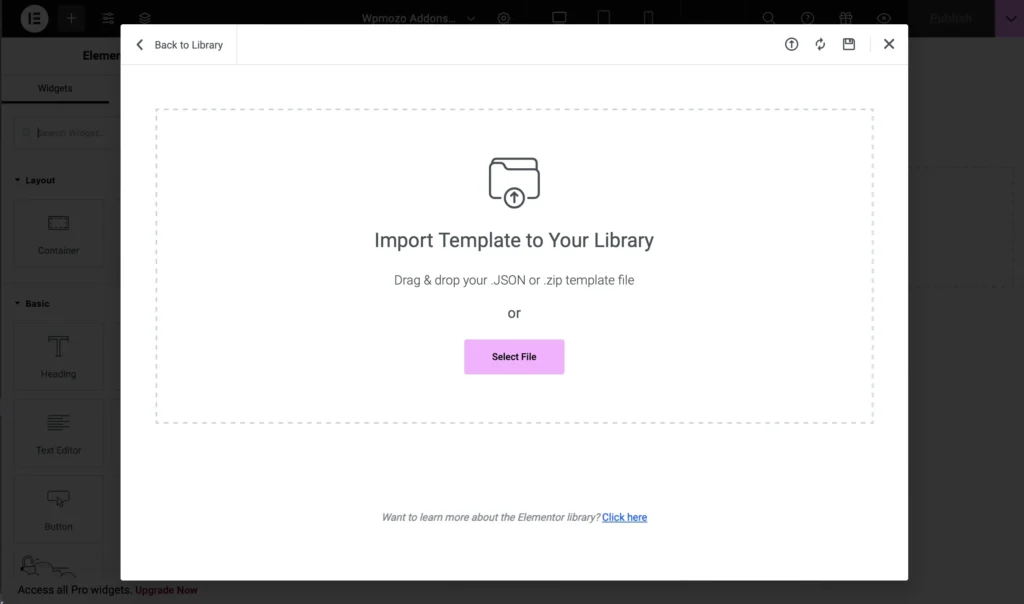
- You can now upload the file by either dragging and dropping the JSON or ZIP file of the template or by selecting it manually from your computer.
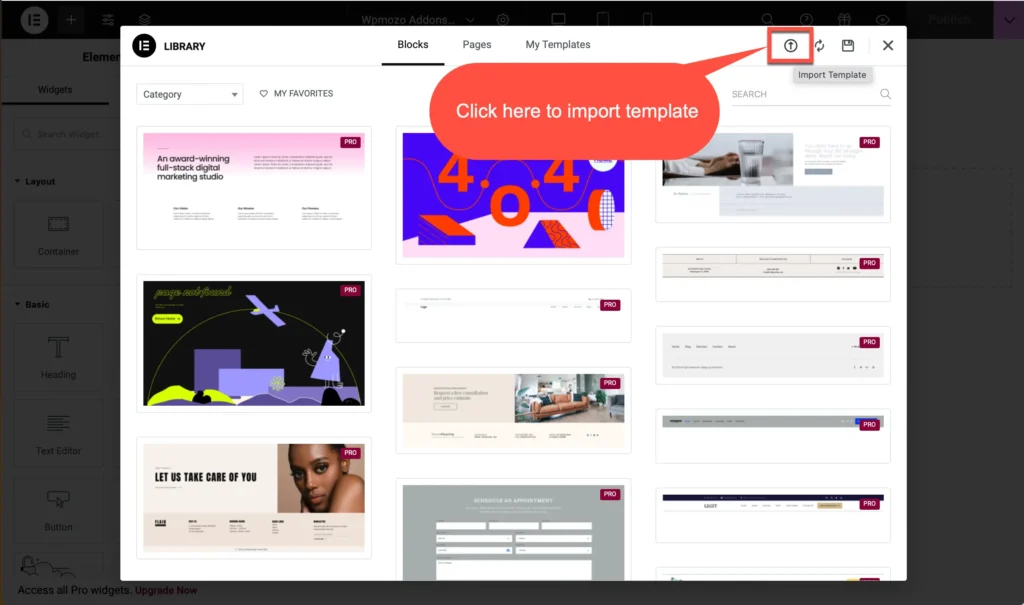
- In the template library, you’ll see an option to import a template.
- Click on the Import Template button in the top-right corner.
Import template to library
- Add the .json or zip template file by clicking on button Select File.
Output: