
Widgets
Interactive Image Card Widget
On this page
Don’t have this widget yet? Get the full WPMozo bundle to start building.
This widget comes free with WPMozo Addons Lite. To use it, simply install and activate the free version of plugin.
https://wordpress.org/plugins/wpmozo-addons-lite-for-elementor (opens in a new tab)

How to add widget on page#
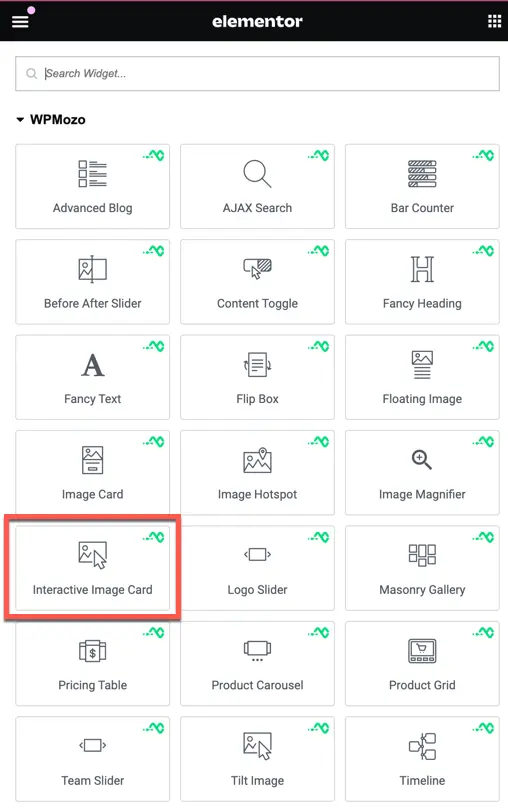
Once the WPMozo Addons plugin is activated, it adds several widgets to the Elementor builder. To insert the Interactive Image Card widget, follow these steps.
- Create/edit a page/post that uses Elementor builder.
- Create/edit container.
- Search widget Interactive Image Card widget under WPMozo.
Content#
Within this tab, users can effortlessly insert and customize content to accompany the image displayed on the card.
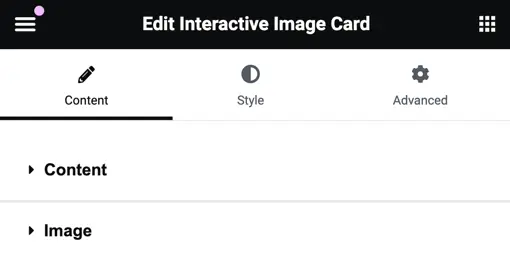
Insert the title and accompanying content for your interactive image card widget here.

Image#
Choose Image: Upload your desired image here.
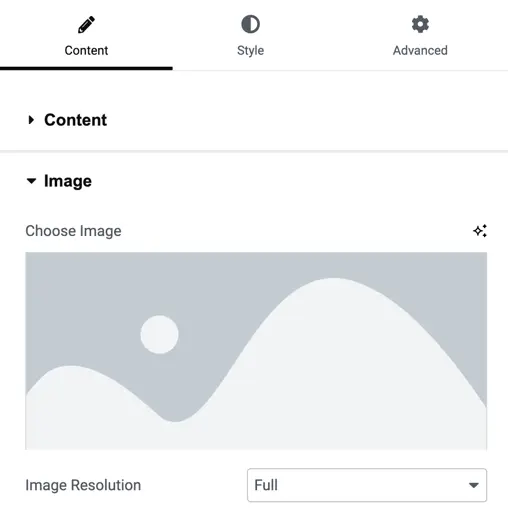
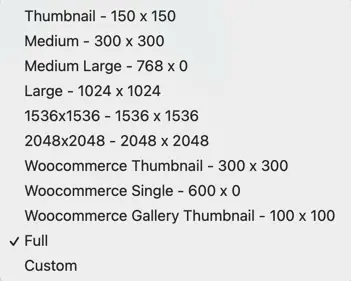
Image Resolution Options: Select from available resolution options or set custom height and width for the image.
Style tab#
Here you can customize the layout and appearance of your interactive image card widget. Adjust layout settings, style the title and content, and fine-tune the overall look to match your preferences.

Select layout#
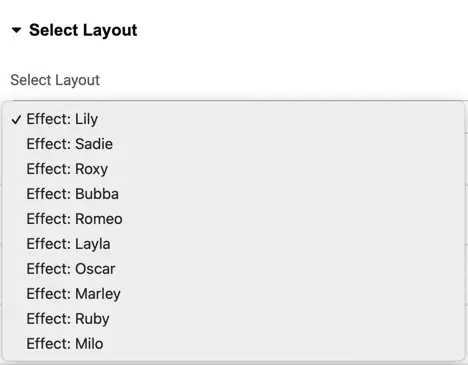
Choose from 10 beautiful layout options to personalize the appearance of your interactive image card widget.
Layout settings#
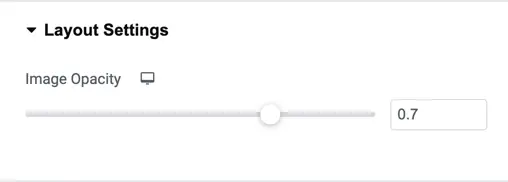
Image Opacity: Adjust the image opacity to achieve the desired visual effect for your interactive image card widget.
Overlay color#
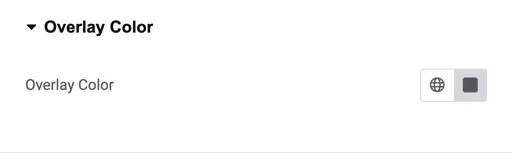
Customize the overlay color to complement your image and enhance its visual appeal
Title customization#
Customize the title appearance for both normal and hover states:
- Set the title heading level.
- Customize text color, typography, text shadow, and alignment for both states’ titles to achieve the desired visual effect.

Content customization#
Customize the appearance of the content with the following settings:
- Text color
- Content typography
- Text shadow
- Content alignment

Was this article helpful?
Thanks for the feedback. Need more help? Contact support.