
Widgets
Facebook Share
The Facebook Share widget enables users to quickly share your website content on their Facebook timeline, helping increase visibility, drive traffic, and enhance social reach with just a single click.
This widget comes free with WPMozo Addons Lite. To use it, simply install and activate the free version of plugin.
https://wordpress.org/plugins/wpmozo-addons-lite-for-elementor (opens in a new tab)
How to add widget on page#
To add the Facebook Share widget, follow these steps.
- Create/edit a page/post that uses Elementor builder.
- Create/edit container.
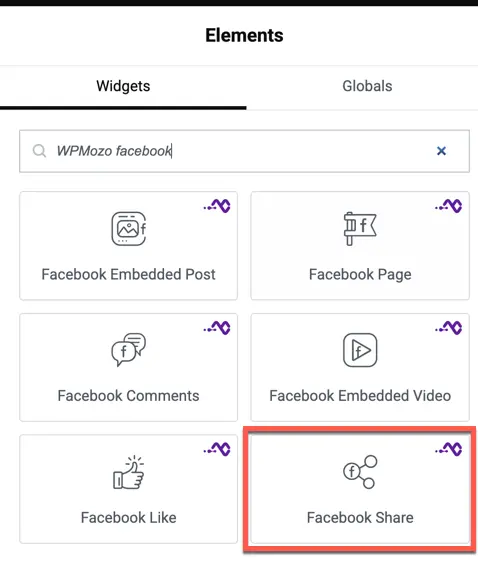
- Search widget WPMozo Facebook Share under WPMozo.
Overview#
Increasing your website’s social reach is vital for growth. This widget provides a sleek, customizable share button that can be placed anywhere on your page to encourage social interaction.
Content settings#
- Share URL: Choose between the current page URL or a custom URL to be shared.
- Button Layout: Select the button style: Icon only, Text only, or both Icon & Text.
- Show Share Count: Toggle to display the number of times the URL has been shared on Facebook.
Style settings#
Button styling#
- Button Color: Customize the background color of the share button.
- Icon Size: Adjust the size of the Facebook icon.
- Typography: Set the font, size, and weight for the button text.
- Border Radius: Control the roundness of the button corners.
Was this article helpful?
Thanks for the feedback. Need more help? Contact support.