
Widgets
Twitter Share Button
The Twitter share Button widget allows users to quickly share your content on Twitter with a single click. It helps boost visibility, drive traffic, and encourage engagement by making social sharing effortless.
This widget comes free with WPMozo Addons Lite. To use it, simply install and activate the free version of plugin.
https://wordpress.org/plugins/wpmozo-addons-lite-for-elementor (opens in a new tab)
How to add widget on page#
To add the Twitter Share Button widget, follow these steps:
- Open or edit a page or post that uses the Elementor builder.
- Create or edit a container.
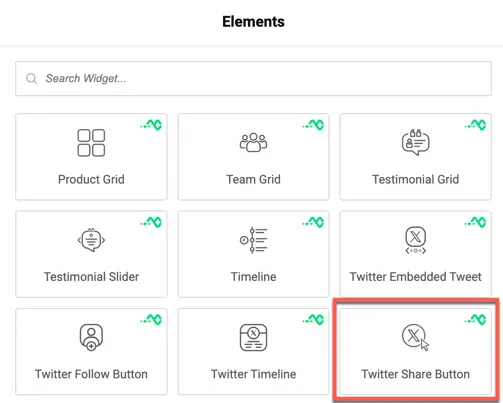
- In the widget search bar, type “Twitter Share Button” under WPMozo.
Was this article helpful?
Thanks for the feedback. Need more help? Contact support.