

If you’re looking for the best gallery plugin for WordPress, then it should fully meet — or even exceed — all of your expectations. Finding that kind of plugin isn’t hard if you know where to look.
In this post, we’ll look at all the most popular and feature-rich image plugins for WordPress. With this, you don’t have to look up various places on the internet, saving you from all the heavy lifting. All the WordPress gallery plugins we’ll discuss in this post are tested and verified by our team; however, you should test them yourself, and whichever one best fits your requirements.
After all, it’s about your experience and building the web into a better place.
If you’re ready, let’s get started with a brief introduction and a few things to keep in mind, then fully cover the 11 WordPress image gallery plugins.
What is a Gallery Plugin?
A gallery plugin in WordPress is an extension to the functionality of WordPress to create advanced or image galleries that are not possible through the default options. Different gallery plugins offer different options to add images together based on your project requirements. For instance, if you need to create a portfolio of your work, a portfolio image gallery plugin will come in handy.
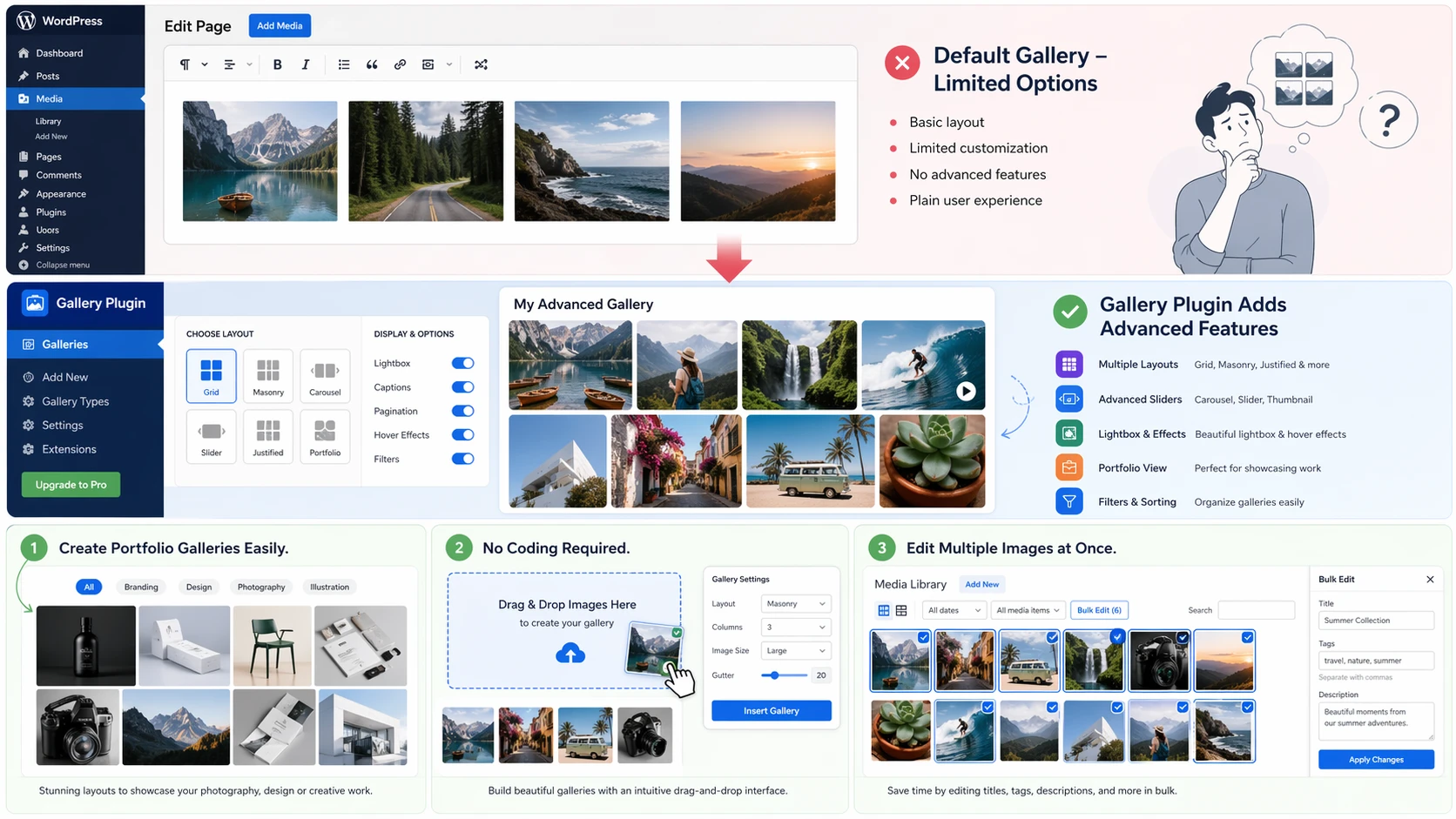
In addition, the gallery plugin can display all the images on a single page without any code. It makes building an image section quick and with proper customizations.
Some gallery plugins even allow you to edit your images’ details in bulk inside the WordPress Media page. You don’t have to select images one by one and edit them; instead, use the available bulk-edit option to make your changes.
What to Keep in Mind Before Using a WordPress Gallery Plugin?
As an image gallery creator, there are several things to keep in mind when choosing a gallery plugin for WordPress.
For starters, the following can help:
- Budget
- Compatibility and Version check
- Functionality requirement
- Support score
- User rating
- Venerability score
11 Best Gallery Plugins for WordPress in 2026
There are many gallery plugins for WordPress available online, both free and paid. Picking the best among them is an intricate task. You need to go through many channels to get what you need. Because some offer identical features, some provide you with tools not available in the others.
Hence, it gives birth to confusion where you need clarity.
By following the sections below, you can maintain that clarity and choose the best WordPress gallery plugin for your website. No need to follow complex processes, no need to explore hundreds of different WordPress image gallery plugins.
1. Gallery for Elementor
When it comes to building a WordPress website, the most popular approach that comes to mind is using the Elementor builder. Elementor is a free WordPress builder with tons of features, making it possible to create WordPress websites of any kind.
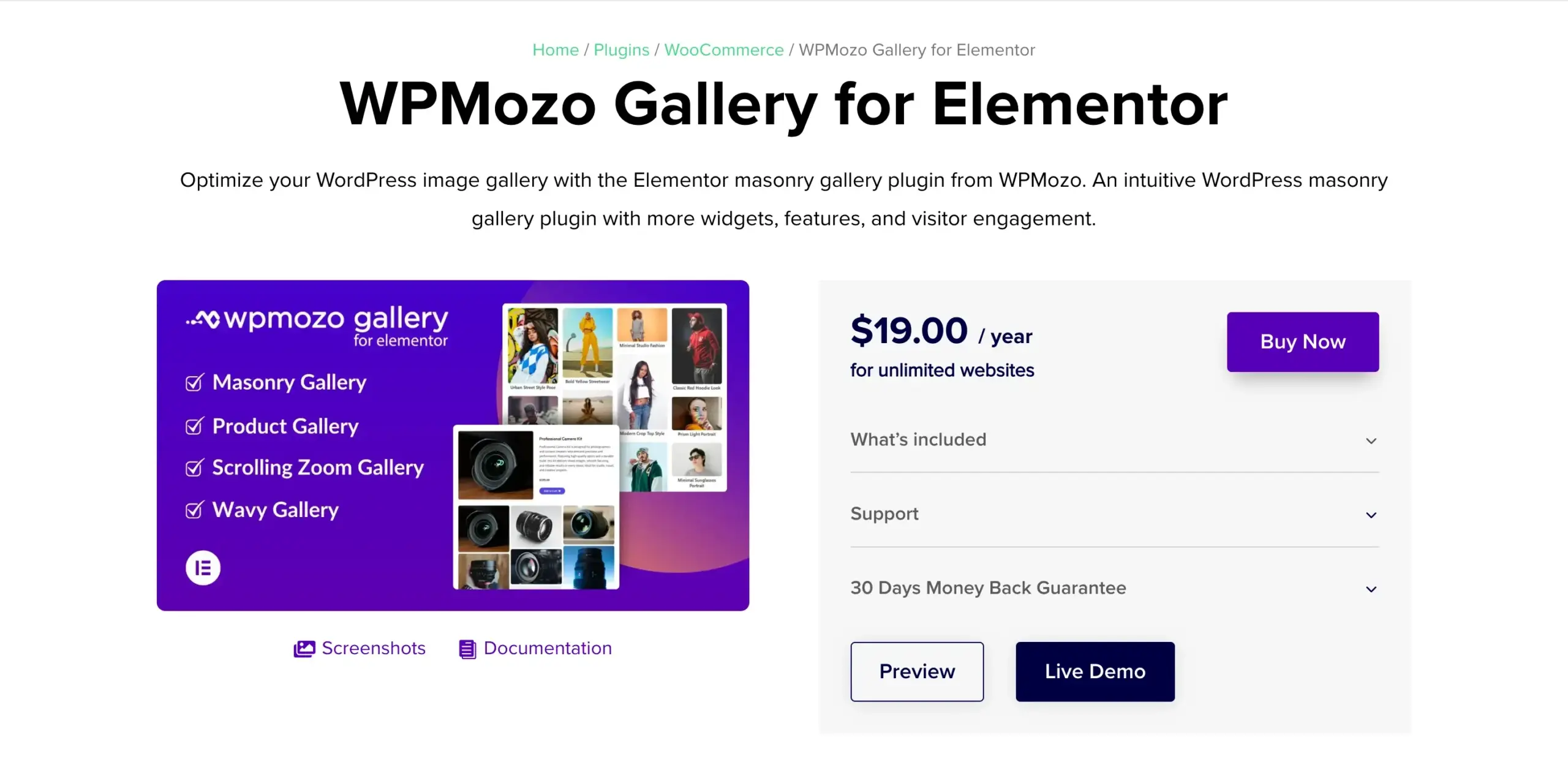
Now, if you’re using Elementor and looking for an image gallery plugin or widget to extend its functionality, then you can use the Gallery for Elementor plugin from WPMozo.
For anyone looking to add an out-of-the-box WordPress image gallery on their website, this is the professional tool you can rely on. With this gallery plugin for WordPress, you can create multiple types of image galleries without needing to install multiple plugins. The plugin is lightweight, offers intuitive controls, and supports creating image galleries anywhere on the website.
If you’re looking for easy controls, adaptability, and rich functionality in your best gallery plugin for WordPress and Elementor, then you can start with WPMozo Gallery for Elementor.
Key Features
- 4 different image gallery widgets.
- It supports bulk image editing.
- You can add images in up to 10 multiple columns.
- Show title and caption.
- Enable lightbox and overlay effect.
- Add WooCommerce product galleries.
- Add scrolling zoom galleries.
- Use custom image resolution.
- Use custom spacing.
With all these features and additional styling options, it is one of the best WordPress gallery plugins you can use on your website to create engaging, interactive image galleries. Once you get this plugin, you no longer have the question of ‘how to add a gallery in WordPress.’
Best For
First, if you’re using Elementor on your WordPress website, it is a suitable gallery extension. Second, it is good for anyone who wants to create high-quality galleries, for professional or personal reasons.
Pricing
Gallery for Elementor is a premium WP image gallery plugin for Elementor. You can make it yours for an affordable $19/year, with unlimited websites and a 30-day risk-free guarantee.
2. Modula Gallery Plugin for WordPress
Okay, you’re not using Elementor on your website; it is built entirely with a custom HTML template. Then you might need something that can easily integrate with your template and the classic editor.
In that case, your best short is the Modula image gallery plugin.
An advanced gallery plugin for WordPress with rich features and controls. Using this WordPress image gallery plugin, you cannot only build image galleries, but you can also give power to your creativity for videos, too.
However, it only scratches the surface of this best gallery plugin for WordPress; once you start using it, you discover its real depth. It has a unique UI for creating your image galleries, with options for client and team collaboration, image CDN, watermarking, and more.
The plugin offers so much for building image galleries on WordPress that do more than just showcase images.
And for that, Modula is the perfect WordPress gallery plugin.
Key Features
- Create multiple galleries, such as Video, Instagram, and Sliders.
- Image compression.
- Image Proofing – client approval feature.
- Use nested albums.
- Use Right Click and Password Protection.
When you have a gallery plugin with all of these features, you can add images to your website with confidence. You have the controls to present and protect the content at the same time. Hence, a reliable plugin to create galleries that need care.
Best For
If you’re a photo studio or professional offering photography services, you can utilize this plugin on your WordPress website. It gives all the controls to easily add your images to the site as well as share them with your clients for review and approval.
Pricing
Likewise, the WPMozo Gallery for Elementor plugin, Modula, is a premium plugin. You can get it starting from $39/year for a single site. However, with the base license, you only get limited features to utilize on your WordPress image gallery.
3. Divi Gallery Extended

If not Elementor, then Divi, this is what most WordPress users look up to. And if you’re among those WordPress users and thinking of adding a highly interactive image gallery on your Divi website, you can use the Divi Gallery Extended plugin.
With Divi Gallery Extended, you can build various kinds of image galleries by utilizing its multiple modules. The plugin supports different elements and functionalities to build unique and useful galleries without using custom code.
Moreover, if you’re looking for a WordPress gallery plugin with a filter, then this is where your search stops.
This gallery plugin can help you add image galleries with categories, so users can easily explore images based on their interests. A useful feature for art galleries or museum websites. Apart from these, there are several styling options that make this plugin one of the best gallery plugins for WordPress you can go for.
Key Features
- Add image galleries of different types: Masonry, Dynamic, Justified, Video, and Carousel.
- Add overlay and lightbox to the galleries.
- Showcase title and caption.
- Enable slider arrows and pagination.
- Enable category filter with custom All image text.
- Link images.
- Display images in up to 15 columns.
In addition to the above features, there are several other options that let you style the gallery to suit your requirements. The plugin also comes with pre-built layouts, enabling you to add image galleries without creating them from scratch. Thus saving time and effort.
Best For
With the Divi Gallery Extended plugin, everyone can create outstanding image galleries. Whether you’re just starting out or an established professional, this gallery plugin for WordPress can do wonders for everyone.
Pricing
Divi Gallery Extended is a premium plugin; you can get it starting from $29/year for unlimited websites.
4. Gallery by FooGallery
Gallery by FooGallery is the first free plugin in this list of best WP gallery plugins. With over 100k active installations, it is the gallery plugin for WordPress that one can use to build responsive, retina-ready, and SEO-friendly image galleries in no time.
With this plugin, you get 7 different image layouts enabling you to diversify your content presentation. You can choose to enable masonry layout, portfolio layout, or carousel; the plugin supports your creative fire with elegance.
The primary good thing about Gallery by FooGallery is that you can create image galleries using its drag-and-drop interface as well as inside the Gutenberg editor.
Hence, more freedom at your disposal to work in the way you like to do.
Another great thing about the plugin is that it is highly compatible with other plugins. For instance, if you want to sell photos online, then using this plugin with WooCommerce, you can do that easily. So, overall, a quality product from FooGallery to help website owners create image galleries quickly and without any expenses.
Key Features
- Fullscreen and auto progress controls.
- Captions and hover effects.
- Lazy loading.
- Built-in album, stack album, and lightbox.
- Easy migrator.
Whether you want to create image galleries for personal or professional use, Gallery by FooGallery has all the essential options that make your image gallery worth exploring. There are import/export options, custom CSS options, and one-click gallery page creation options that no doubt make this plugin highly useful.
Best For
If you’re looking for a free image plugin for WordPress with lots of essential features, this is the plugin you can start with.
Pricing
Gallery by FooGallery is a free plugin; just get it from the WordPress repository and start using it without stopping.
5. WPMozo Blocks and Addons
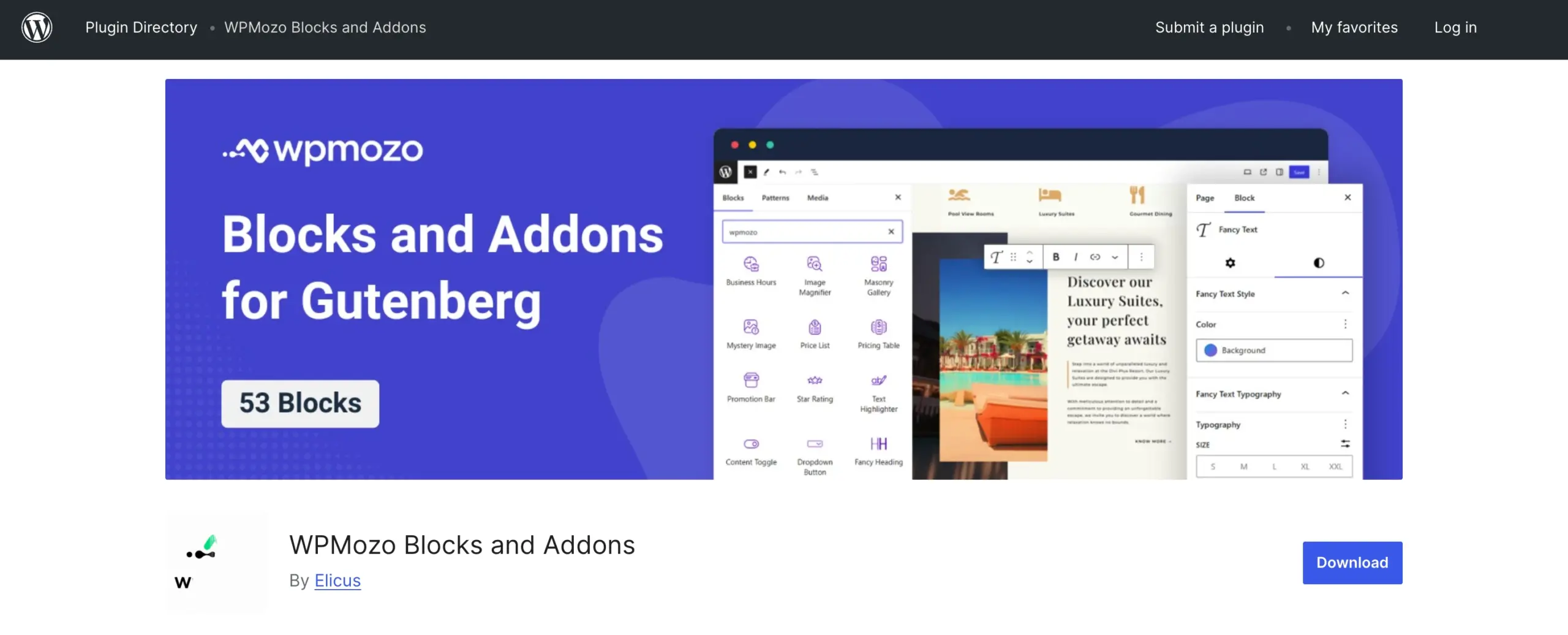
Gutenberg editor is the future of WordPress, so many website designers are switching to it at a rapid rate. No doubt building your next website using this editor is the best option. If you’re already using this editor and want image gallery blocks to build your exceptional art galleries, you can use the WPMozo Blocks and Addons plugin.
It is another free plugin for WordPress in this list with over 50 blocks for the Gutenberg editor.
For image galleries, the plugin provides you with 3 different blocks to create unique, feature-rich, and interactive image galleries without any coding. Or, any ChatGPT help!
This makes this plugin one of the best gallery plugins for WordPress that you can have on your website. The blocks included with the plugin are Masonry Gallery, Scrolling Zoom Gallery, and Wavy Gallery. All of these blocks help you build out-of-the-box image galleries in a few clicks.
The primary thing to notice here is that it is built for the core of WordPress, which means you’ll experience frictionless designing with no compromise to the website’s functionality or speed because the blocks are lightweight and based on core Gutenberg.
Whatever image galleries you add, they will speak to your visitors with clarity, emotions, and top-notch interactivity.
Key Features
- WordPress gallery plugin with filter option.
- Choose images for the gallery of any resolution.
- Display image Title and Caption in the gallery and the Lightbox.
- Custom styling options for the Pagination and Arrows.
- Bulk edit images in the Media Library.
If you want to work only on the Gutenberg editor, plus don’t make your website heavy, this plugin is what you should work with. You get not only gallery blocks but also other critical ones, which open up more possibilities for better design with the Gutenberg WordPress editor.
Best For
The plugin is good for everyone who is using Gutenberg as their main website developer. The blocks offer extensive features; thus, it is a perfect tool for agencies as well as professionals on their own.
Pricing
WPMozo Blocks and Addons is a free plugin; hence, you can start using it from today at no cost. Get it from the WordPress repository or directly from your WordPress plugins dashboard.
6. Galleryberg
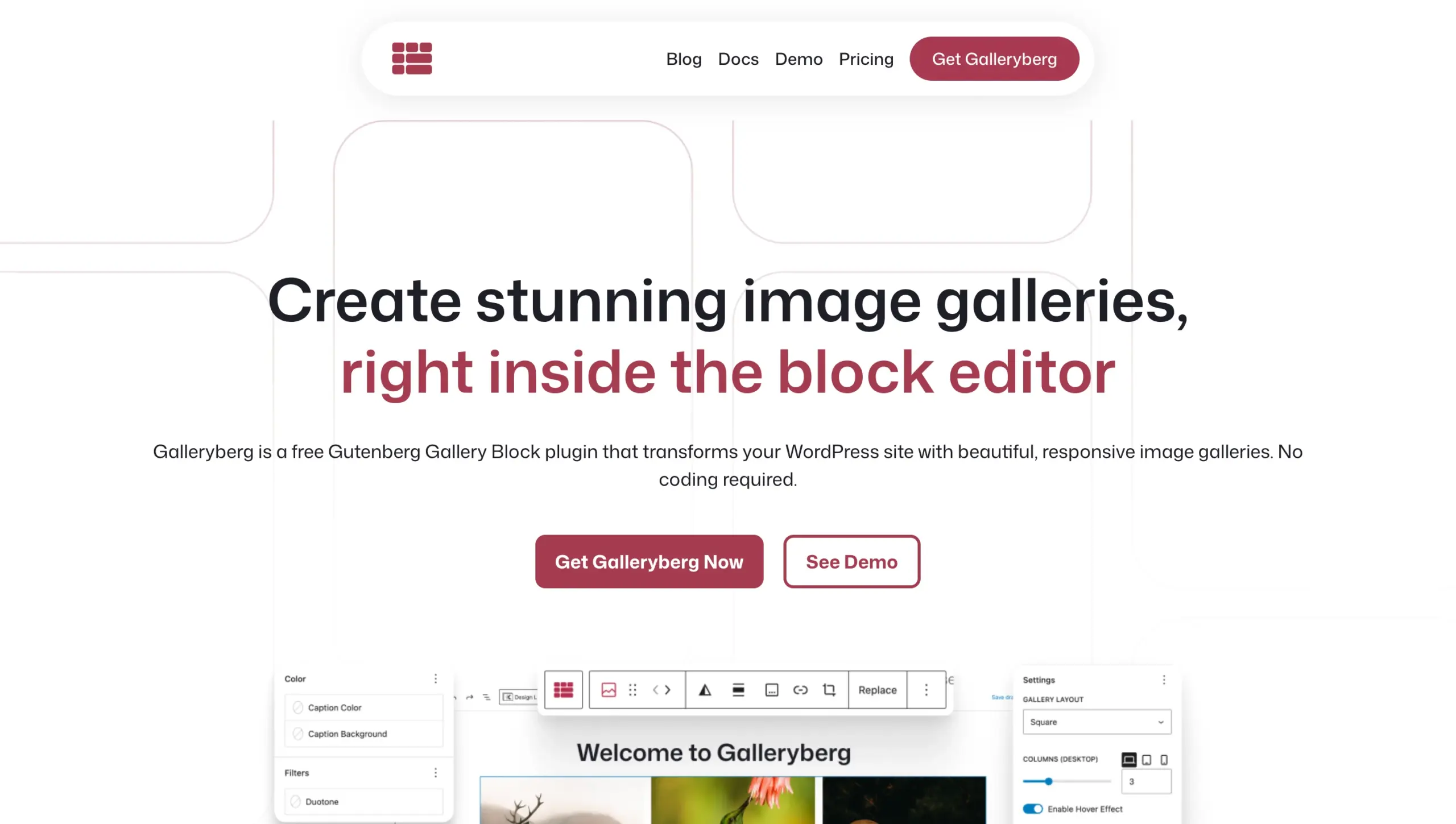
Just like WPMozo Image Gallery blocks, the Galleryberg is another image gallery plugin for Gutenberg in this list. Unlike WPMozo blocks, this plugin only provides you with a single block, but you get multiple image gallery design options right inside your Gutenberg editor.
So, if you’re used to the default WordPress editor, using the Galleryberg plugin will feel normal to you.
With the help of the Galleryberg image gallery block, you can create galleries in different layouts such as Tiles, Masonry, Justified, and Square. Each layout includes extensive features to customize. For instance, you can make the zoomable, you can change the image caption alignment, and enable duotone if required.
The plugin is easy to use and because it’s for the Gutenberg editor, the images of the gallery and even the gallery itself won’t compromise the performance of your website as well as the website.
Hence, making Galleryberg one of the best free gallery plugins in WordPress.
Key Features
- Gallery images draggable control.
- Caption customization options.
- Hover effects.
- Multi-column support.
- Mobile-responsive image galleries.
The above features are just a few mentioned here; the actual list is really long and something you’d like to have for your image gallery. From start to finish, Galleryberg will stand up to your expectations.
Best For
Galleryberg is an intuitive plugin for the WordPress Gutenberg editor that provides all the necessary options to create an advanced gallery for any purpose. Regardless of your WordPress knowledge, you can use it. Hence, it is good for everyone.
Pricing
You can get the Galleryberg plugin for free from the WordPress repository or directly from your plugins dashboard.
7. Mixed Media Gallery Blocks

Till now, we talked about gallery plugins that are capable of presenting images and videos in the gallery, and separately. However, if you need to create a gallery that can display everything together, videos, images, and audio, you won’t be able to do it by using the aforementioned one.
You need something else, and that something else is the Mixed Media Gallery Blocks plugin.
Using the blocks of this plugin, you can create galleries in WordPress that can simultaneously showcase different media types. Thus, giving you more possibilities to present your work, your ideas, and your creativity.
Now, don’t think this plugin is all about multiple media types together. Instead, the plugin provides you with multiple blocks to create individual galleries as well. For instance, you’ve got blocks for Masonry gallery, Grid gallery, Justified gallery, and List image gallery.
It adds a dedicated panel to the WordPress dashboard to help you manage it effectively and use it outside the Gutenberg editor as well.
Key Features
- Block transformation support.
- Over 10 image gallery blocks.
- Turn the image into a video poster.
- Dedicated, extensive customization options.
- Multiple animation effects.
Now, looking at these key features, don’t assume that’s all you get with Mixed Media Gallery Blocks (previously Simply Gallery Block). There’s more you get with each block, as well as the whole plugin customization. The plugin has no unnecessary JS libraries, it has multi-touch gesture support, and is even ready for social media sharing.
Best For
This plugin has so many features to create outstanding images as well as different media types galleries. It has options that both professionals and individuals can benefit from. Hence, it is a good WordPress image gallery plugin to start with for everyone, regardless of their industry, profession, and user level.
Pricing
The plugin is available for free. You can get it from the WordPress repository or download it directly from the Plugins’ dashboard.
8. Visual Portfolio

If you’re looking for a dedicated plugin to create your portfolio gallery at no extra cost, then you can use the Visual Portfolio, Photo Gallery & Post Grid plugin. It is a free plugin that helps you create image galleries in WordPress for your professional showcase.
The plugin also supports creating additional photo galleries and post grids, allowing you to use it in multiple ways.
It is a simple-to-use plugin with a dedicated visual builder to add portfolios of various types to your WordPress website. The plugin also comes with multiple layouts, offering you more ways to showcase your portfolio creatively.
Each layout has different effects added. For instance, the Justified Gallery layout allows you to enable the image tilt effect on hover. This increases user interaction with your gallery and makes the portfolio more interesting.
Key Features
- Slider gallery options.
- Prebuilt skins for the gallery.
- Custom post type for the portfolio.
- Post query builder.
- Video and audio support.
Just like the plugins we discussed earlier in this post, this plugin, too, has so much to offer. Not just the options for building an engaging and interactive portfolio, but also photo galleries of all kinds. And with all of these amazing features, it becomes another of the best gallery plugins for WordPress.
Best For
As the name suggests, it is a powerful WordPress plugin for creating portfolios. If you’re someone whose business depends heavily on customer exposure and showcasing the work, it is the perfect plugin to work with.
Pricing
Visual Portfolio, Photo Gallery & Post Grid plugin is a free image gallery plugin for WordPress. You can download it from the WordPress repo or directly from your WordPress dashboard.
9. Pixel Gallery Addons for Elementor
So far, we have only discussed a single gallery plugin for WordPress that is for Elementor.
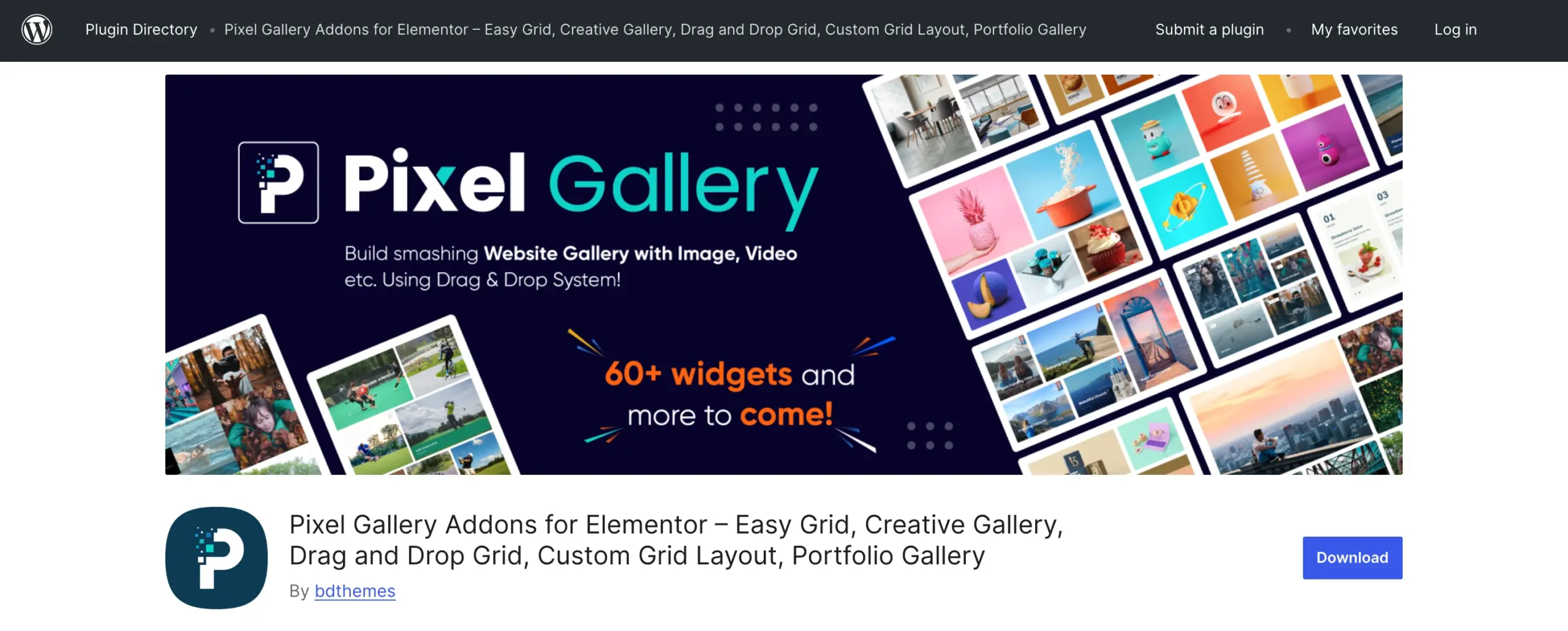
But, this list has another image gallery plugin for Elementor, and it is one of the most popular ones: Pixel Gallery Addons for Elementor.
Using this gallery plugin for WordPress and Elementor, it is possible to build modern and highly functional galleries of different kinds. It comes with more than 60 widgets to create out-of-the-box image galleries.
Because it’s an Elementor plugin, you will have the drag and drop capability, enabling you to finish your design in a few minutes.
It supports different devices, which means it is mobile-friendly, it supports WooCommerce, and lets you use high-quality visuals without lowering the speed or performance of your website, or wherever you use the widget to create your image galleries.
Key Features
- Hover effects for image titles.
- Activate or deactivate widgets.
- CTA support for images in the gallery.
- List gallery with on-hover image showcase.
- Add content, title, and social buttons.
In addition to these features, Pixel Gallery offers various other sets of customization options. Thus, allowing you to optimize the image gallery even better, according to your requirements.
Best For
Pixel Gallery is a powerhouse with many gallery widgets. Whether you’re an agency or an individual, you can benefit from this plugin immensely. But it can only be used for Elementor. If you’re not using Elementor, it has no use for you.
Pricing
The plugin is available for free, but the free version has limited options. In order to get full capabilities, you need to opt for the premium version starting from $29/year for a single website with standard support and service.
10. 3D FlipBook

Not every website needs the same gallery style, not every media needs the same plugin, and if you’re looking for some additional creative touch for your images and documents on the website, then you might want to try the 3D FlipBook plugin.
It is an interactive, engaging, and state-of-the-art plugin for WordPress to create image/PDF galleries that appear like a 3D book.
Your website visitors can interact with them as books and see the images or documents by turning the pages one by one. The appearance is just like a real book. You get the curls, you get book-like visibility, and so much engagement from the customers, as it makes exploring the content interesting and fun.
Using the plugin, you can embed your PDFs without using any code. Plus, it supports building flipbooks for images as well as HTML.
Hence, you have more options to create 3D books on your website.
Key Features
- Only a 3-step 3D Flipbook building.
- Integrate Google Analytics.
- RTL support.
- Supports PDF bookmarks.
- Auto resolution.
When it comes to making the website fun and interesting, you can rely on this plugin. It has the features to impressively present your images or documents to the customers with a touch of extreme creativity.
Best For
If you’re looking to add your images or documents in a different way, not just masonry, grids, or sliders, then you can use the 3D FlipBook plugin.
Pricing
The plugin is available for free. You can download it from the WordPress repo or install it directly from your WordPress dashboard.
11.GT3 Photo Gallery
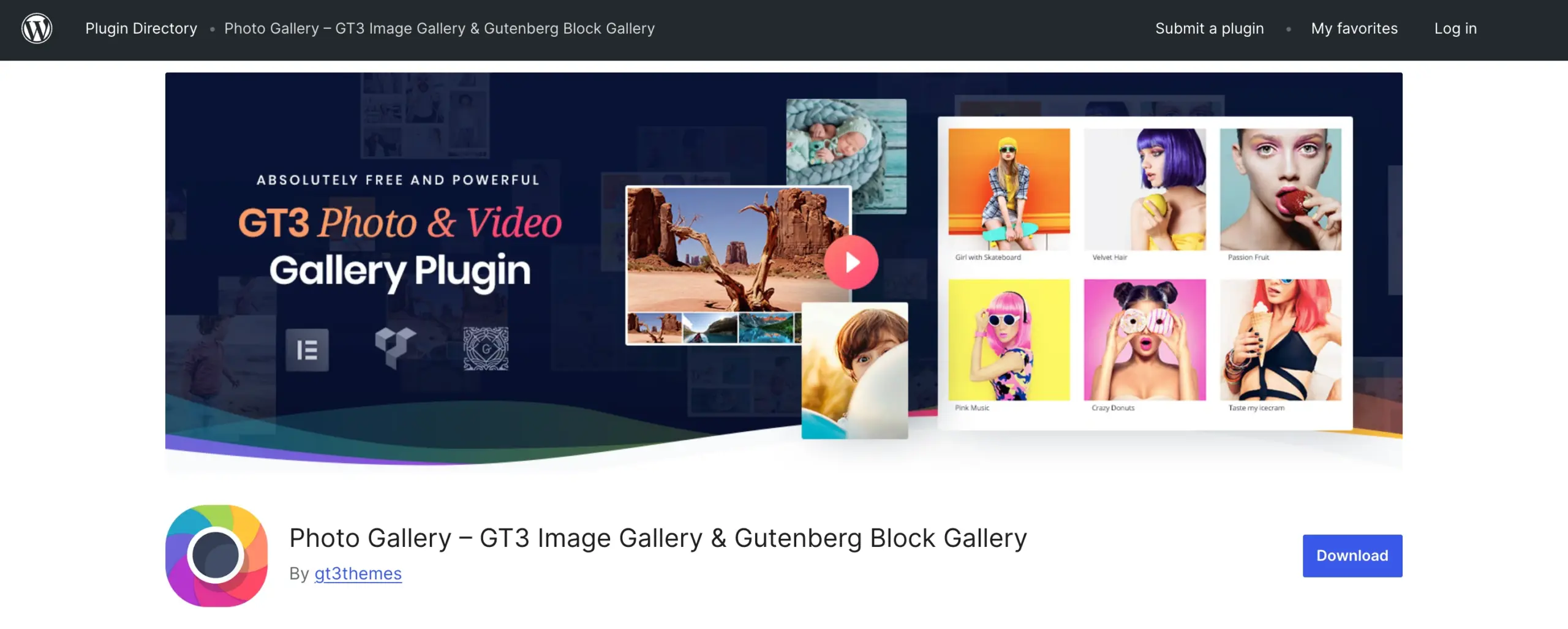
The last best gallery plugin for WordPress in our list is GT3 Photo Gallery. It is a free WordPress image gallery plugin with multiple custom gallery blocks for the Gutenberg editor. Using this plugin, you can easily create various kinds of image galleries, including video.
It supports a drag-and-drop UI to quickly build galleries in WordPress without any custom CSS or HTML.
The interesting thing about the GT3 Photo gallery plugin is that it can be converted into another type of gallery just with a single click. Turn grid galleries into masonry, and masonry galleries into grid. No need to use a different block just for the transformation.
It is also compatible with Elementor and Divi, offering you a robust solution to build galleries on your WordPress website. However, it is only possible with the PRO version.
Key Features
- Video gallery support.
- Add high-resolution and clear photos.
- Default WP Gallery on plugin deletion.
- Works everywhere, pages and posts.
- Multiple column support with extensive controls.
GT3 Photo Gallery is a new plugin with over 10k installations. You can expect more features coming in the future, making the plugin even more useful in different scenarios. But still, it can be used to create galleries better than the default options the Gutenberg editor provides.
Best For
This plugin has multiple essential features that can be used to create an image gallery worth exploring. If you’re just starting and don’t need much, then you can probably go with the GT3 Photo Gallery plugin.
Pricing
GT3 Photo Gallery for WordPress is available for free. You can download it from the WordPress repo or install it directly from your WordPress dashboard.
Comparison Summary
| Plugin name | Best For | Key Standout Feature |
|---|---|---|
| Gallery for Elementor | Elementor users who want flexible image galleries | 4 gallery widgets with WooCommerce product gallery support |
| Modula Gallery Plugin for WordPress | Photographers, photo studios, and client review workflows | Image proofing for client approval |
| Divi Gallery Extended | Divi users building interactive galleries | Category filtering for easier image browsing |
| Gallery by FooGallery | Users wanting a free, feature-rich gallery plugin | Drag-and-drop gallery creation in Gutenberg |
| WPMozo Blocks and Addons | Gutenberg users who want lightweight gallery blocks | 3 dedicated gallery blocks for Gutenberg |
| Galleryberg | Gutenberg users who want simple but advanced gallery layouts | Multiple layout options in a single gallery block |
| Mixed Media Gallery Blocks | Users who need images, videos, and audio in one gallery | Mixed-media galleries across multiple content types |
| Visual Portfolio | Businesses and creators showcasing portfolios | Custom post type and visual portfolio builder |
| Pixel Gallery Addons for Elementor | Elementor users needing many gallery widgets | 60+ widgets for modern gallery designs |
| 3D FlipBook | Users who want a book-style presentation for images or PDFs | 3D flipbook-style page-turning effect |
| GT3 Photo Gallery | Beginners wanting an easy, free gallery plugin | One-click gallery type conversion |
Create Awesome WordPress Image Galleries Today!
So, we have discussed 11 WordPress plugins that extend the default WP gallery capabilities.
Each plugin stands out in its own way and provides features you can use easily. However, it is essential to notice your project requirements. Choose the plugin that best fits your requirements.
For instance, if you’re using Elementor, you can go with Gallery for Elementor by WPMozo, or you can choose Pixel Gallery.
Likewise, if you’re using the Gutenberg editor, then choose accordingly.
If budget is your concern, go with free; if you can purchase one, you should compare thoroughly, because some charge too much compared to others and offer support for only one or two websites.
So, be mindful of that as well.
Apart from this, all the plugins are well-maintained and offer good options for adding high-quality visuals to the website in the most creative and easiest way. You’ll rarely find any issues with them.
That’s it for now. Let us know what your experience was using the above plugins.




0 Comments